01 / Concept
A Story Machine Disguised as a Party Game
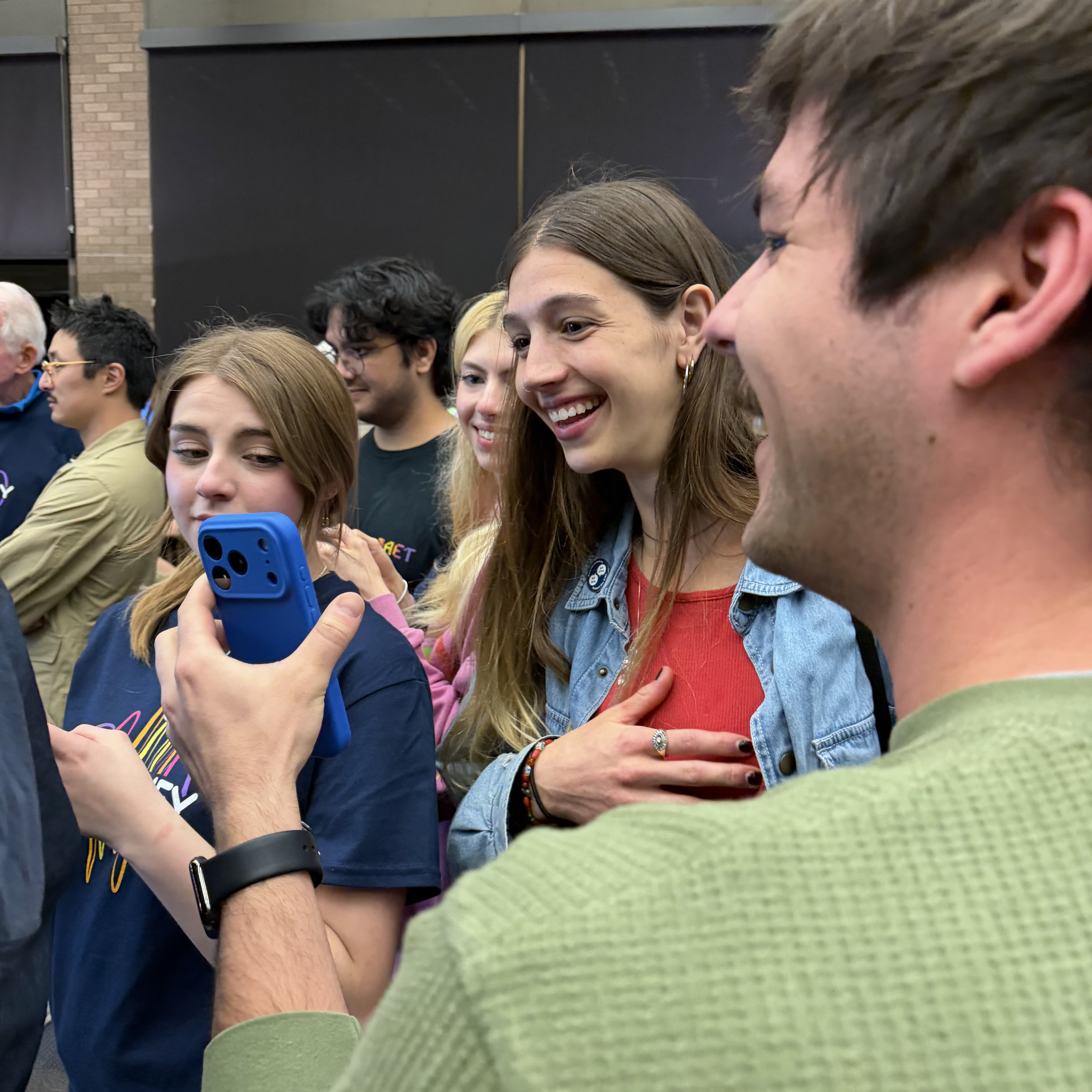
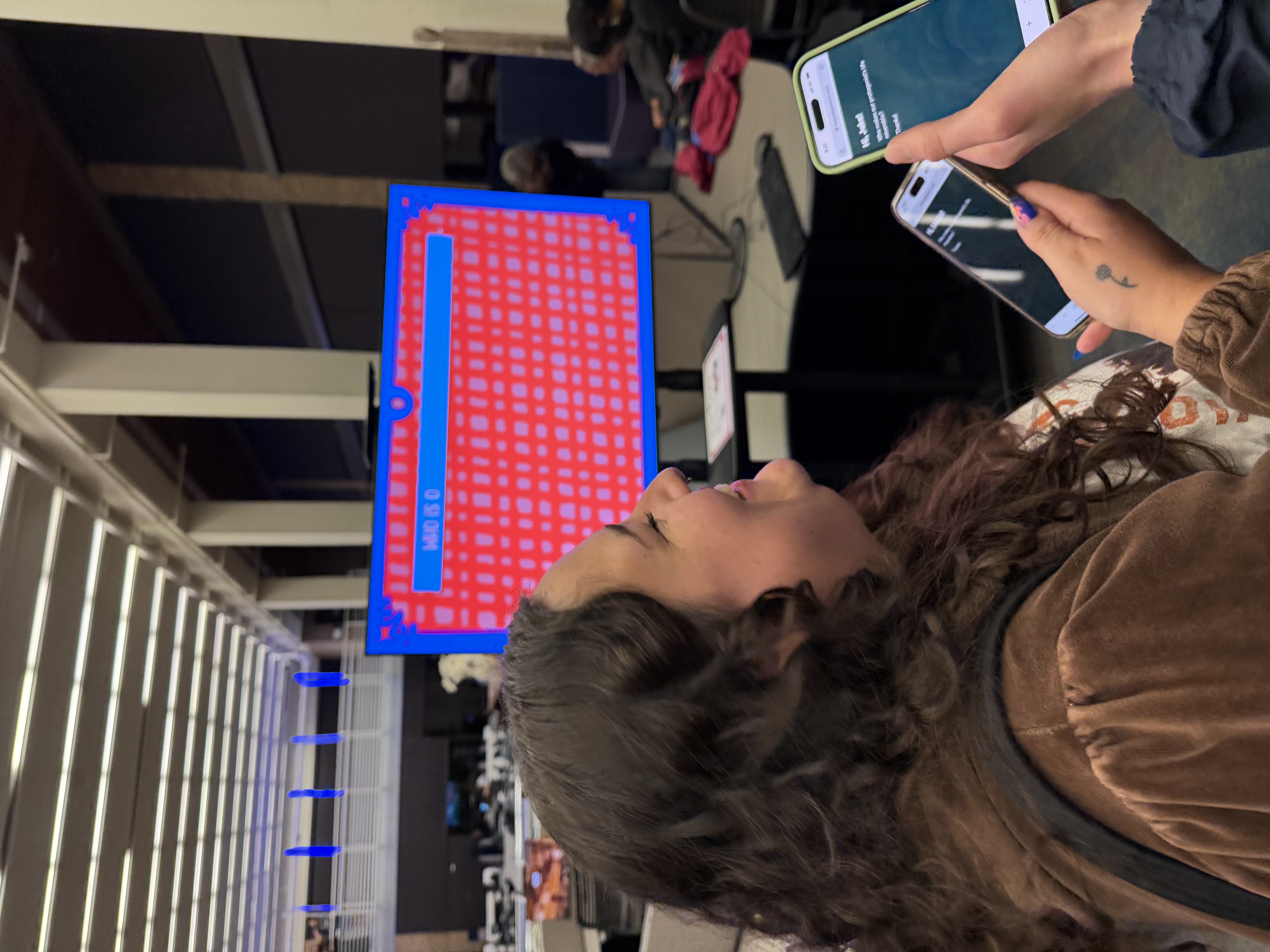
Plot Twist is a party game for 2–8 players in the tradition of Jackbox: one shared screen, a phone in every player’s hand. Inspired by my time as a children’s theater teacher, players work together to craft an original story. Across the acts of a classic arc — exposition, rising action, climax, resolution — they answer prompts, vote on each other’s answers, and react with emoji. By the end, the room has collaboratively written a fairy tale, and the screen reads it back as a finished story.
The version you can play is Cinderella — but the engine has no idea it’s Cinderella. Swapping to Sleeping Beauty is a content task, not an engineering one, and that single constraint shaped the entire architecture. I wanted a framework for telling stories, not a single story with the seams showing.
The story also quietly reshapes itself around how players react, so the ending always feels like theirs. The goal: a game that feels authored by the room rather than retrieved from a database, where two playthroughs of the same fairy tale read like genuinely different stories.
The team
Helena Bjeletich Design, Engineering, Shaders, Systems
Vasi Bjeletich Art & Illustration
Olivia Longoria Music & Sound
I designed the game, wrote all of the code, built the shaders, and collaborated on the visual design. My sister Vasi drew the art, and my friend Olivia composed the music.
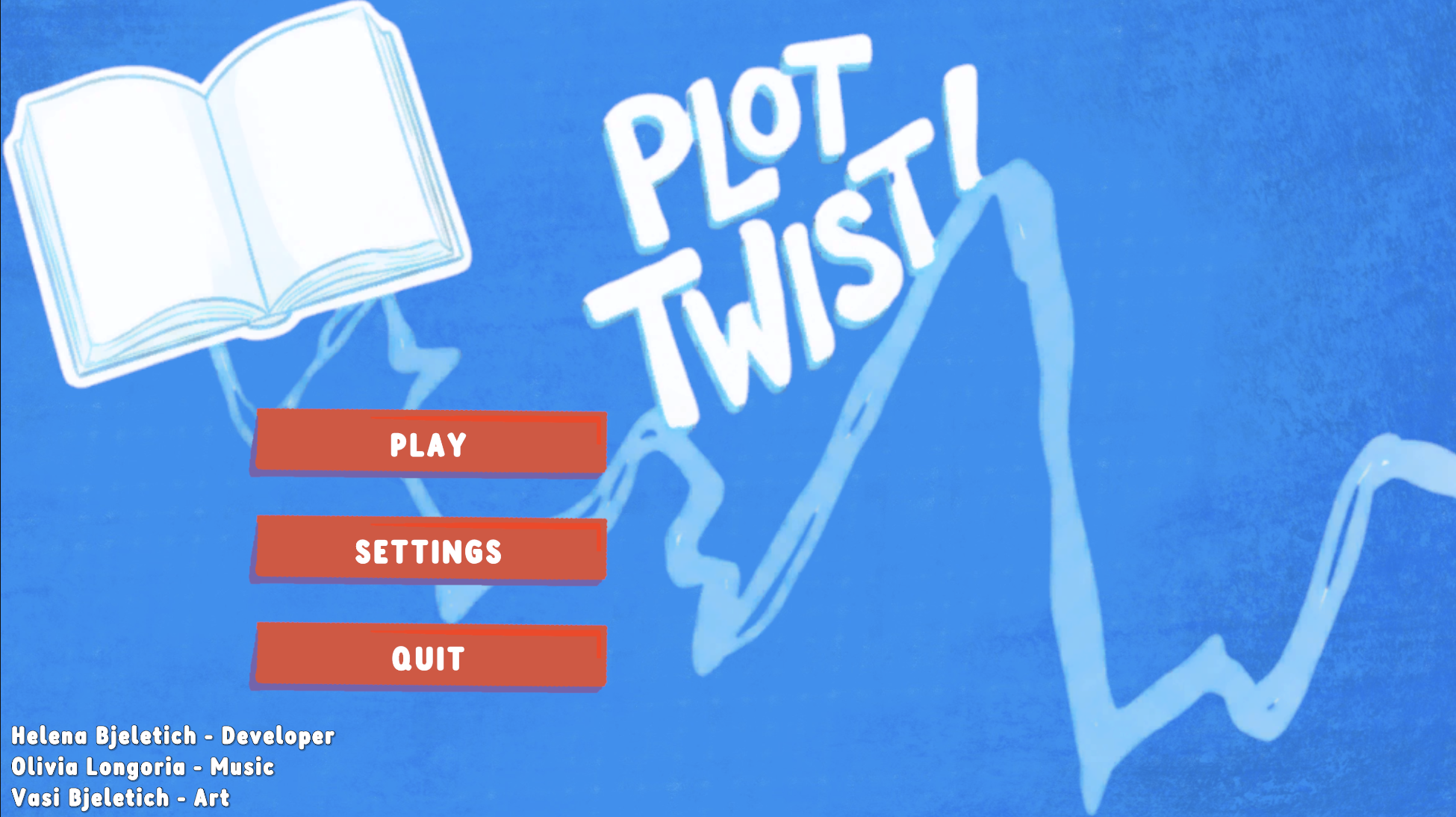
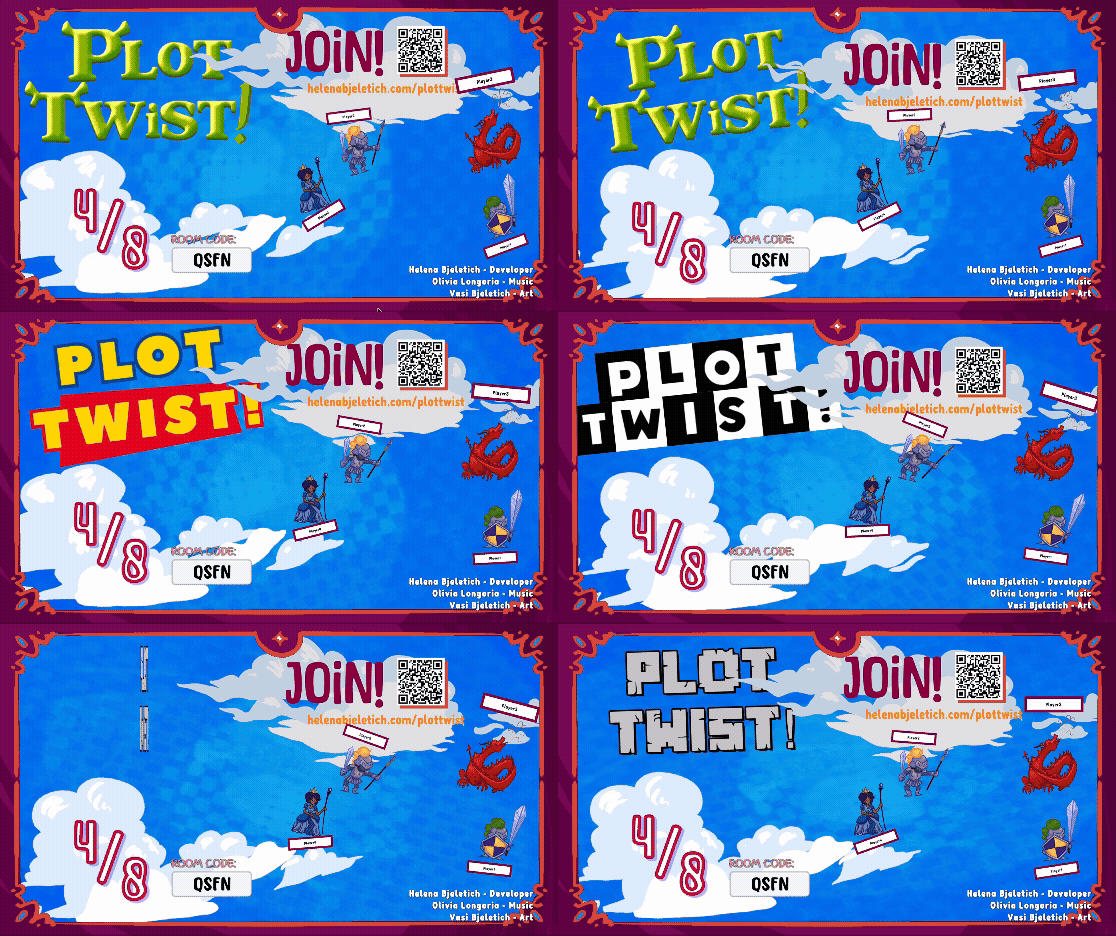
Shader Work This case study covers the architecture, networking, and story engine. The visual theming system — phase-by-phase recoloring of the background and frame — is documented separately as a tech-art piece:
Before
After
02 / Architecture
The Manager Spine
Plot Twist coordinates a lot of moving parts for a party game: a cloud relay, a fleet of phone clients, a state machine that walks the story acts, scoring, the story engine, and a layered UI. To keep all of it buildable by one person, the whole thing runs on a spine of singleton managers that talk through C# events rather than direct references.
Phone Clients (2–8)
 │  WebSocket / JSON
 ▼
Cloud Relay (room codes)
 │  player_message / player_disconnected
 ▼
RelayClient  ──►  ConnectionManager  (parses + routes messages)
                │
                ▼
          GameManager  (state machine + scoring)
            │   ▲
 subscribes │   │ fires events
            ▼   │
 RoundManager · StoryManager · PlayerManager
                │
                ▼
           UIManager  ──►  GameUI / LobbyUI
The key decision is loose coupling. RoundManager doesn’t call GameManager directly — it fires events like OnAllPromptsSubmitted, OnAllVotesSubmitted, and OnAllReactionsSubmitted. GameManager subscribes to those and decides what happens next based on the current GameState (a simple enum: Lobby, Talking, Prompting, Reacting, Voting, Ended). A round phase announces that it’s finished; the orchestrator responds.
Why this matters Because systems announce instead of command, I could add scoring, then audio, then tone tracking, then a whole title-naming phase — each by subscribing a new listener to events that already existed. No existing system had to change to accommodate the new one. For a solo developer building something this large, that loose coupling was the difference between shipping and stalling.
03 / Networking
Rooms, Relay & Reconnection
This is the part of Plot Twist I’m proudest of, because it’s the part that’s genuinely hard. A party game can’t assume everyone’s on the same Wi-Fi — players join from their own phones, over the open internet, and phones drop constantly. The game had to be built for a hostile network, not a happy path.
A cloud relay with room codes
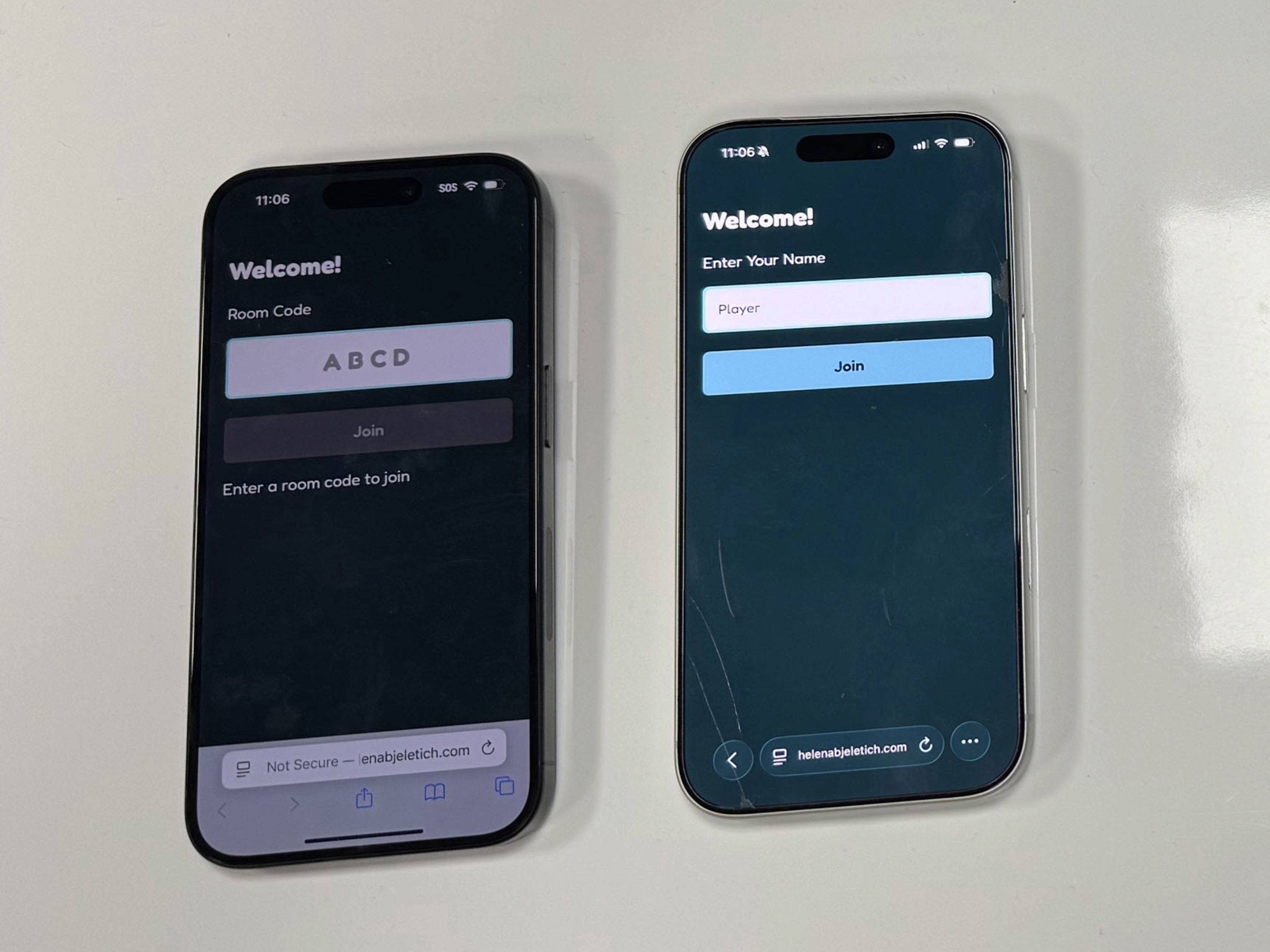
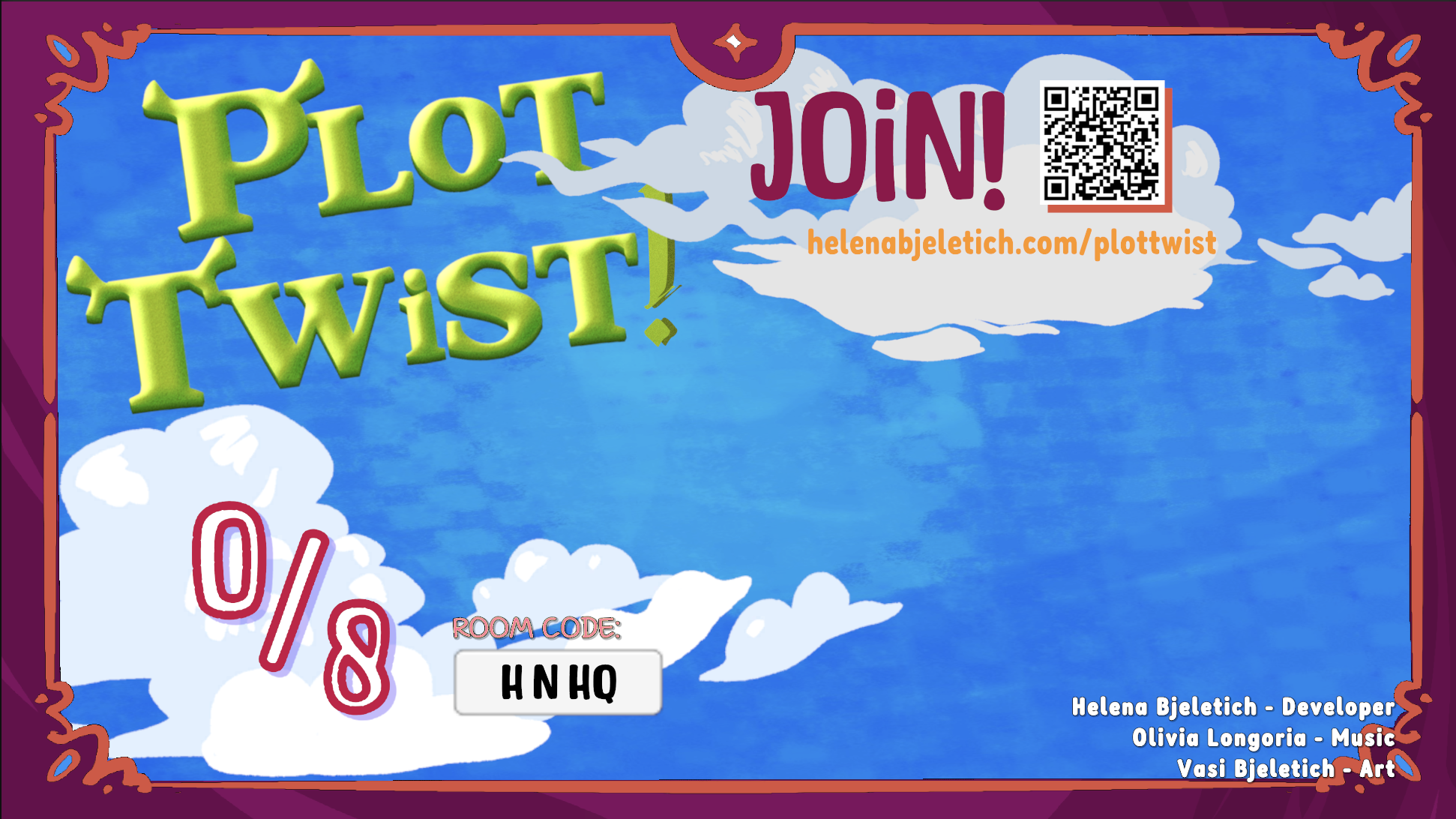
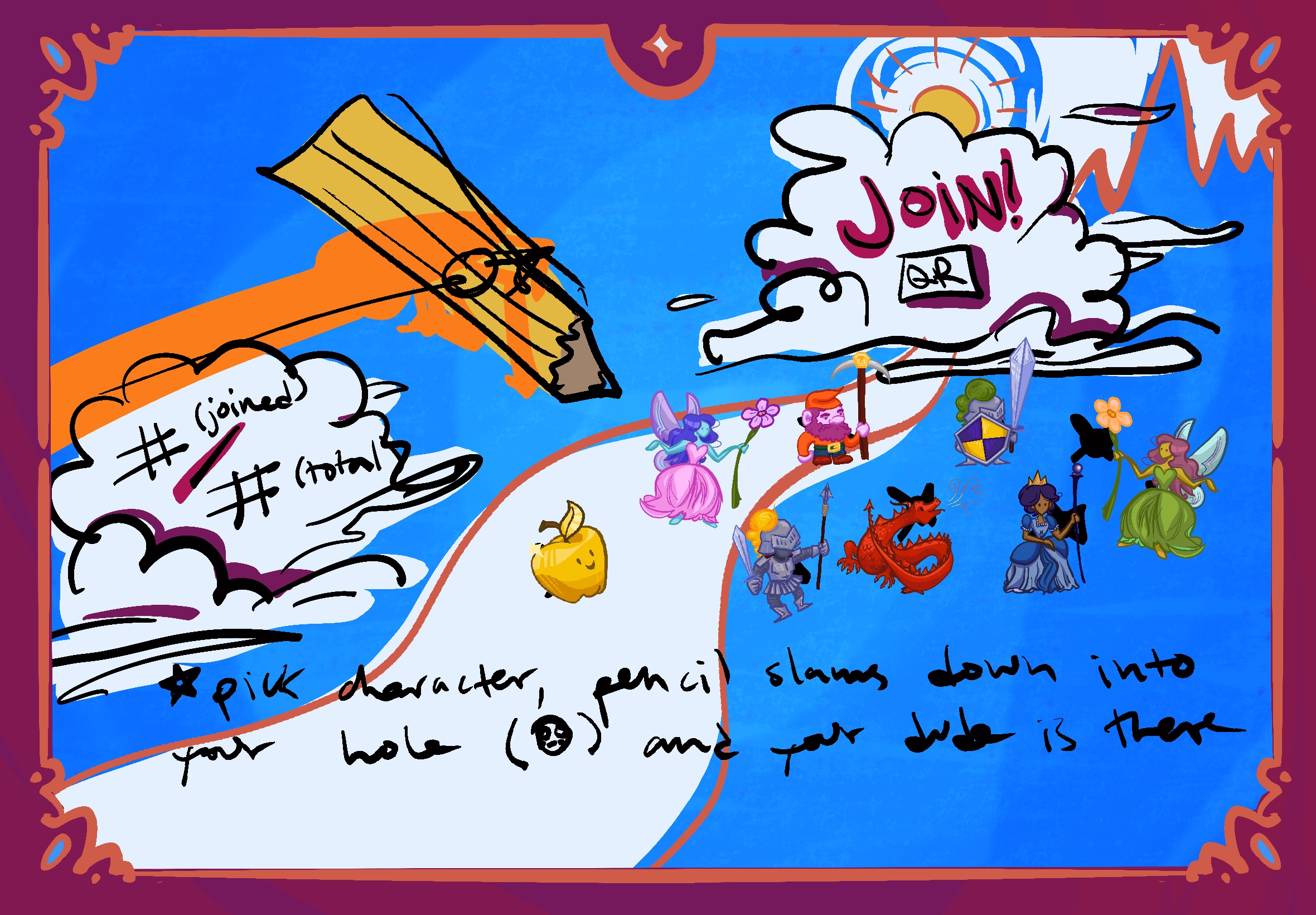
The first version of Plot Twist hosted its own WebSocket server inside Unity, which meant everyone had to be on the same local network. To make it a real party game, I moved to a hosted relay architecture. Unity is now a client, not a server: on launch it connects to a small Node.js relay in the cloud and asks it to create a room, and the relay hands back a four-letter room code. Players type that code into a lightweight web app, and the relay routes every message between their phones and the host.
The phone client
The controller is a lightweight web app — no install, just a URL. It handles the room-code entry, the name prompt, and every in-game input (writing answers, voting, reacting). Keeping the client simple meant all the real logic could live on the host side, where I could trust it.
The shared screen
The host screen displays the room code for everyone to see and type in. As players join, their icons populate the lobby. The lobby derives its player count directly from the player manager rather than keeping its own counter, so the displayed count can never drift out of sync with reality.
The threading problem
The relay client uses NativeWebSocket, and incoming messages arrive asynchronously — off Unity’s main thread. Unity’s API is not thread-safe and will throw if you touch a GameObject from anywhere else. So every message the relay forwards is pushed onto a MainThreadDispatcher queue, which drains on Unity’s main thread before any game logic runs. It’s a small piece of plumbing, but skipping it produces the kind of intermittent, impossible-to-reproduce bug that quietly corrupts a whole project.
Identity that survives a dropped connection
The relay’s player ID changes if a phone reconnects, so it’s useless as a stable player identity. Instead, each phone generates its own deviceId (a UUID stored in localStorage) and sends it on every join. The game keys players by device, not by relay connection — so when a phone drops Wi-Fi and comes back, the host recognizes it as the same player and restores them to their seat, score and all.
Two more guards round this out. The host stamps each game with a session GUID, so a phone trying to rejoin with a stale session is cleanly reset rather than dropped into a game it doesn’t belong in. And the phone client reconnects on its own with exponential backoff — 2 seconds, then 3, then 4.5, capped at 15 — so a flaky connection doesn’t hammer the relay.
The showpiece — a state-aware grace timer Here’s the detail that ties the networking story together. When a player disconnects mid-round, the game does not immediately penalize them — it opens a 15-second grace window. Reconnect in time and the timer is cancelled; they pick up exactly where they left off.
If the window expires, the game auto-submits on their behalf — and crucially, something valid for the current phase: a sensible default if they were writing, a neutral “none” if they were reacting, a random valid option if they were voting. One dropped phone never freezes the room, and a player who steps away briefly isn’t punished. The network is allowed to be unreliable, and the game keeps moving regardless.
Before
After
04 / Story Engine
The Story That Doesn’t Know Its Own Name
The story engine carries two goals at once. The technical one: swap the fairy tale without touching code. The experiential one: make the room feel like it authored its own story — reactive, personal, and never quite the same twice. The systems below serve both.
Prompts are data, not logic
Every prompt in the game is a typed ScriptableObject — ExpositionPrompt, RisingActionPrompt, ClimaxPrompt, ResolutionPrompt — all inheriting from a shared Prompt base. The game logic asks the prompt manager for “a random climax” or “the rising-action prompts for round two”; it never references a specific story. The prompts themselves carry everything story-specific: the text, the answer options, which story variable they fill.
Story variables and templated resolution
As players answer prompts and vote, their choices accumulate into a story-variable dictionary — a running record of who the protagonist is, what the antagonist wants, how each beat resolved. At the resolution, the game doesn’t generate prose from scratch. It walks a resolution graph — nodes loaded from JSON, one per story beat — filling templates full of placeholders like [Protagonist] and [climax_choice] with the variables the room created.
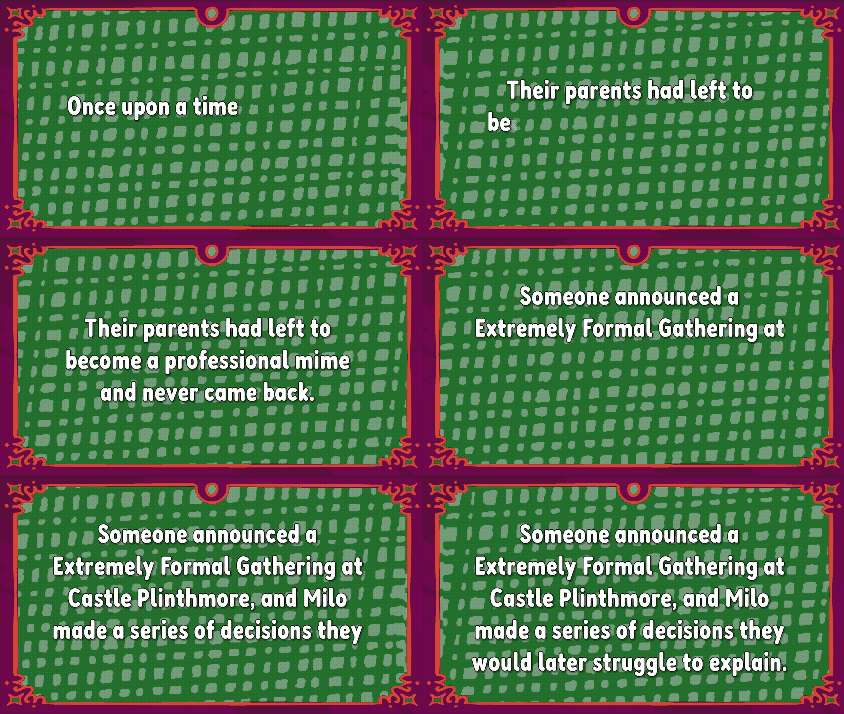
A self-cleaning template Resolution nodes are written to be generous — a node may reference variables that didn’t end up getting filled (because a small lobby skipped a round, say). Two safeguards keep the output clean: a node is skipped entirely if it’s missing a required variable, and within a node, the engine splits the template into sentences and silently drops any sentence still holding an unfilled placeholder. The resolution always reads as coherent prose, no matter which path the room took through the story.
The story reacts to you without telling you
Here’s the design goal that drove this whole system: the resolution should feel like your story — like the ending was written for the specific choices your table made, not pulled from a shelf. And it should do that invisibly. Players never see a “set the tone” screen. They just react to each other’s answers with emoji the way they naturally would, laughing or wincing or cheering. What they don’t realize is that those reactions are quietly steering the ending.
Each emoji — comedy, triumph, tragedy, chaos, dark, bittersweet — is tallied per act into a dominant tone, and each resolution node picks the variant matching the tone of the beat it’s drawn from. A round that kept players laughing reads comedic; one full of winces reads darker. The same plot beats can resolve triumphantly or tragically depending entirely on the mood the players brought — and because they were never told they were choosing a mood, the ending feels like it simply understood them.
The bar I set: it should be almost impossible to feel like the story repeats itself if you’re making different decisions. Different choices fill different variables; different reactions select different node variants; the self-cleaning templates reshape around whatever path you took. Two playthroughs of “Cinderella” should read as two different stories — which is what makes it feel like the room wrote it, not the game.
Before
After
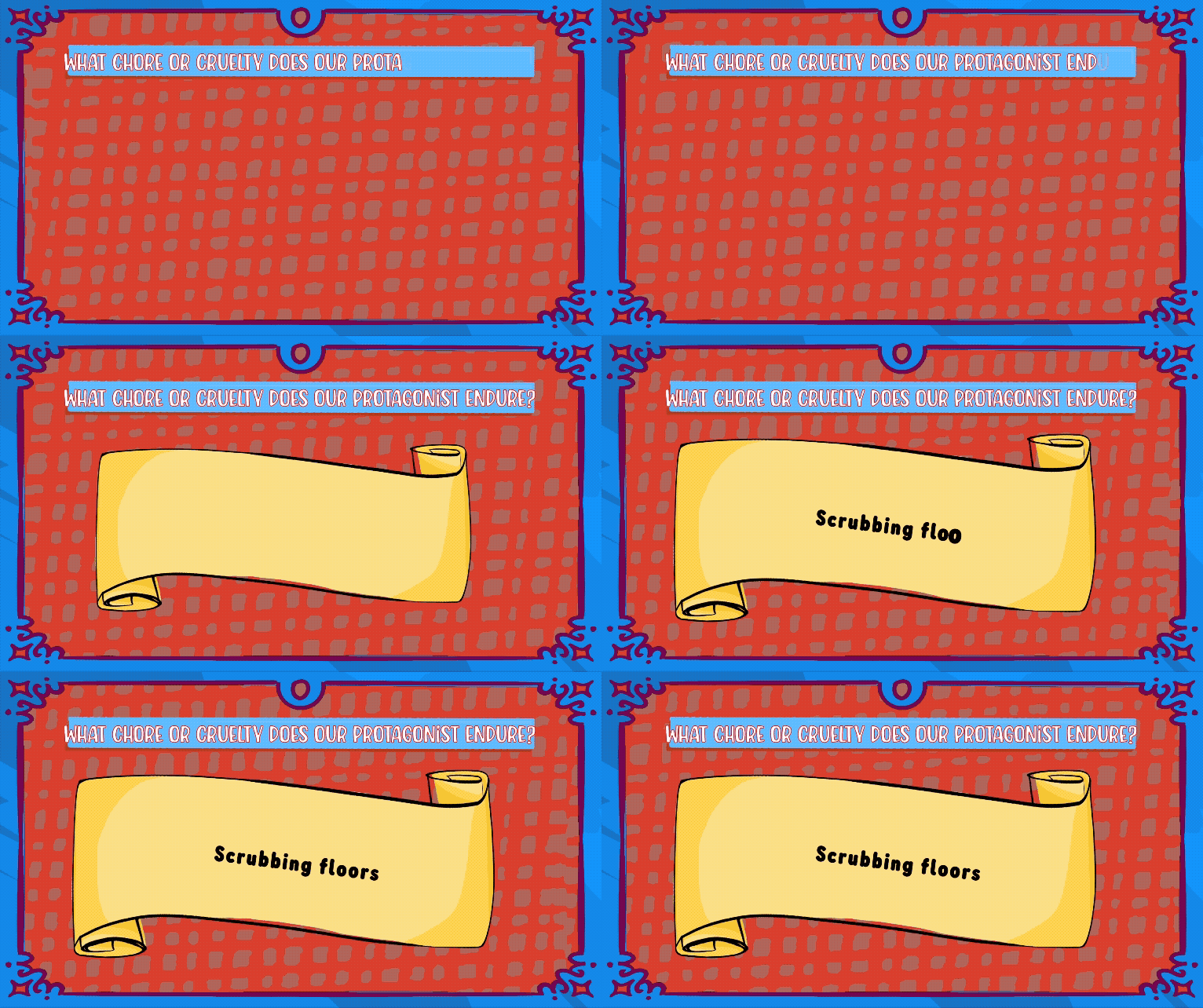
So how do you swap in Sleeping Beauty?
You don’t open Unity. Nothing in the engine names a character, a setting, or an event — it’s all variables, data rows, and graph nodes. To tell a different story, you write a different set of prompts and a different resolution graph. The state machine, the scoring, the networking, the reaction system, the templating — all of it is untouched. That’s the payoff of treating narrative as content: the hard systems are written once, and the stories are infinite.
05 / Authoring Tool
Writing Stories in a Spreadsheet
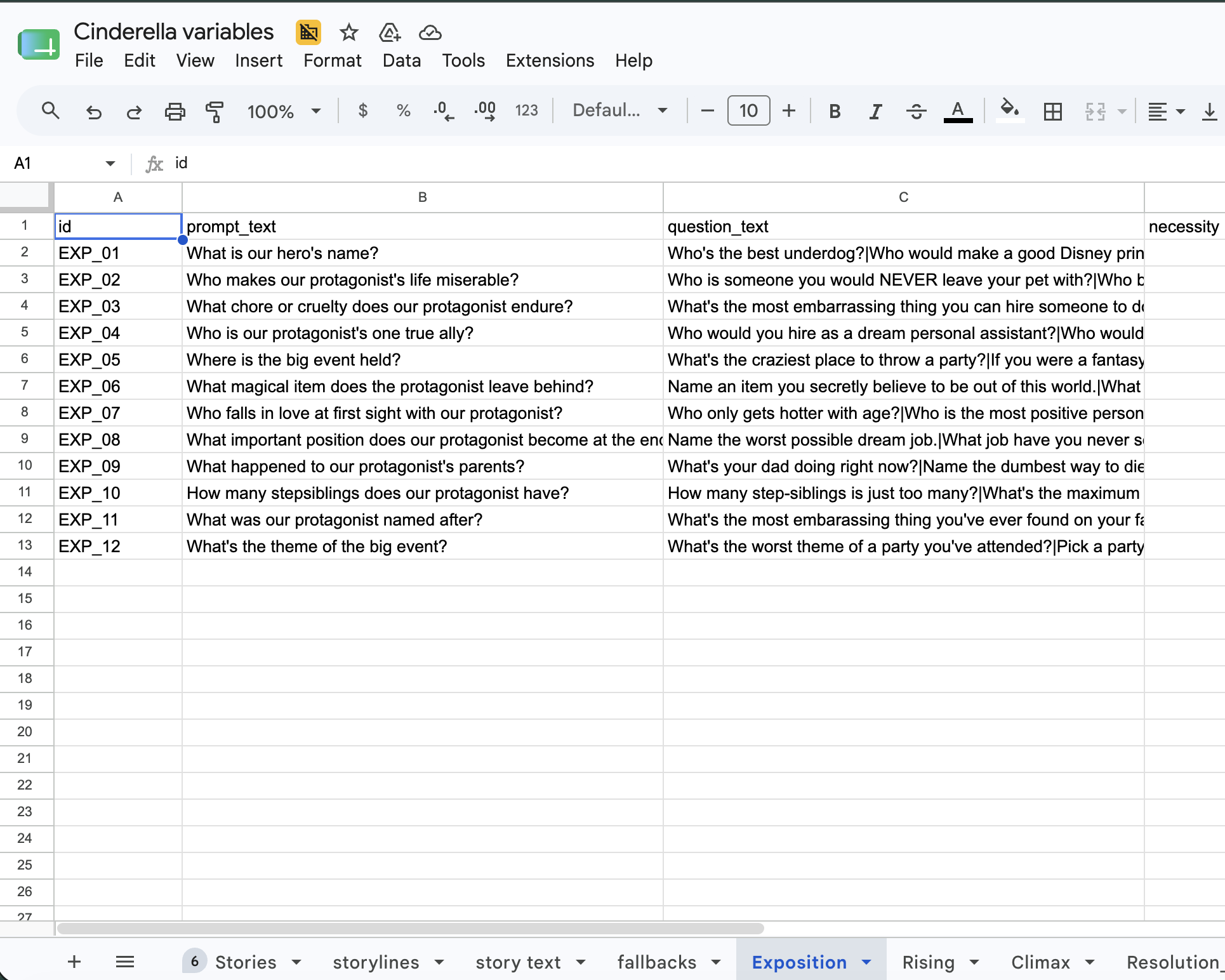
A story engine is only as swappable as it is authorable. If adding a new fairy tale meant hand-creating hundreds of ScriptableObjects in the Unity inspector, no one — including me — would ever do it. So the content lives somewhere anyone can edit it: a Google Sheet.
Authoring in Sheets
Each prompt type gets its own tab — exposition, rising action, climax, resolution — with columns for the prompt text, answer options, the story variable it fills, and tone tags. A writer with no Unity experience (like, say, my sister) can add or rewrite prompts in a familiar spreadsheet.
A custom Unity editor window
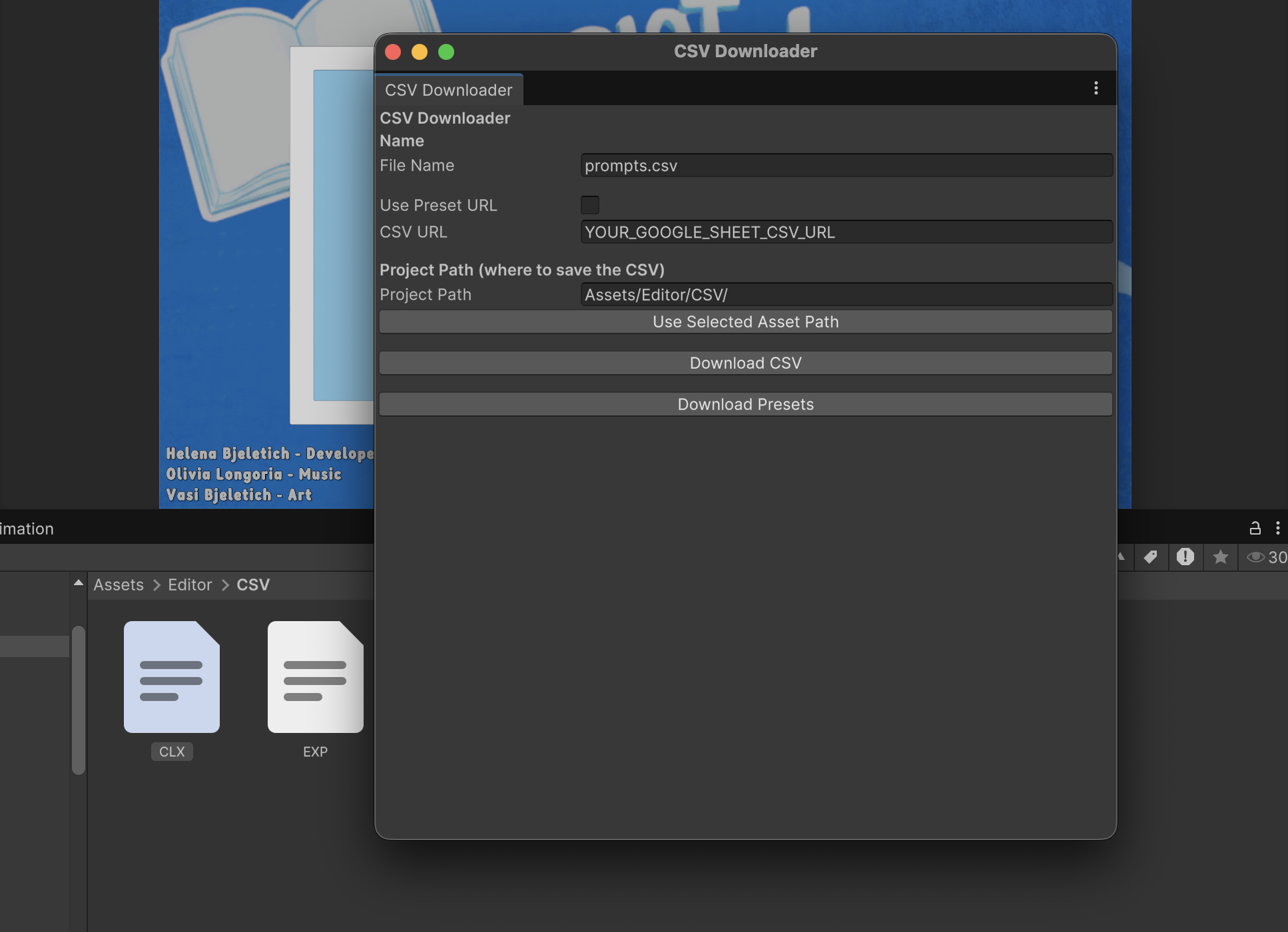
A Tools/CSV menu I built into the editor pulls each sheet down as a CSV from a preset published URL — one click per prompt type, or a “download all” for the full set. No copy-pasting, no manual export. This made my prompt editing workflow a lot faster and simpler, guaranteeing that, even with my version control, the CSVs will stay up-to-date.
From there, an importer parses each CSV — with a quote-aware parser that handles commas inside a prompt’s text — and generates the typed ScriptableObjects automatically. The full loop reads: edit the Sheet → click download → click import → play. A story update that would otherwise be hours of inspector clicking becomes a thirty-second loop, and the people writing the stories never touch the engine.
06 / Interface
Making the Screen Feel Alive
The shared screen is the show. It’s where the room’s collective story gets performed back to them, so it had to feel less like a UI and more like a stage. I built it as a three-layer system that keeps presentation cleanly separated from game logic.
UIManager — the middleman
A pure router. It listens to game events and forwards them to whichever screen should respond. It never makes game decisions, and it’s deliberately defensive: if a UI surface isn’t found, it logs and still fires the completion callback — so a missing screen can never deadlock the game and freeze the room.
GameUI — the phase orchestrator
Owns the four phase surfaces and the transitions between them: background swaps, animated frame-color shifts per act, and a timer that persists across phases. It decides which surface is on stage and choreographs the handoff.
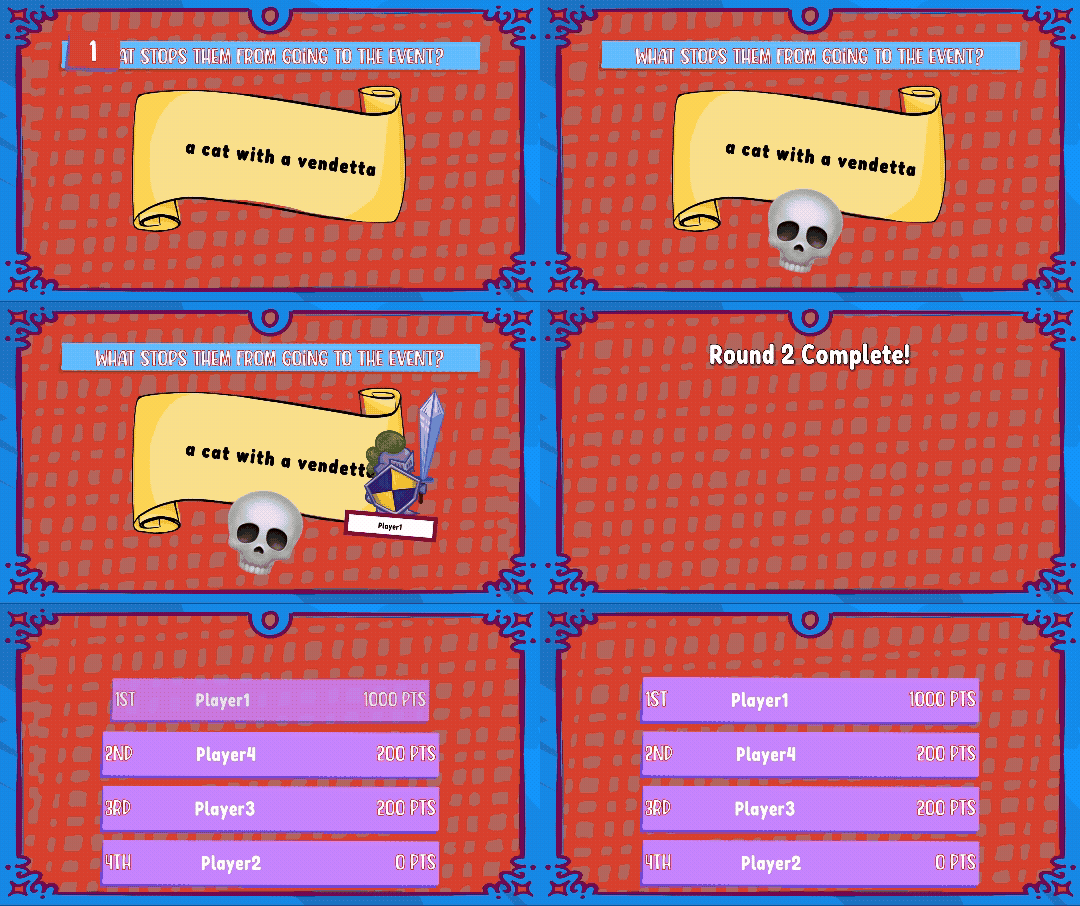
Underneath those sit four screens — TalkingUI, WritingUI, RevealingUI, ScoringUI — all inheriting from a shared BaseGameUI. The base class hands every screen the same vocabulary for free: text timing, show/hide, activate/deactivate, cleanup. Each subclass only writes the logic unique to its job, which is what lets me add a new kind of screen cheaply.
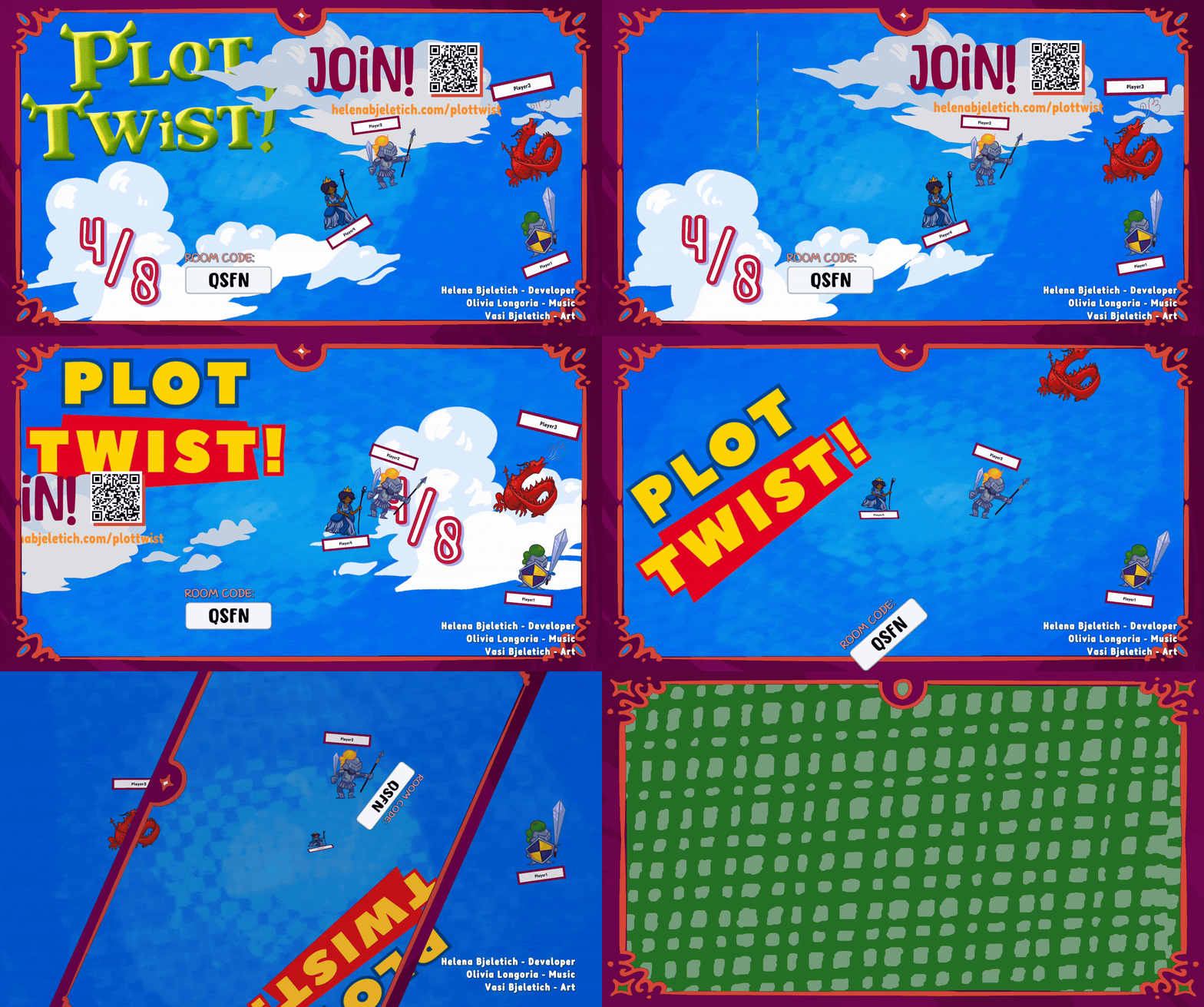
The vortex transition
The moment the host starts the game, the lobby doesn’t just cut to gameplay — the screen pulls everything into a vortex and spins into the story. It’s the seam between “we’re waiting in a room” and “we’re inside a fairy tale,” and selling that seam mattered.
Choreography, not just display
The thing I care most about here is that a vote result isn’t shown — it’s performed. Each reveal is a sequence of callback-chained animations: the question pops in and writes itself on, answer cards drop in one by one, the winning card pops to center while the losers dismiss, emoji reactions wave across the winner, and the author is revealed last. Every step waits for the previous one to finish. That sequencing is what turns a functional scoreboard into something that feels like a game show.
07 / Reflection
Reflections
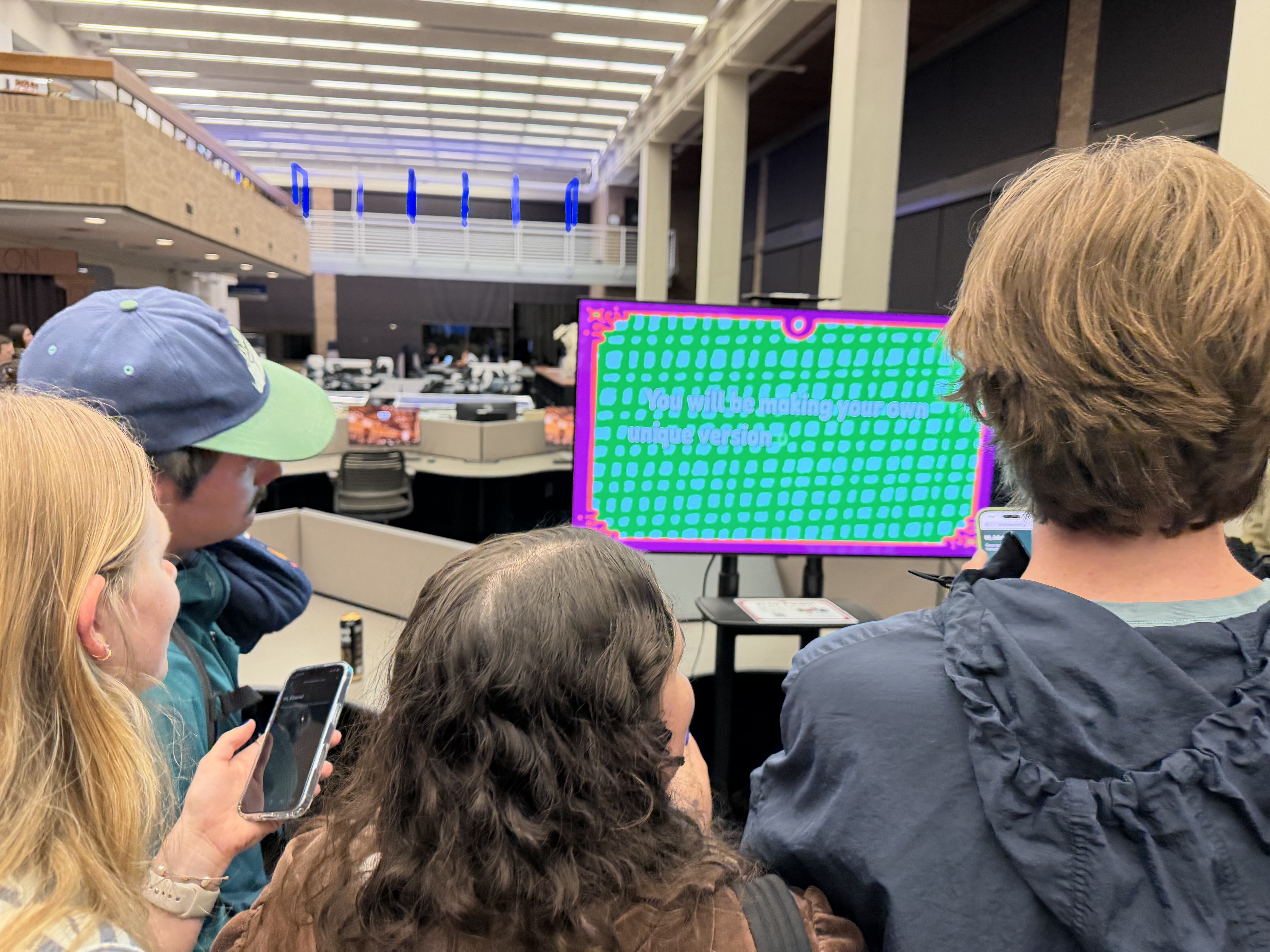
Plot Twist is the first thing I’ve built that’s genuinely distributed — spread across phones, a cloud relay, and a host, where the network is allowed to fail and the game has to stay standing anyway. My hardest decisions weren’t about gameplay; they were about what happens when a phone drops, when a message arrives on the wrong thread, when a player rejoins a game they think they left. Designing for the network’s hostility instead of its cooperation taught me more than any single feature could have.
The honest part The story-variable system works, but it’s a flat dictionary with a comment in the source that reads, roughly, “one day I’ll make this cleaner — I did not.” I left it in because it’s true. There’s a version of this engine with a properly typed story-state object, and I know what it looks like. But the dictionary shipped, the game is playable, and the difference between a clean abstraction and a shipped one is a tradeoff I’ve gotten more comfortable making deliberately rather than by accident.
This project sits at the center of what I want to keep doing: reusable systems and tools that let other people create. The story engine is a system for telling stories, and the CSV pipeline is a tool that hands that system to non-programmers. That through-line — build the hard thing once, then make it usable by someone who isn’t me — is the same instinct behind everything I’m most proud of.
Where it goes next
- More story packs. The whole point of the engine is that Sleeping Beauty, a sci-fi arc, or a horror story are all just new sheets and a new resolution graph. I want to prove that by shipping a second story.
- A typed story-state model to replace the dictionary, now that I know exactly what the data needs to be.
- Richer tone branching — more granular moods, and tone influencing the middle of the story, not only the ending.
- A polished authoring view so writers can preview how their prompts resolve without launching the game.