Project Overview
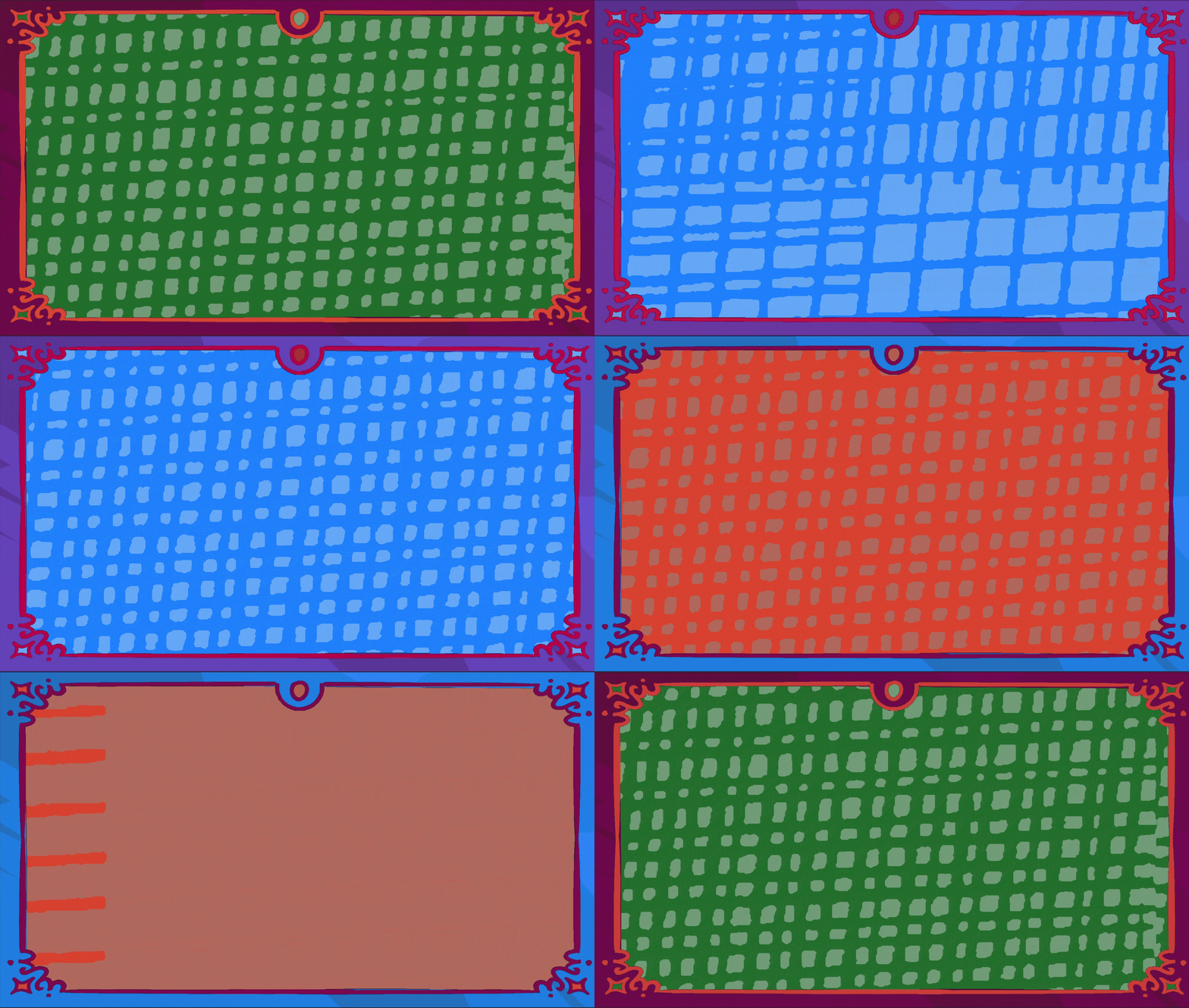
Plot Twist is a party game that walks players through the five acts of a story — exposition, rising action, climax, resolution. Each act needed to feel different: a calmer palette while the room is writing, something tenser at the climax, a warm close at the resolution. The challenge was doing that without hand-authoring a separate background and frame for every phase, and without the transitions between them feeling like hard cuts.
The solution is a phase-driven theming system. Instead of swapping art, the scene is built from a small set of shaders that expose their colors as parameters, and a data config drives those parameters per phase. Changing the entire mood of the screen — background, animated wipe, and the decorative frame around it — is a matter of feeding in a new palette, and the system animates the handoff between phases on its own.
The Background & Wipe
A reusable wipe, authored once
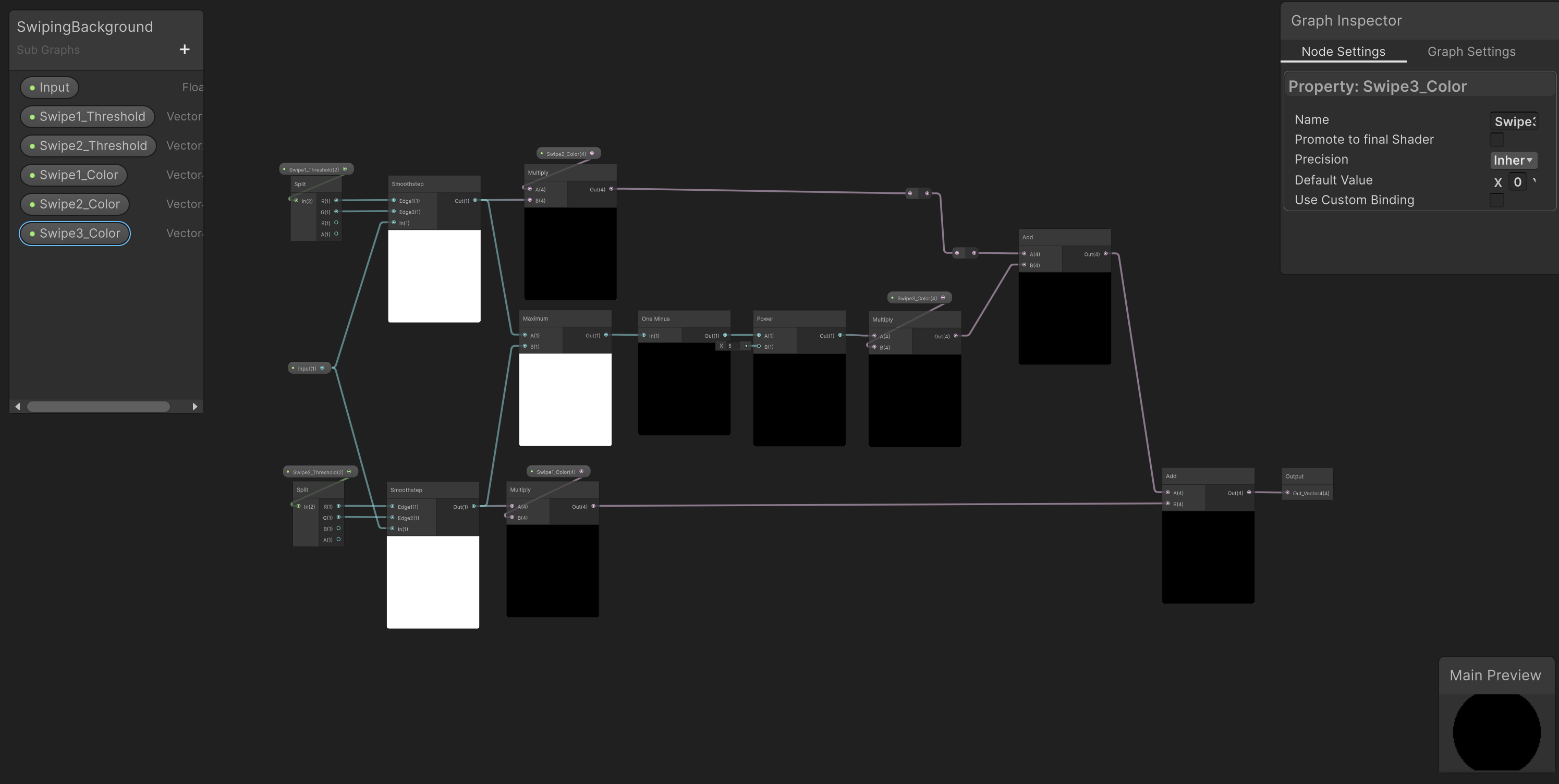
The heart of the transition is a subgraph — SwipingBackground — that I authored once and reuse wherever a wipe is needed. It takes three colors and two thresholds and builds a soft, animated band that sweeps from one color into the next. Internally it uses a smoothstep against the moving thresholds to define the leading and trailing edges of the band, a power curve to shape the falloff, and a maximum node to composite the bands cleanly. Pulling this out into a subgraph meant the wipe logic lives in exactly one place — the background shader just drops it in.
One shader, two states
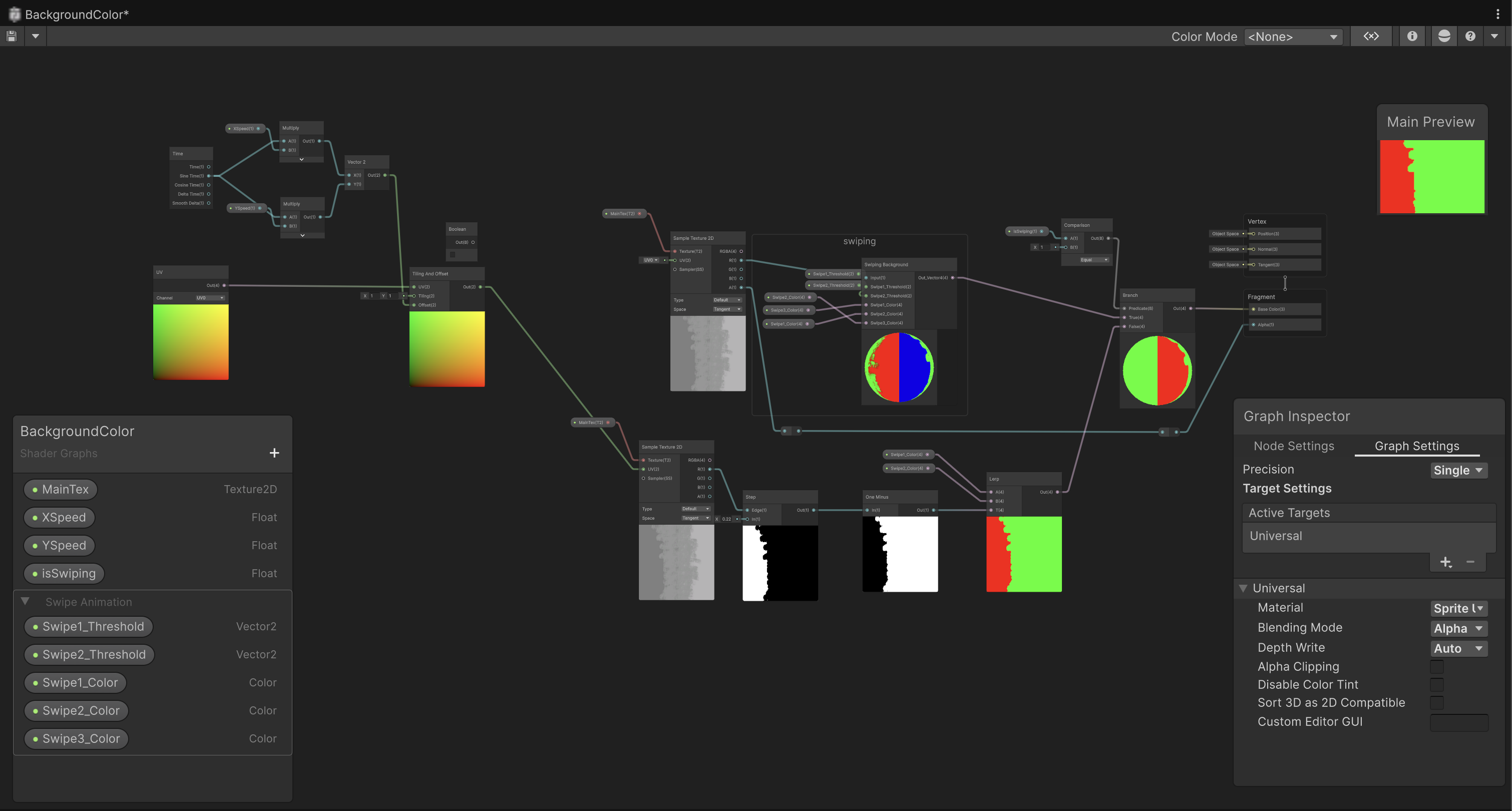
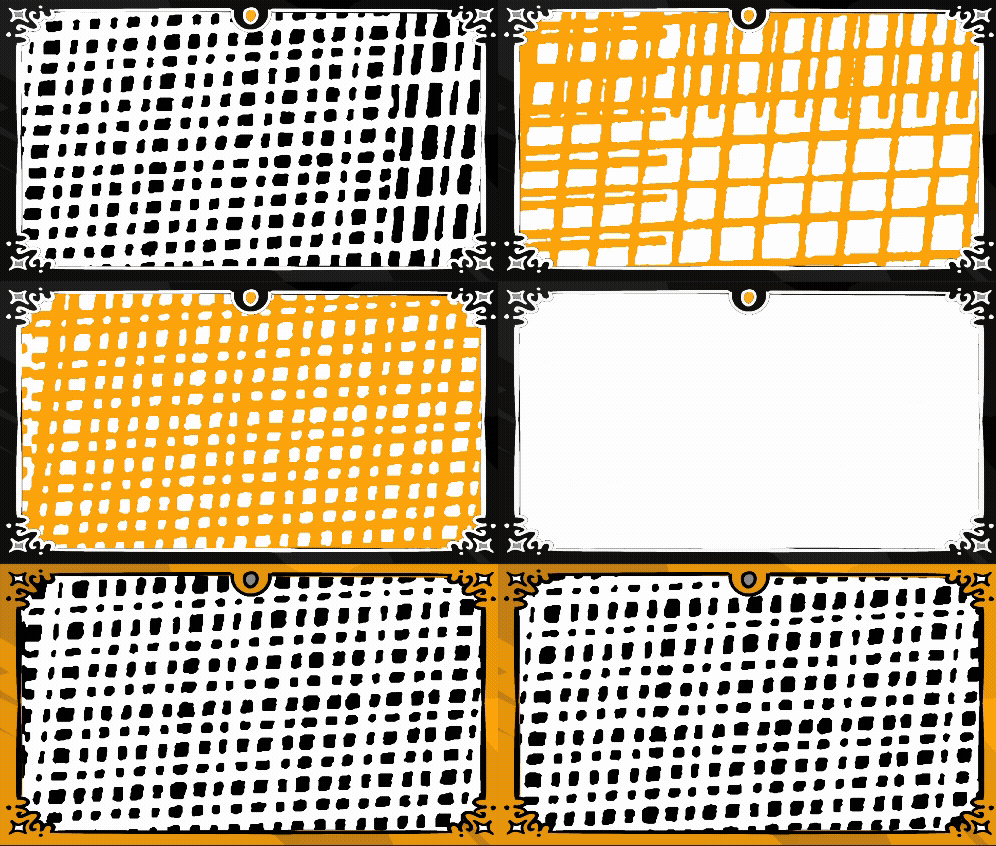
The background shader exposes nine parameters — three swipe colors, two thresholds, scroll speeds, and an isSwiping boolean — and uses that boolean to branch between two looks. When the scene is idle, it shows a static two-color grid; when a transition fires, it switches to the three-color animated wipe from the subgraph. A tiling-and-offset chain driven by time and the exposed XSpeed/YSpeed keeps the grid gently scrolling underneath either state, so the background always feels alive rather than frozen.
The Frame
Four tiers of independent color
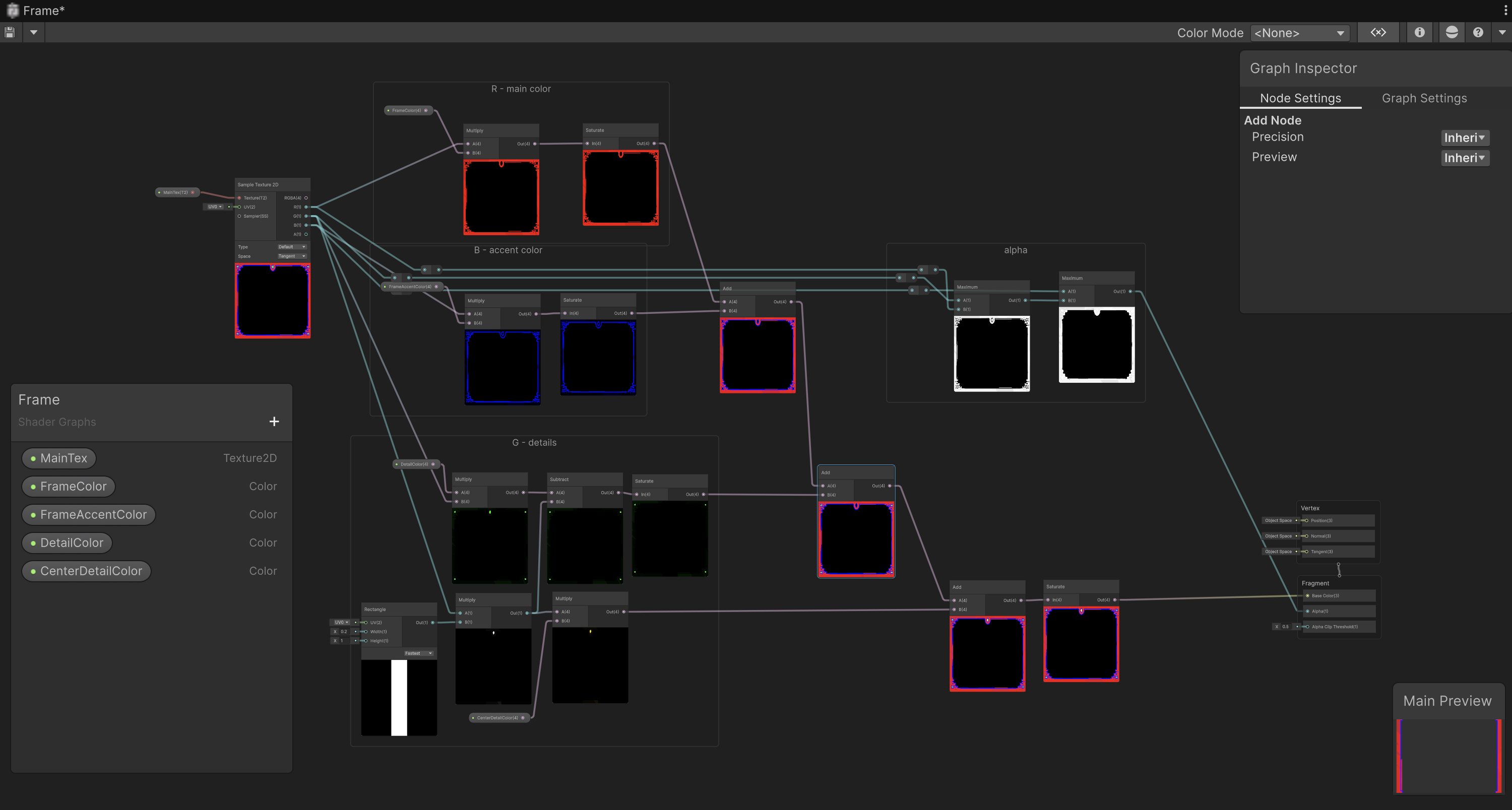
The decorative border around the playfield is a single texture, but it recolors in four independent tiers: a main frame color, an accent, a detail color, and a center detail. The shader isolates each tier with masks built from a rectangle node and a chain of saturate, multiply, and add operations, so each region can be tinted separately from one shared piece of art. That means a phase’s frame palette is just four colors — and the same frame texture can read as four completely different moods depending on how those four slots are filled.
The System That Drives It
The shaders only expose the knobs; the intelligence lives in a small data-and-controller layer that decides what the knobs should be.
A single source of truth
Every phase is defined once in a PhaseColorConfig ScriptableObject — its background colors, its four frame colors, and which sprite animation set the transition should play. Two controllers read from it: a background controller and a frame controller. When the game changes phase, each controller looks up the entry by name and pushes the right values into its shader. Because all the palettes live in one asset, retheming the whole game — or building a palette for a brand-new story — never touches a shader or a line of gameplay code.
A three-stage handoff
A transition isn’t a single cross-fade — it’s choreographed in three stages so it reads as deliberate. First the current grid animation plays in reverse, collapsing the old look; then the wipe band sweeps across in the transition color; then the new grid animation plays forward into the next phase’s palette. While the wipe is mid-sweep, the frame controller simultaneously lerps all four of its colors over the combined duration, so the border and the background arrive at the new phase together. The result is a transition that feels like one coordinated move rather than several effects firing at once.
A theming system is only useful if the colors are easy to author and preview. So alongside the shaders, I built custom Unity inspectors for each piece.
Live phase previews
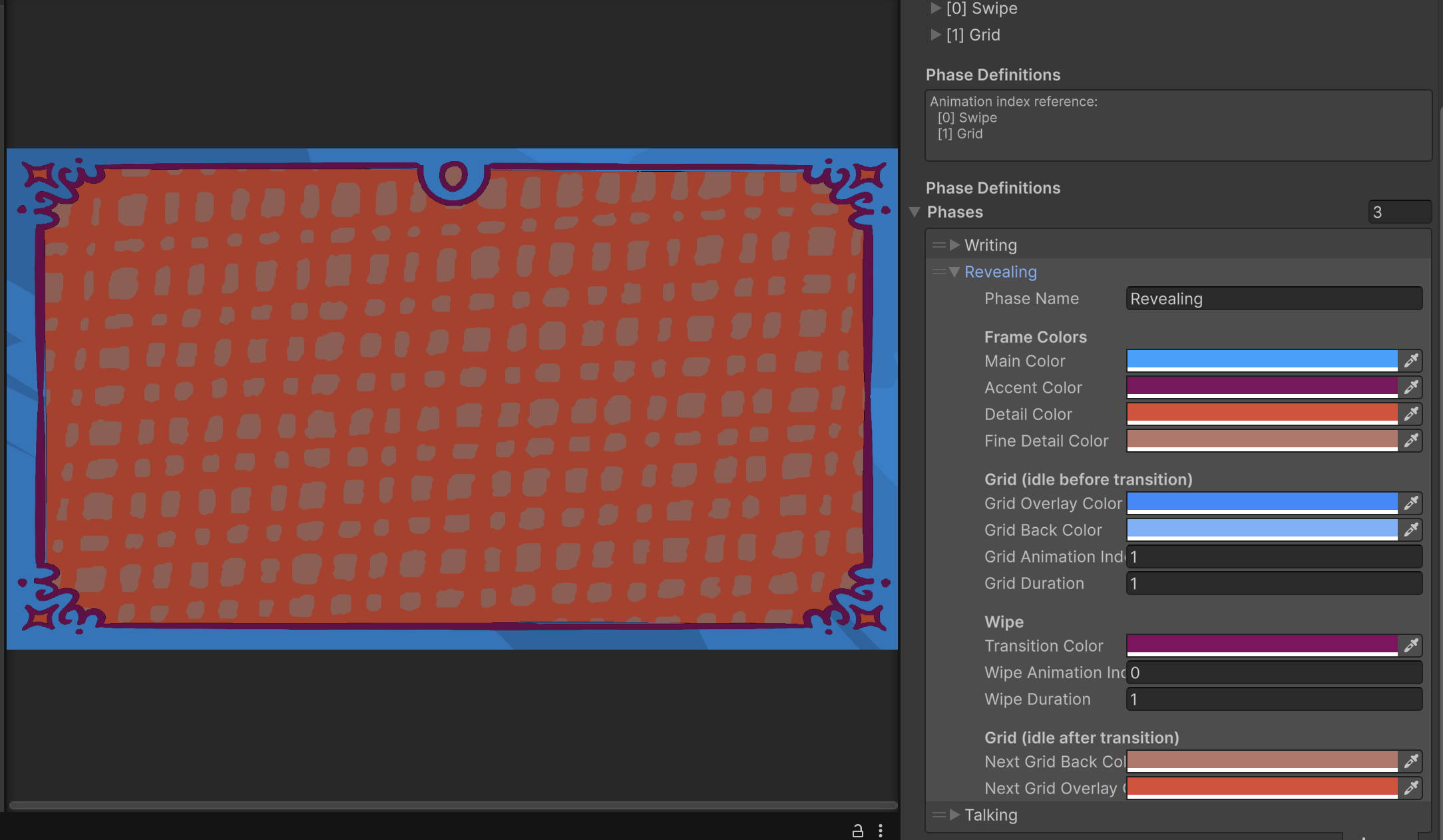
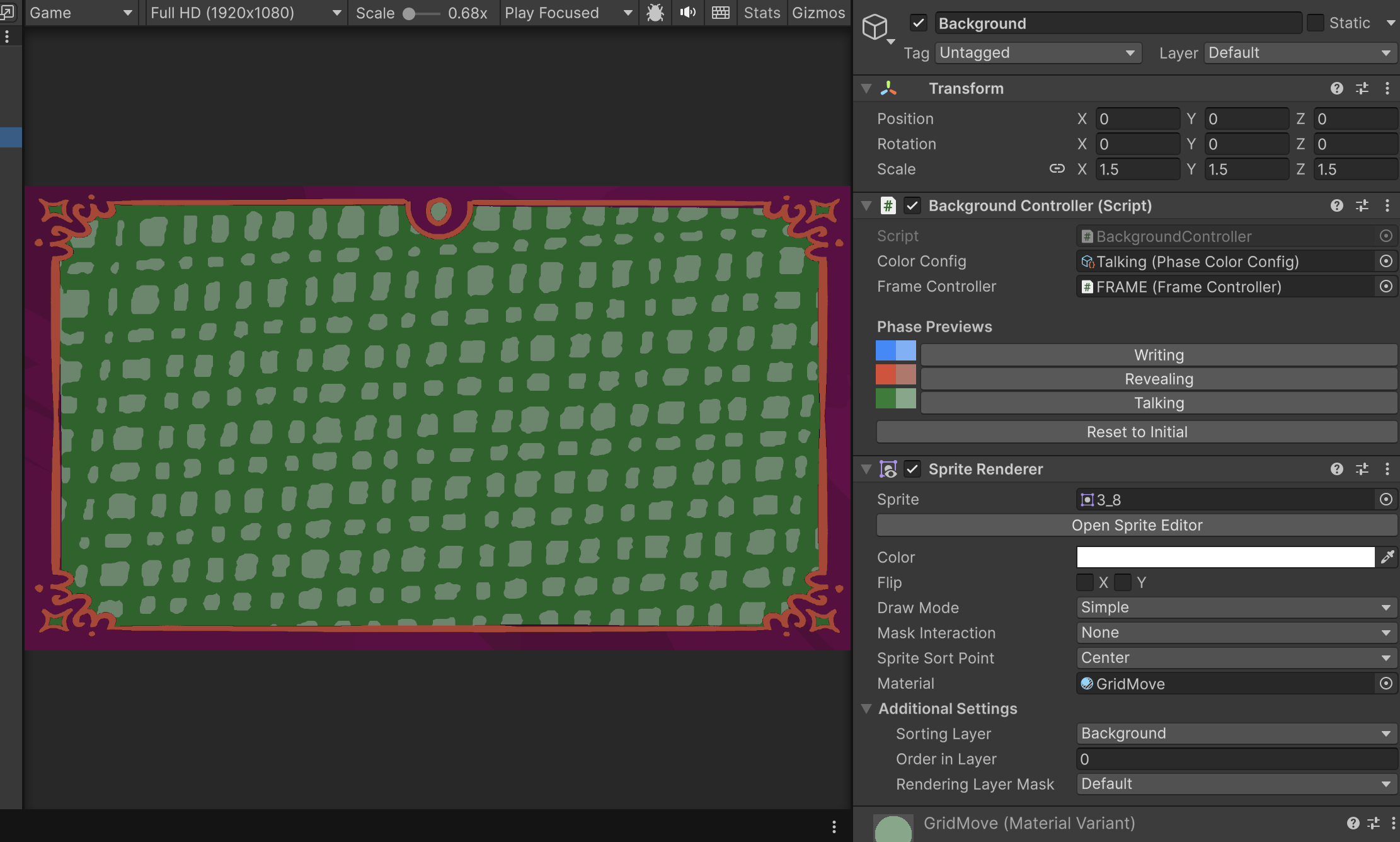
The background and frame controllers each get a custom editor that lists every phase as a clickable button with its color swatches drawn right next to it. Clicking a phase pushes that palette straight into the material in the scene view — no entering play mode, no guesswork — so I can see exactly how a phase will look while I’m tuning it. A “reset to initial” button returns the material to the starting state. The config editor itself adds a “populate from selection” tool that pulls sprite frames in from the Project window and sorts them in natural order, so animation sets stay correctly ordered without manual drag-and-drop.
Reflections & Growth
What I learned
Building this system pushed me past writing individual shaders and into designing how shaders, data, and tooling fit together as one pipeline. The biggest lesson was the value of separating the what from the how: the shaders know how to draw a wipe or recolor a frame, but they hold no opinion about which colors or when — that lives in data. Pulling the wipe into a subgraph, and the palettes into a ScriptableObject, made the whole thing far easier to reason about and extend. I also got real practice with the math of stylized transitions — using smoothstep and power curves to shape a wipe’s edges, and masking a single texture into independently colorable regions.
Alignment with my goals as a technical artist
This project is the clearest example of the kind of work I want to keep doing: systems and tools that let a whole game be retheme-able by editing data, with editor tooling that makes that data pleasant to author. The phase-theming system isn’t a one-off effect — it’s infrastructure, built so that a new story or a new mood is a configuration task rather than an engineering one. That through-line, building the flexible thing once so iteration becomes cheap, is exactly where I want to grow as a technical artist.