The first question I kept running into was: where should a given piece of logic live? Python script or TouchDesigner node network? I ended up with a rule that held up well through the whole project.
QTM (Qualisys Track Manager)TouchDesignerPythonOSC ProtocolChataigneAbleton LiveResolume
Experience Trailer
The Concept
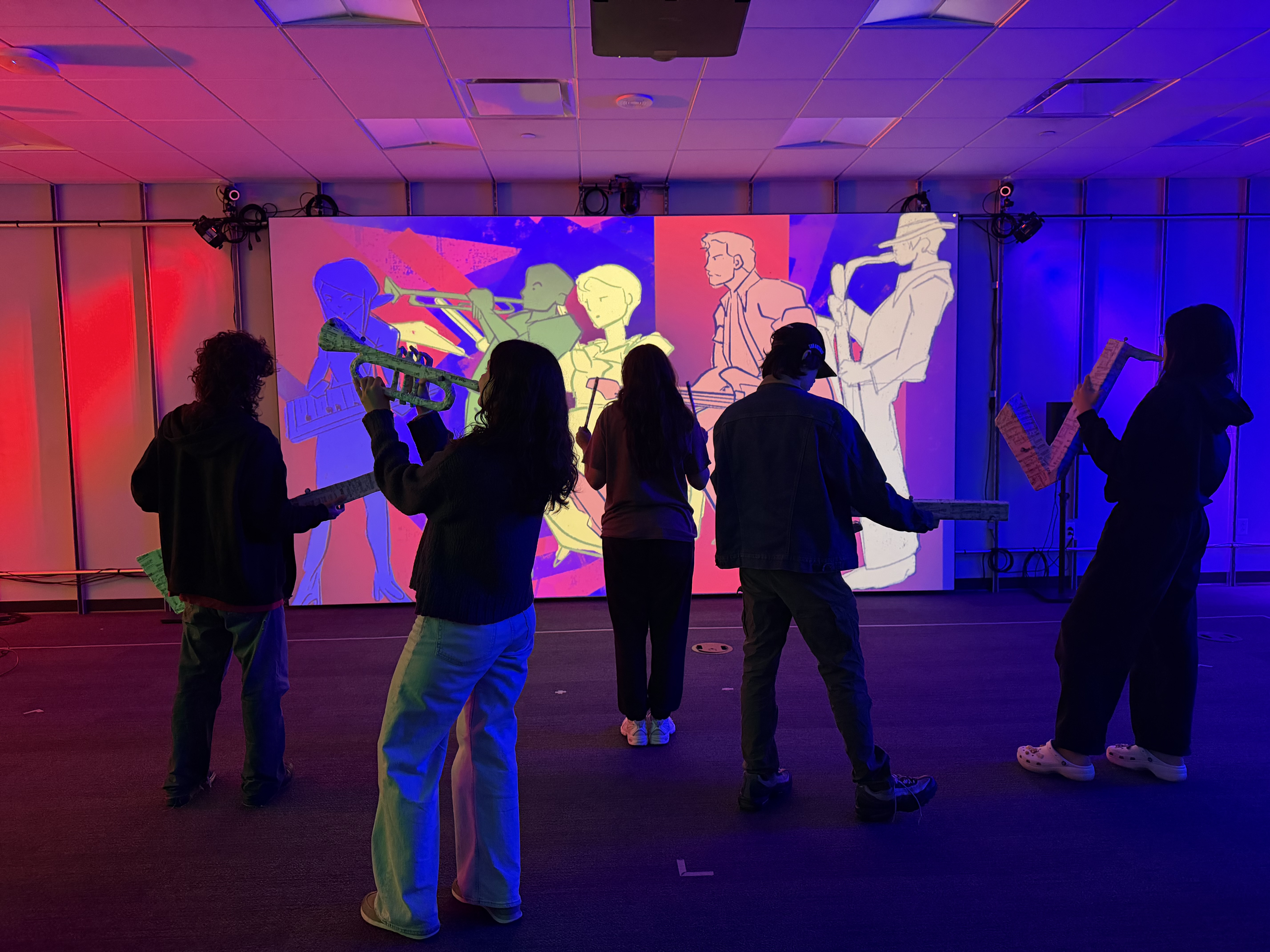
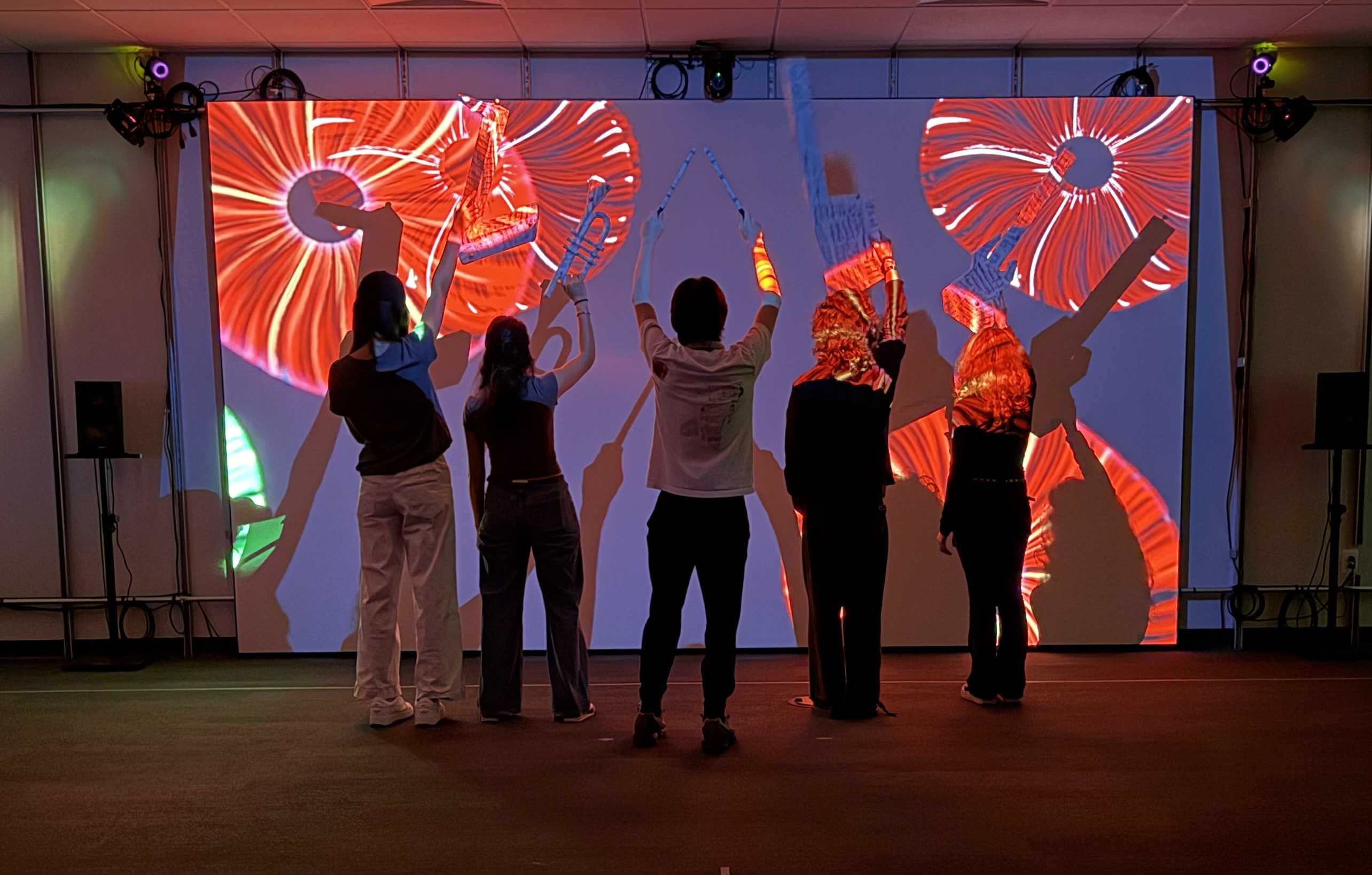
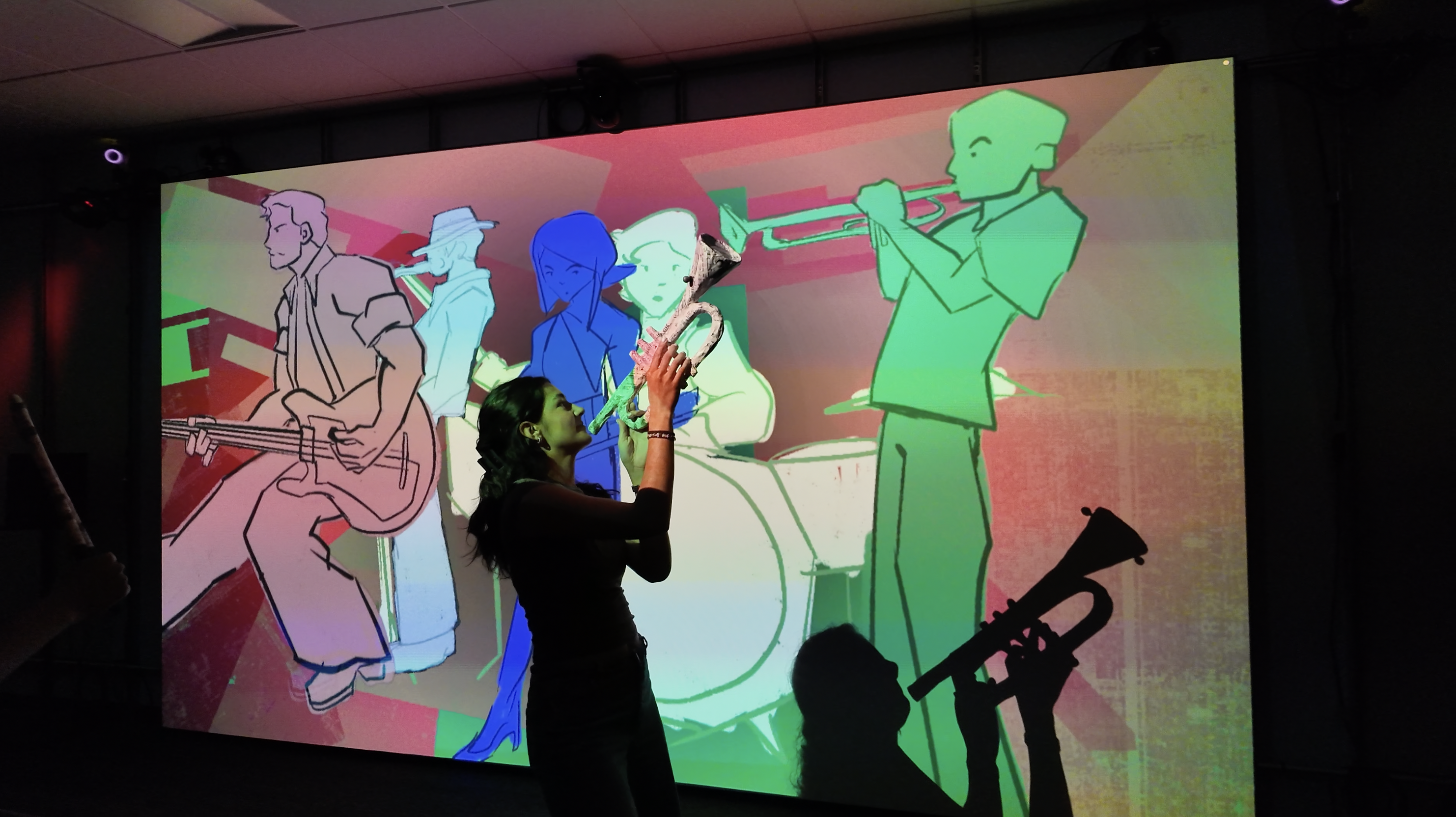
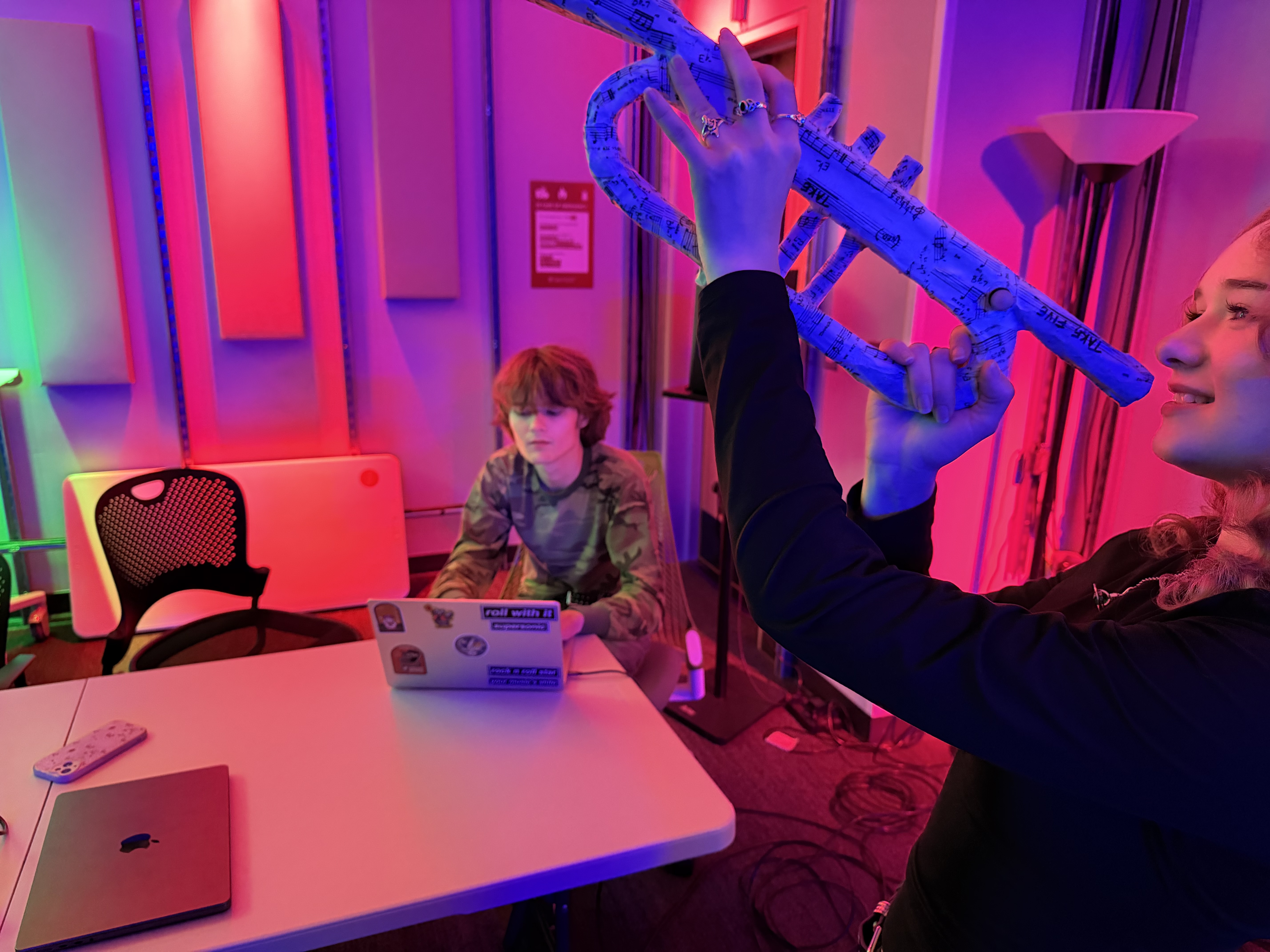
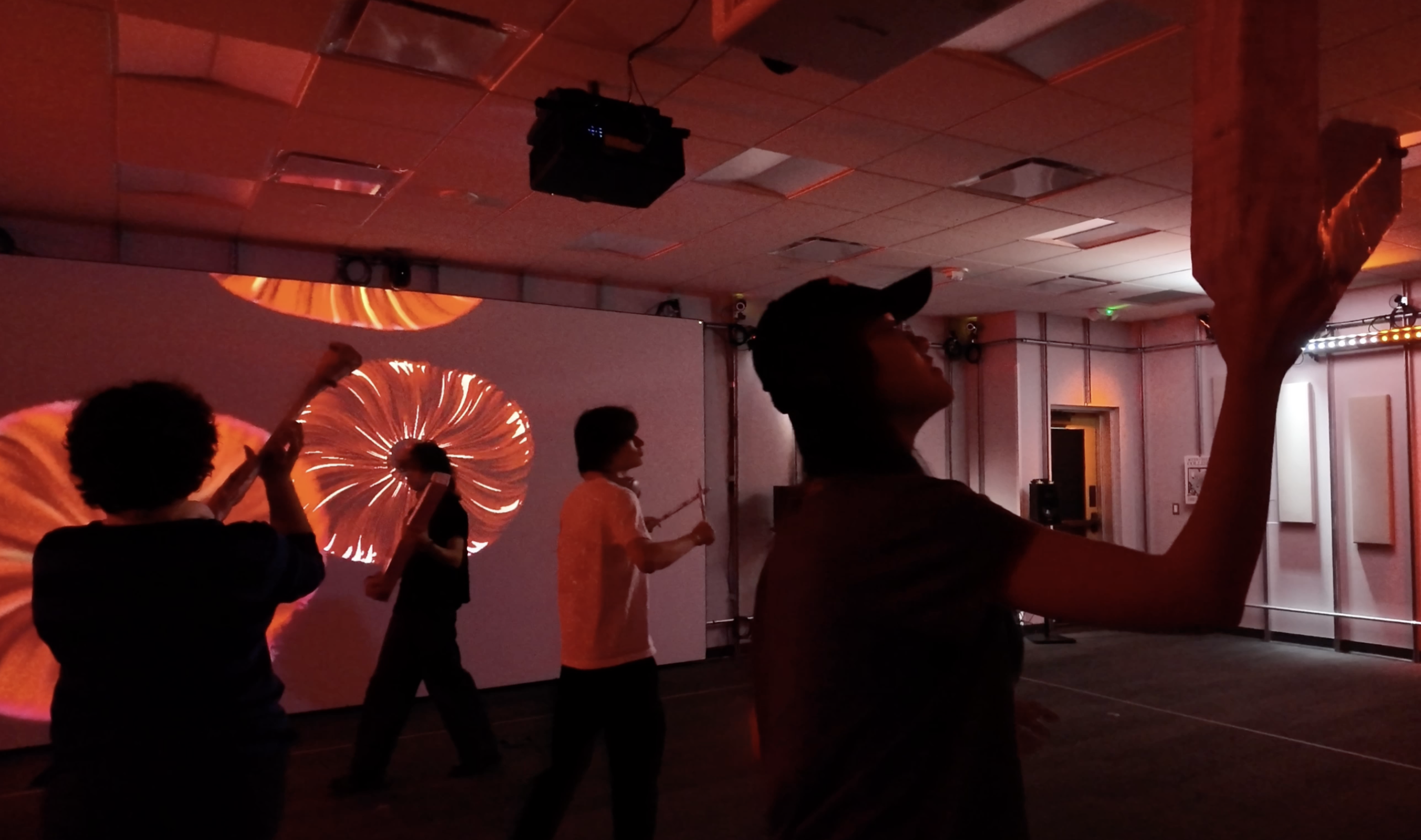
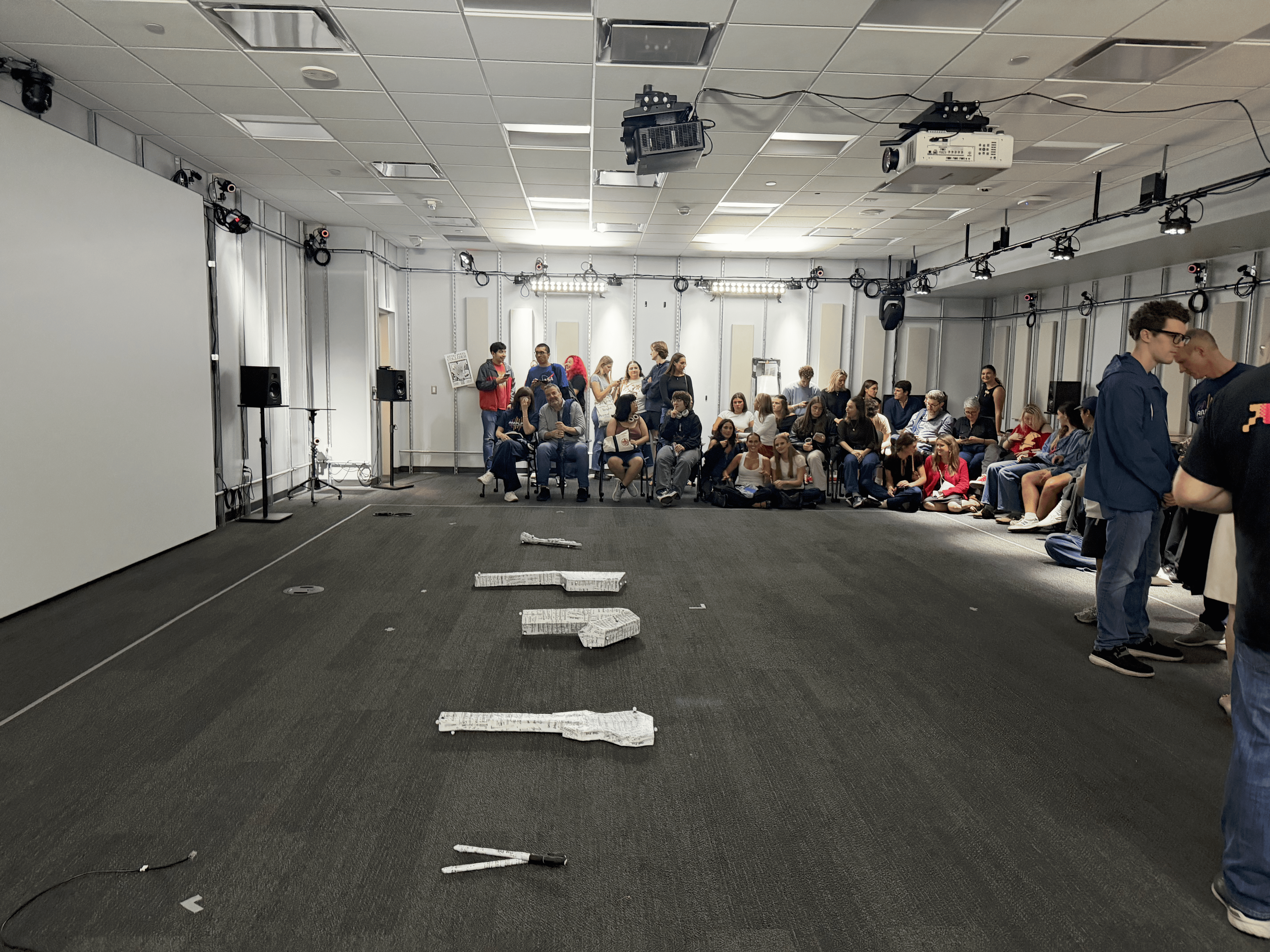
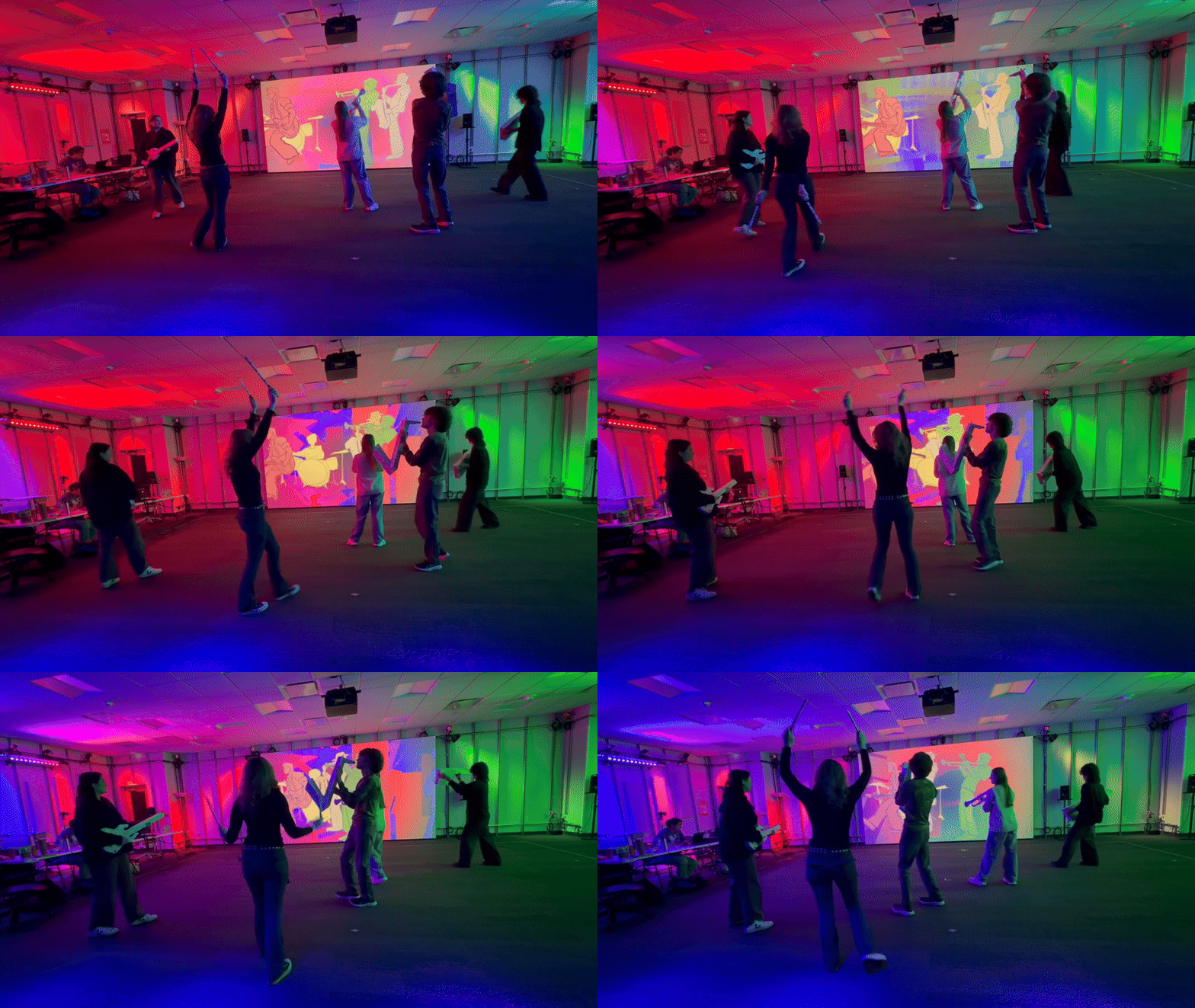
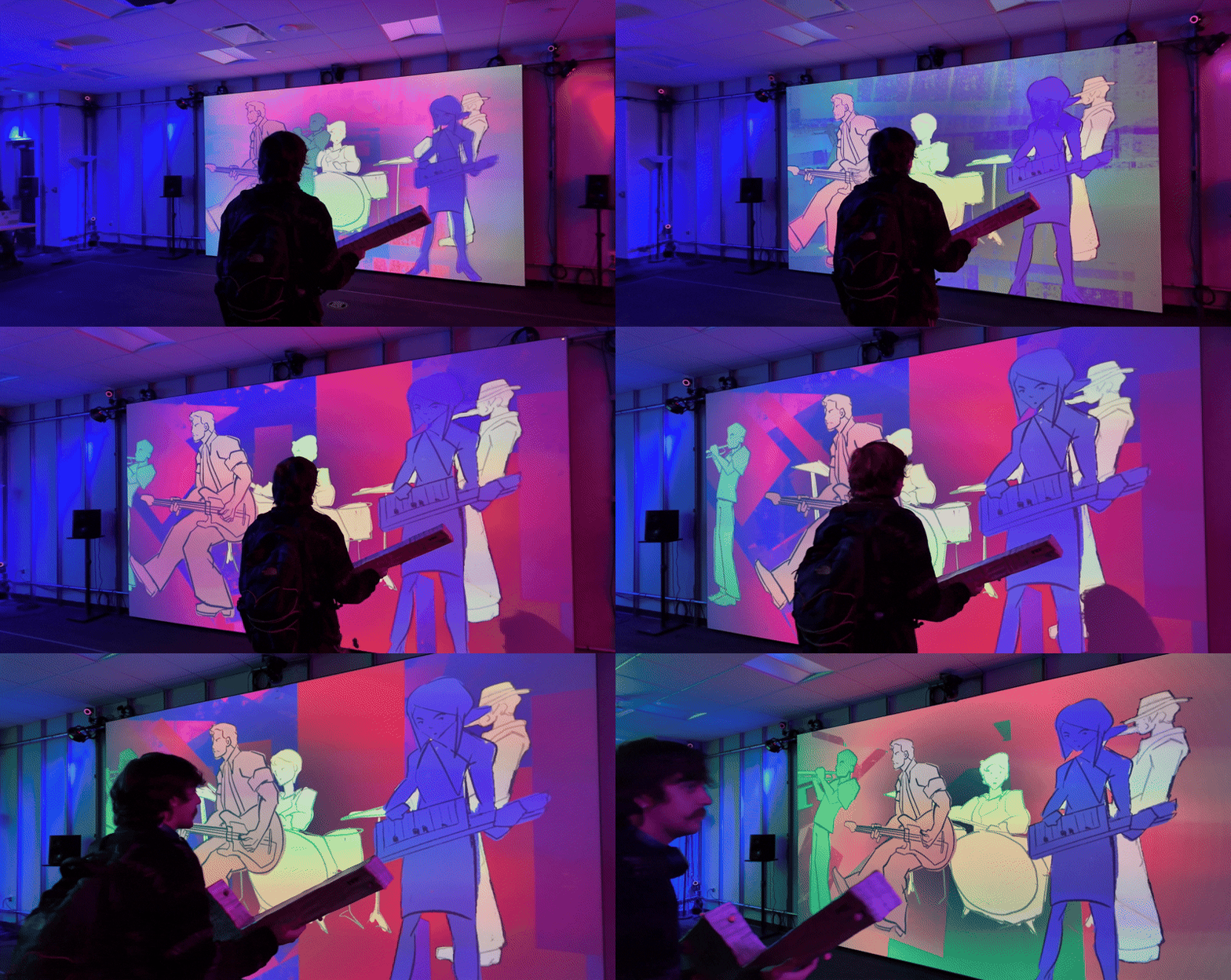
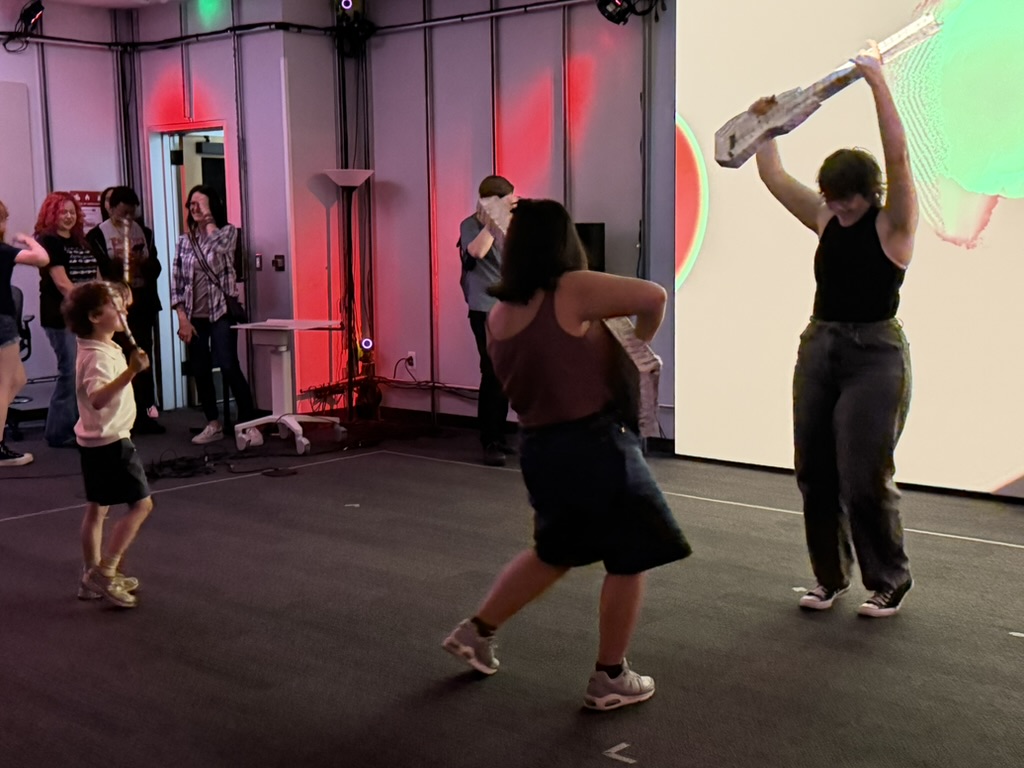
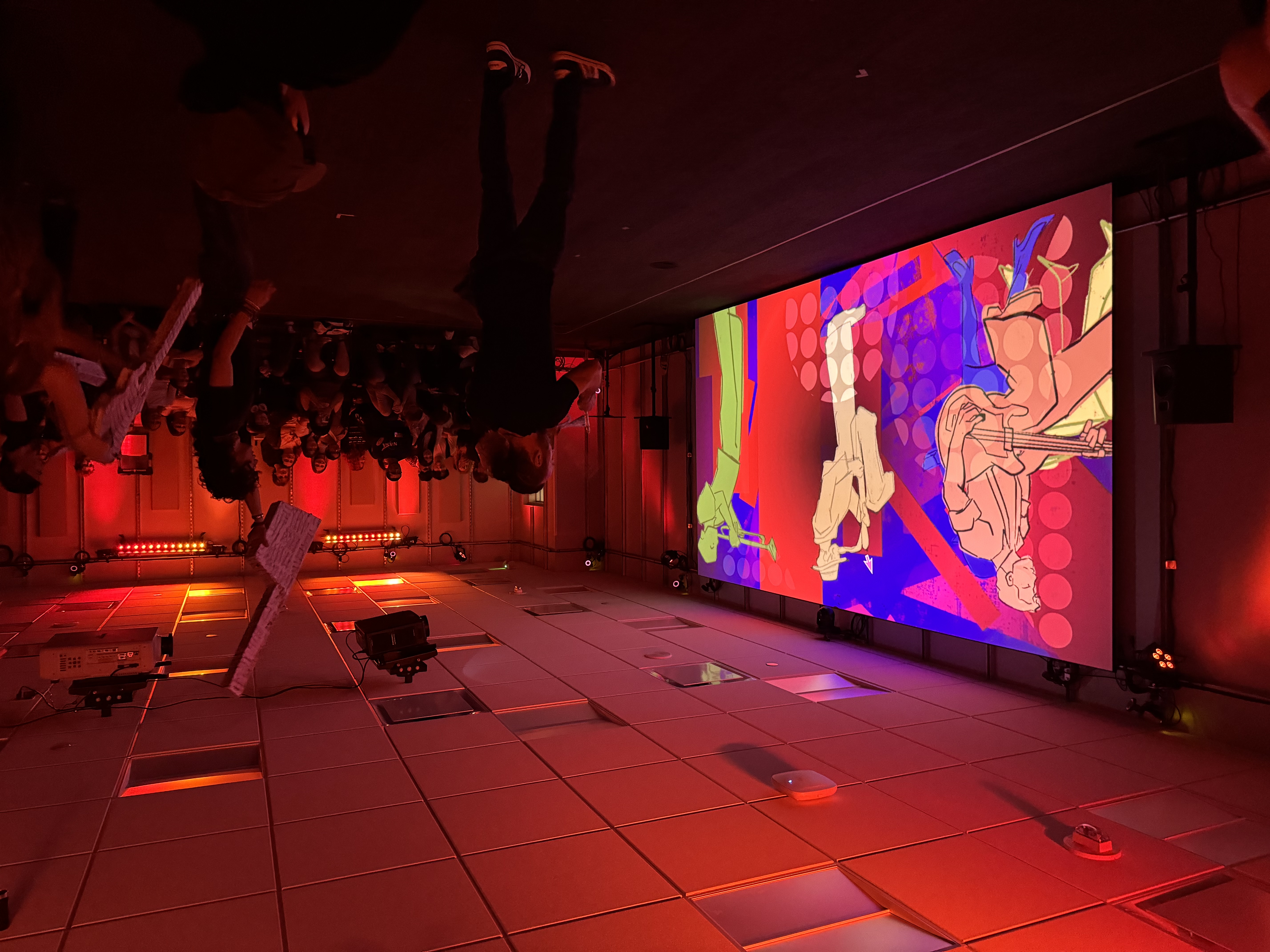
Maestro! transforms the LIM Lab into a jazz fusion band you play with your body. Five paper mache instruments — saxophone, trumpet, drums, electric keyboard, and bass guitar — sit in the space. When a guest picks one up and moves around with it, that instrument’s part of the song comes to life. Position affects spatialization. Held height affects volume. Rotation affects effects. As more instruments get picked up, the full ensemble fills out.
The composers wrote three original three-minute jazz pieces with five instruments: keytar, drums, bass, saxophone, and trumpet. The audience plays them.
My Contributions
This case study focuses on the systems I built between the motion capture data and everything else. My job was to take raw 6DoF tracking data from QTM and turn it into something the composers and visual artists could actually use — scaled, named, and routed to the right places. I also led the overall development of the experience, iterating on what doesn’t just register technically as an interaction but feels like one to a user, refining the system in response to playtesting until we had a polished final product.
The Team — Oui-Pittt
Maggie Rheudasil Producer
Isabella Martinez Fabrication Lead
Helena Bjeletich Systems Lead
Olivia Longoria Composer / Lighting Designer
Will Johnson Composer
Nicolas Sosa Composer
Jovanna Molina Artist / Programmer (TouchDesigner lead for visuals)
Jennifer Yu Artist
Jeremy Scheppers Artist / Lighting Designer
The Core Problem
QTM gives you raw 6DoF data: X, Y, Z position in millimeters, and rotation as Euler angles. It comes out of the system fast and accurate, but it is not art-ready. A composer working in Ableton doesn’t want to think about millimeters. A visual artist working in TouchDesigner doesn’t want to deal with -3000 to 3000 value ranges. They want the data in the shape their tools already speak: MIDI 0–127 for audio, normalized -1 to 1 for visuals.
On top of that, several computers were involved. The QTM-to-TouchDesigner pipeline lived on my machine. Ableton lived on the composers’. The visuals ran on a third in TouchDesigner and Resolume. Everything had to agree about what each instrument’s data meant.
Goal
Make it as easy as possible for the artists to do art. They shouldn’t have to write Python. They shouldn’t have to debug OSC addresses. They should be able to say “I want velocity of the drumsticks to control the hi-hat filter” and have that be a two-minute wiring job, not a two-day engineering problem.
System Architecture
Here is how the data flows from markers on an instrument to sound coming out of the speakers:
┌──────────────────────┐
│        QTM           │  (Qualisys Track Manager)
│  6DoF object stream  │  X, Y, Z, rx, ry, rz per object
└──────────┬───────────┘
         │ OSC
┌──────────▼───────────┐
│   TouchDesigner      │  (my machine)
│                      │
│  ┌────────────────┐  │
│  │ Python Layer   │  │  parse → registry → velocity
│  │ (uniform math) │  │   → pose detection
│  └────────┬───────┘  │
│           │          │
│  ┌────────▼───────┐  │
│  │ Node Layer     │  │  per-instrument mapping
│  │ (per-inst.     │  │    math that "feels right"
│  │  tweaking)     │  │
│  └────────┬───────┘  │
│           │          │
│       ┌───┴───┐      │
│       │       │      │
│  ┌────▼──┐ ┌──▼───┐  │
│  │ MIDI  │ │ Norm │  │  two separate tables,
│  │ 0-127 │ │ -1→1 │  │  two separate OSC streams
│  └───┬───┘ └──┬───┘  │
└──────┼────────┼──────┘
     │        │
     │        └────► visuals (Jovanna, Jennifer, Jeremy)
     │
┌──────▼───────┐
│  Chataigne   │  (composers' machine)
│  OSC → MIDI  │
└──────┬───────┘
     │
┌──────▼───────┐
│   Ableton    │  spatial audio, volume, effects
│  3 pieces    │  one instrument per track
└──────────────┘
The two big architectural decisions I made were:
- Split the logic between Python and TouchDesigner nodes based on what kind of operation it is.
- Send two different OSC streams downstream: one pre-mapped to MIDI range, one normalized, so each consumer gets data in its native language.
Python vs. Nodes: Where Logic Lives
Python layer
Handles operations that are uniform across every tracked object. Parsing incoming OSC. Maintaining the registry of currently-tracked objects. Computing velocity from frame-to-frame position deltas. Calculating spatial angle using atan2(y, x) and distance from the center. Pose detection.
These are all operations where every object gets the same math done to it. You don’t want five copies of that code; you want one function that runs over a list.
Node layer
Handles per-instrument mapping where the numbers need to feel right, not be mathematically correct. The saxophone’s X position might map to MIDI 40–90 because that’s the range that sounds good for the filter it’s controlling. The bass guitar’s X position might map to MIDI 20–100 because it’s controlling something else entirely.
These numbers are subjective. They get tweaked in rehearsal.
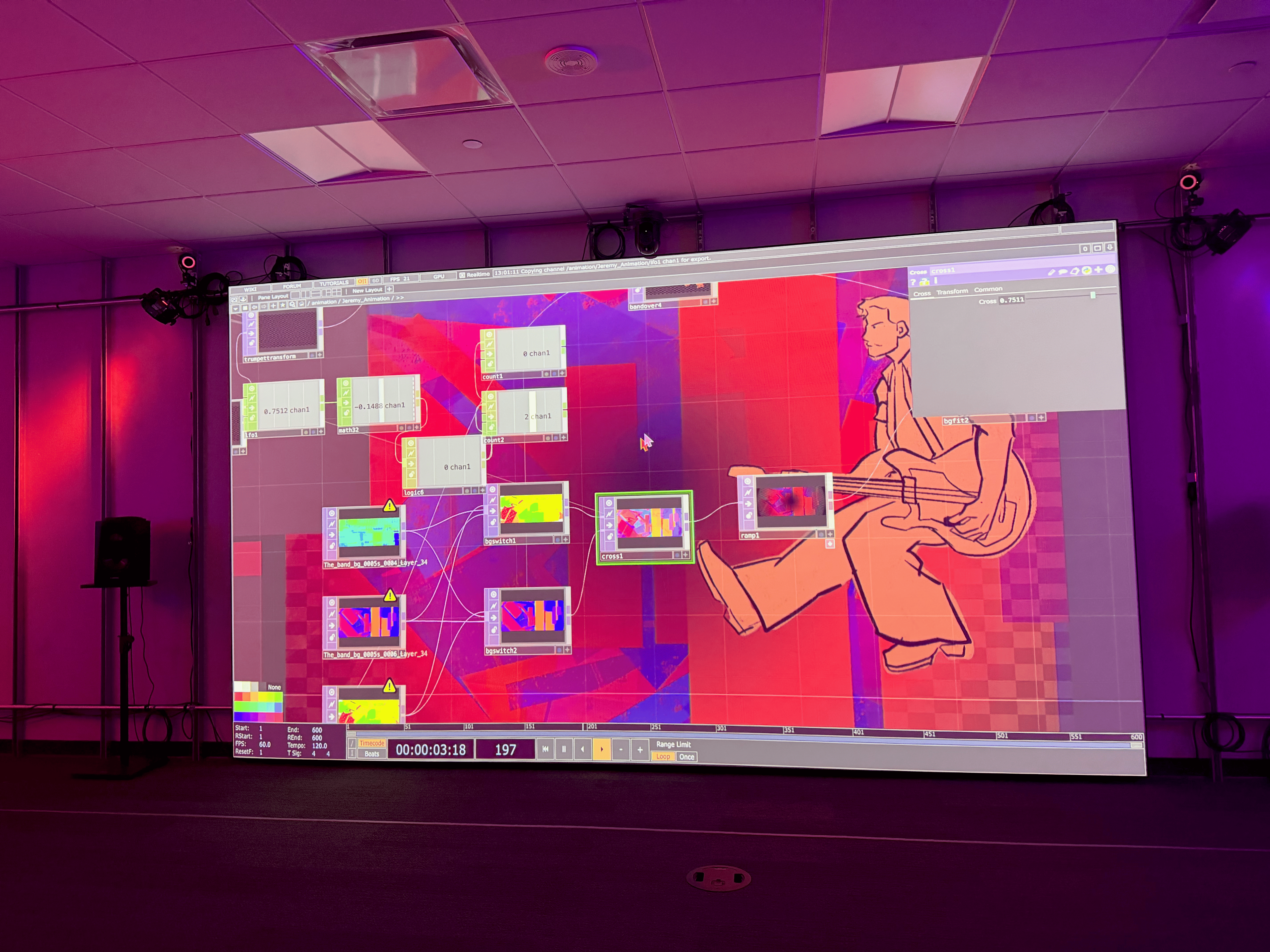
Nodes are better for that kind of work because the numbers are visible, adjustable by dragging a slider, and scoped to a specific instrument without affecting anything else. Python gives you the mathematically correct, universal values in a clean table. The nodes take those values and shape them into what each instrument actually needs.
The Python Layer
The Python side is a small, clean registry pattern. A MocapRegistry holds a dictionary of TrackedObject instances, keyed by name. When OSC comes in from QTM with an address like /qtm/6d_euler/saxophone, the registry either updates the existing saxophone object or creates a new one. The scale factor (0.001) converts millimeters to meters at the boundary, so everything downstream is in meters.
@dataclass
class TrackedObject:
  name: str
  px: float = 0.0
  py: float = 0.0
  pz: float = 0.0
  rx: float = 0.0
  ry: float = 0.0
  rz: float = 0.0
  spatial: float = 0.0
  # for the drumsticks
  prev_px: float = 0.0
  prev_py: float = 0.0
  prev_pz: float = 0.0
  velocity: float = 0.0
  last_updated: float = 0.0

  def set_position(self, x, y, z):
      self.px, self.py, self.pz = x, y, z
      self.last_updated = time.time()
      self.spatial = math.atan2(y, x)
A few design choices worth calling out:
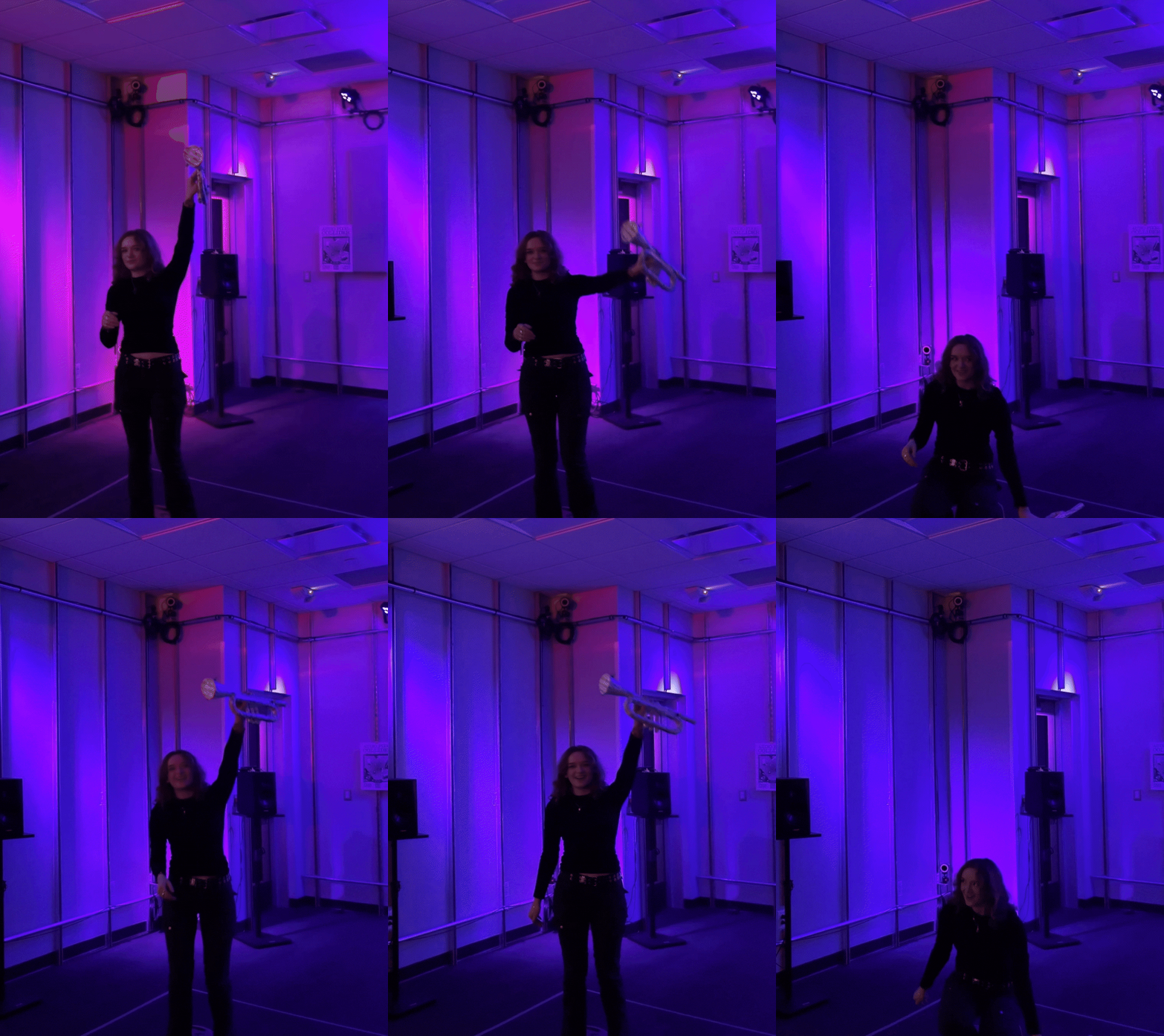
atan2(y, x) for spatial position. This gives an angle from -π to π describing where an object is around the room, while distance from center (sqrt(x² + y²)) handles the close-vs-far axis. Together they form a polar coordinate system that maps naturally to how people think about being somewhere in a room. I used these to drive the panner in Ableton, connected to our 10-speaker spatial audio setup: angle set the speaker, distance set the distance variable.
Frame-delta velocity, but only for the drumsticks. Drumsticks are the one instrument where hitting something matters — a fast downward motion should register as a drum hit, not ambient positional data. Every frame I subtract the previous position from the current, compute the magnitude, and store it as velocity, only for the drumsticks (for other instruments it’s just noise). This also solved a tracking problem: the straight sticks were hard to track and couldn’t take traditional markers, so we used reflective tape, which gave usable position but very jittery rotation. Triggering the drums off velocity instead of rotation gave us a responsive drum part without needing clean rotation data.
Cleanup with last_updated. If a guest puts down an instrument and walks away, QTM eventually stops seeing it, which can cause errors downstream in the sound and visual connections. The registry has a cleanup(max_age=1.0) method that drops any object that hasn’t been updated in the last second. This prevents stale data from sitting in the output tables.
The Pose Detector
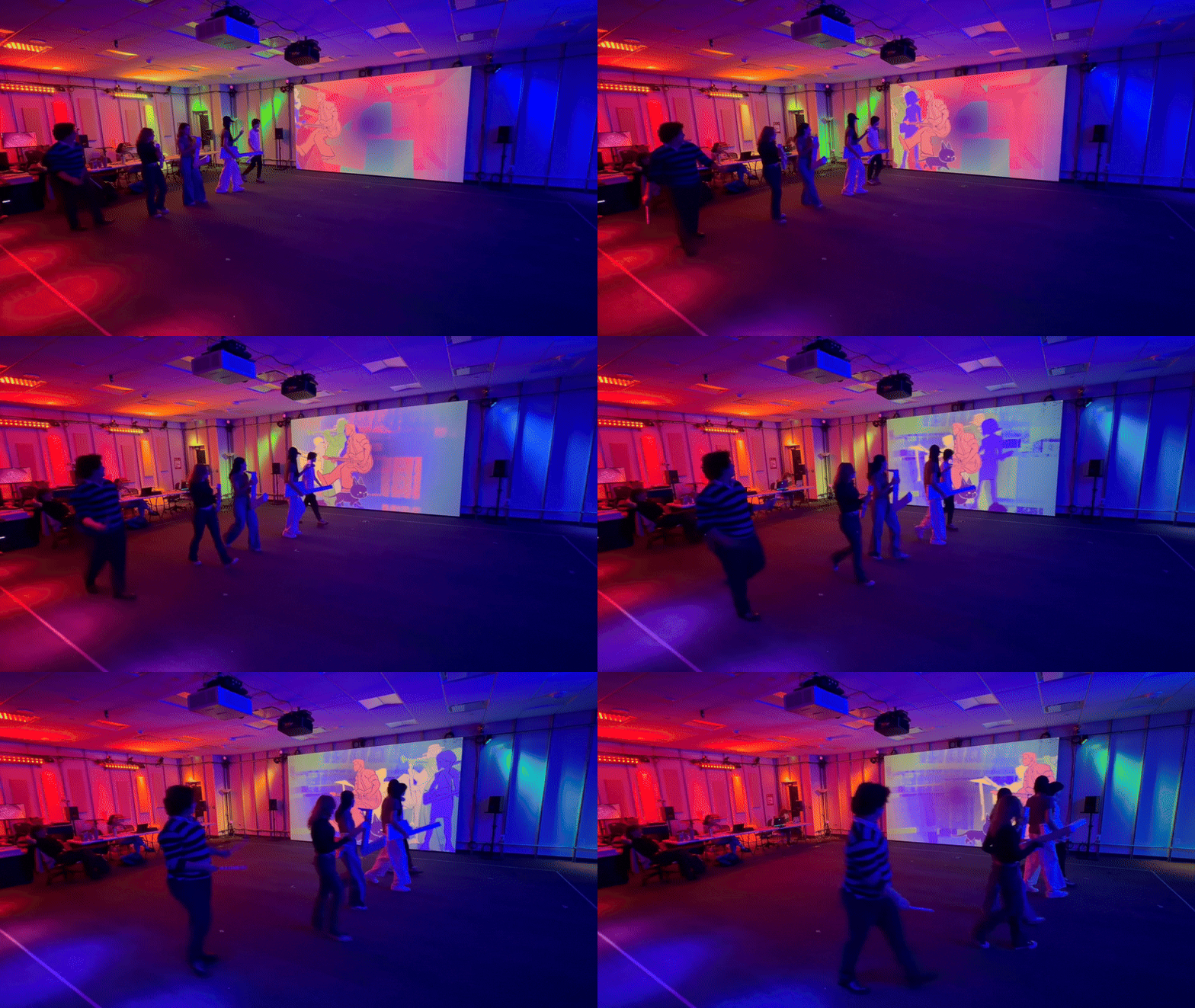
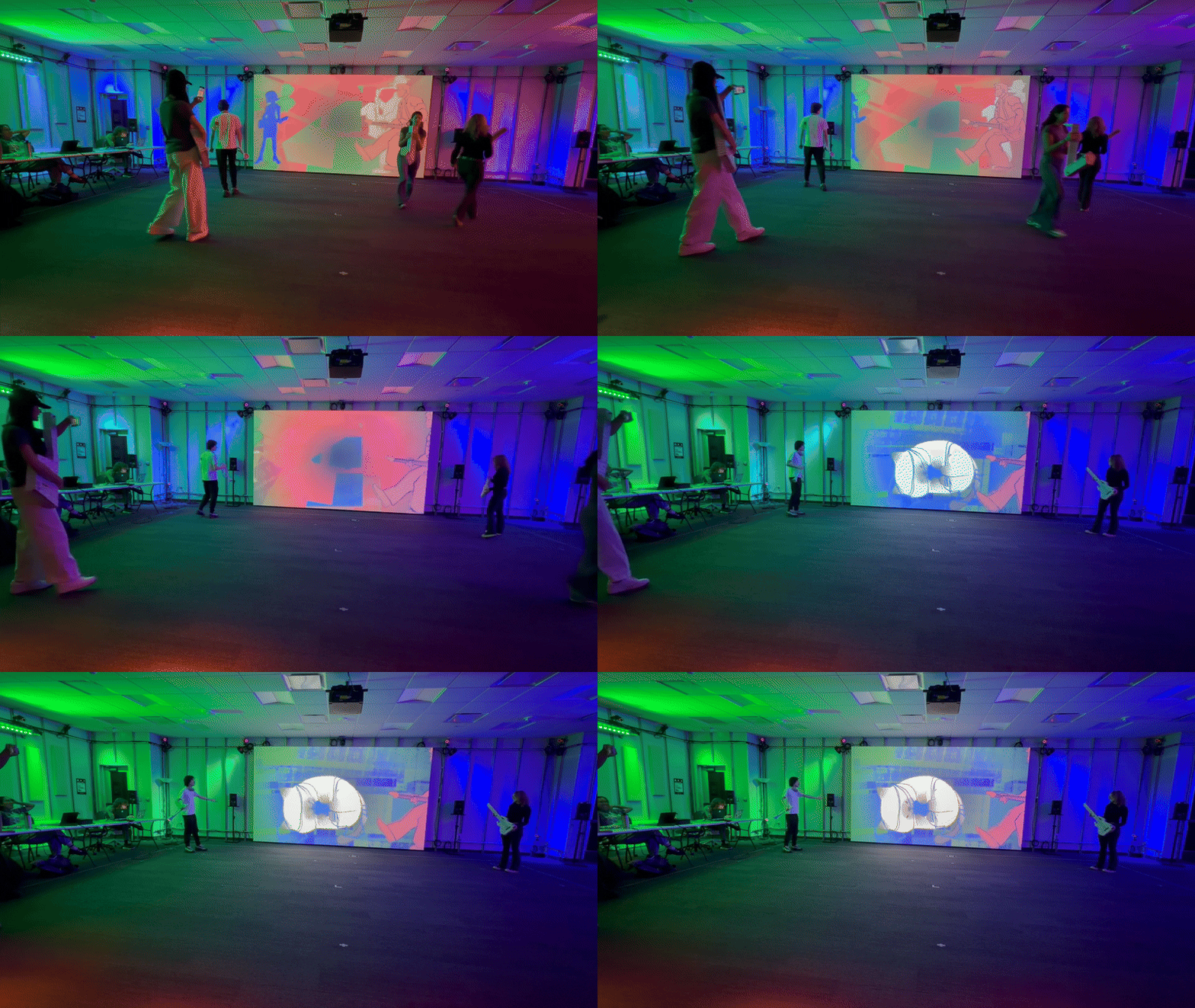
Sitting on top of the registry is a pose detection layer that watches the overall state of all tracked objects and fires higher-level events — not something simple like “where is the sax,” but a more complex calculative like “are all five instruments in the four corners of the room right now?” These are collaborative states — things that only happen when multiple guests coordinate.
I built three pose types:
four_corners: all five instruments roughly in the four corners of the roomline_x/line_y: all instruments aligned along the X or Y axisclustered: all instruments grouped tightly together
The detector takes lambdas, so adding a new pose is just one line:
detector.add('clustered', lambda reg, t:
  objects_clustered(reg, threshold=t))
Each pose returns both a boolean (active/inactive) and a value (the Y position of the line, the center of the cluster), so artists could use them as triggers or continuous values. This ended up being a really fun part of the system: it encouraged group play and created moments where guests had to work together to discover the hidden poses and unlock new interactions.
Per-Instrument Mapping in Nodes
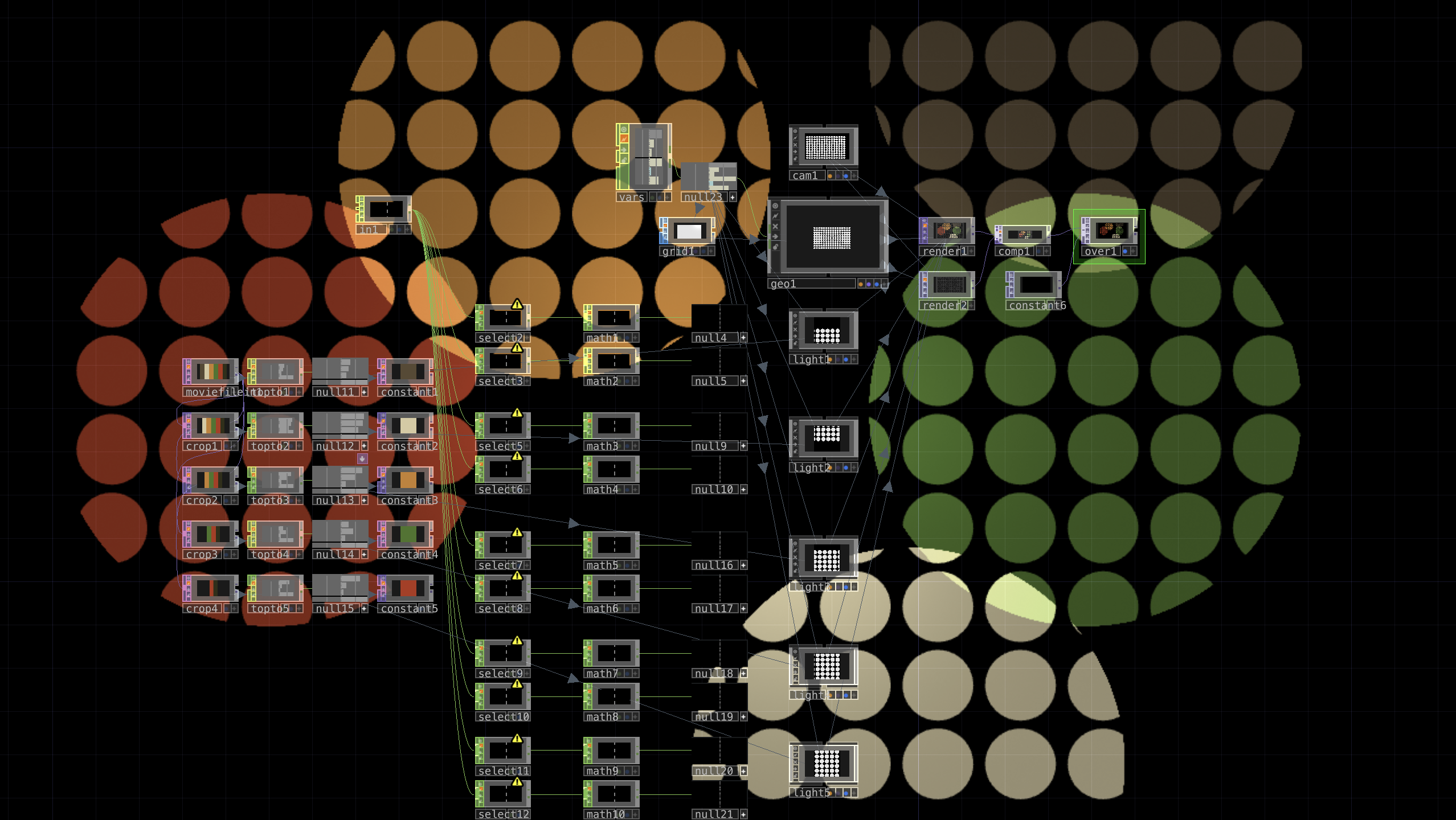
Here is the inside of the per-instrument mapping component:
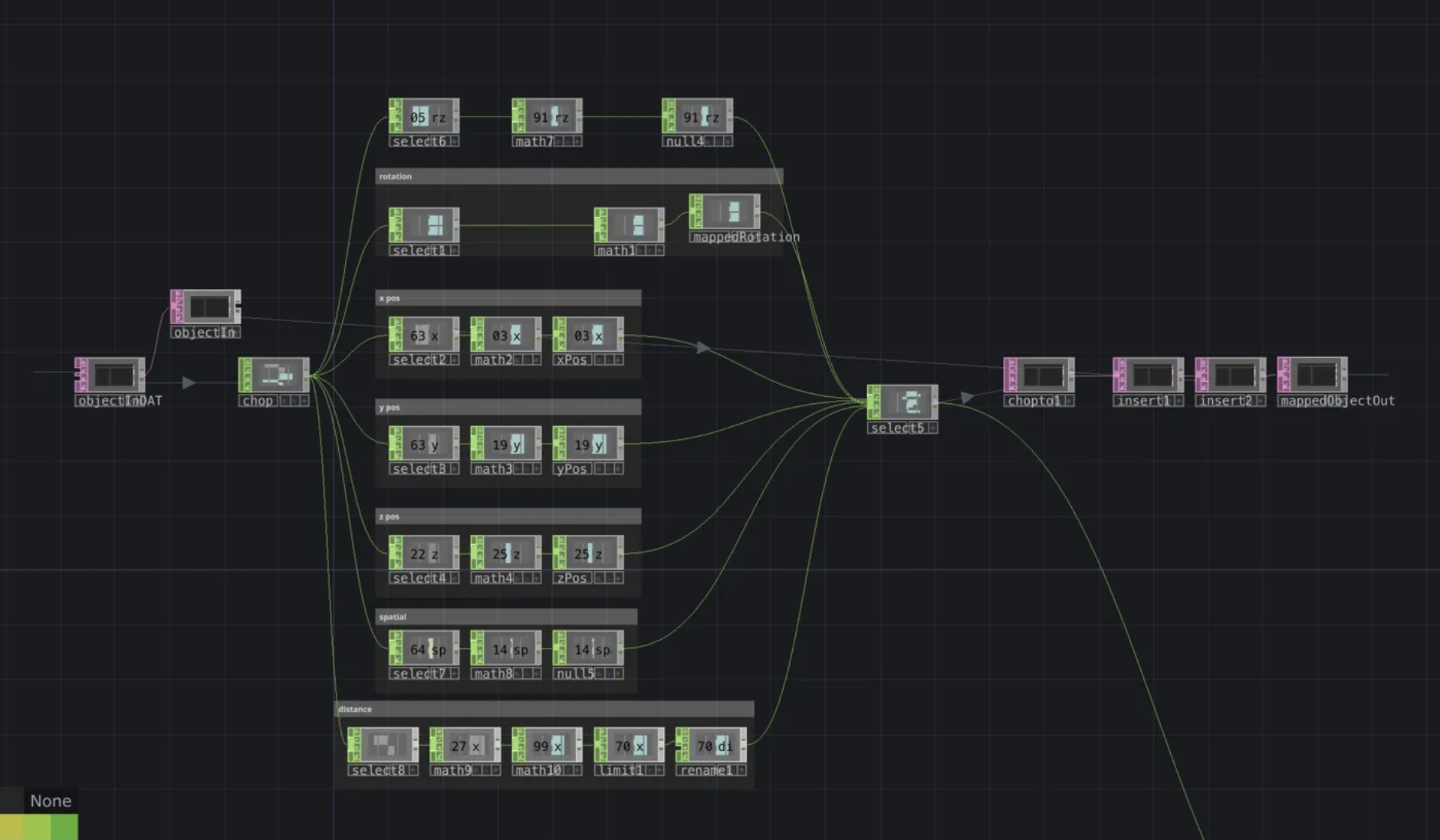
One of these exists for each of the five instruments. They all have the same shape but different numbers, because each instrument’s mapping was tuned separately.
The network takes one tracked object in, splits its data into channels (rotation, X/Y/Z position, spatial angle, distance from center), runs each through a select → math → null chain, and merges the output back out. The math nodes are where the per-instrument tuning happens — where I’d change the trumpet’s Z mapping from “0 to 5 meters → 0 to 1” to “0.5 to 1.5 meters → -1 to 1” because that was the height range people actually held it at.
This split maps onto a tension I kept hitting: values that are objectively correct vs. values that feel right. atan2 and distance from center are pure math — one correct answer, no tweaking. But “how high is high?” or “what velocity counts as a drum hit?” depend on how people actually hold a paper-mache instrument, and have to be found empirically: playtest, watch, adjust the threshold, repeat. So the math-is-math logic lives in Python where it’s easy to trust, and the feel-based numbers live in nodes where every value is visible and tweakable. When we tuned for rehearsal, nobody needed to touch Python — they edited node parameters.
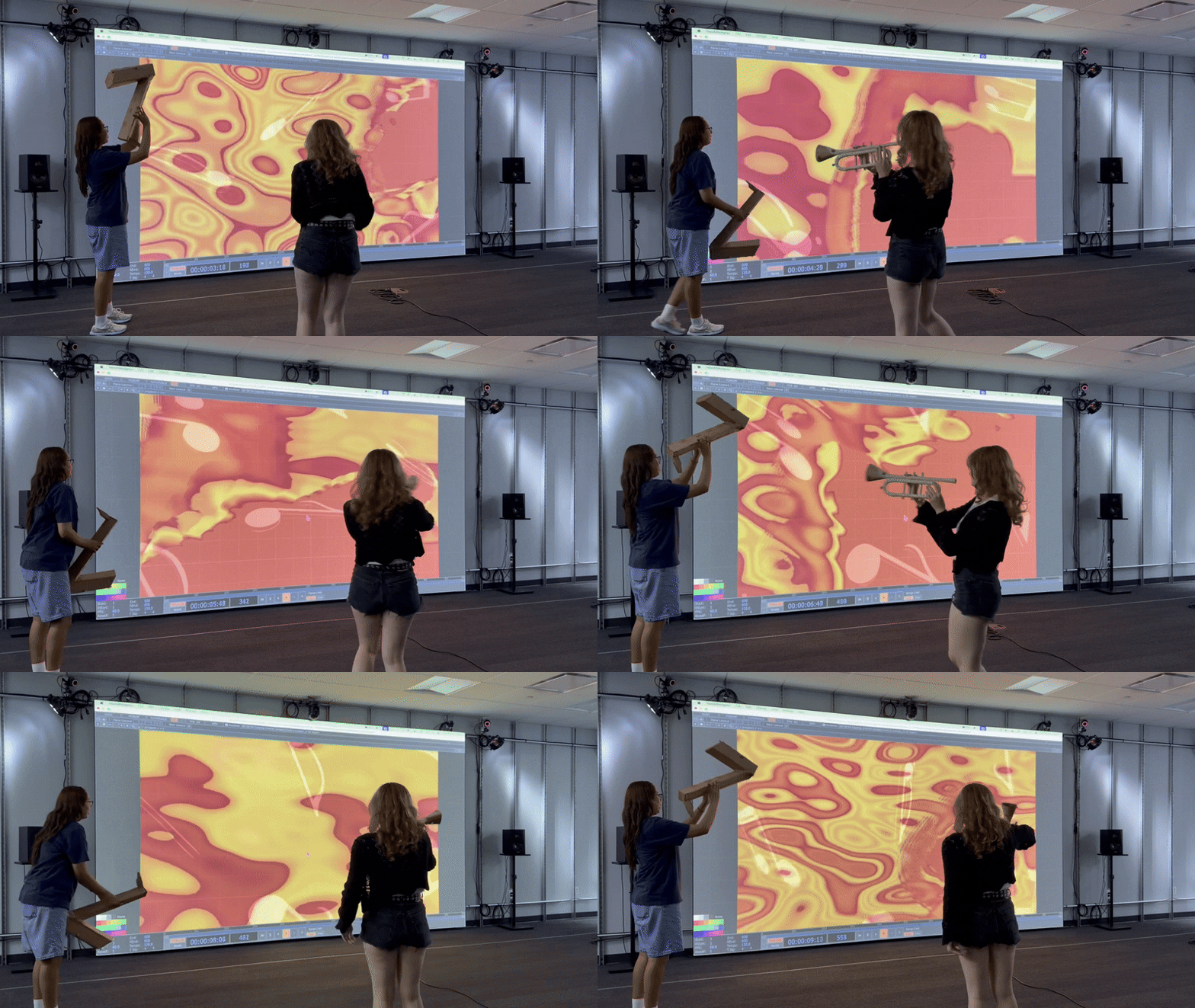
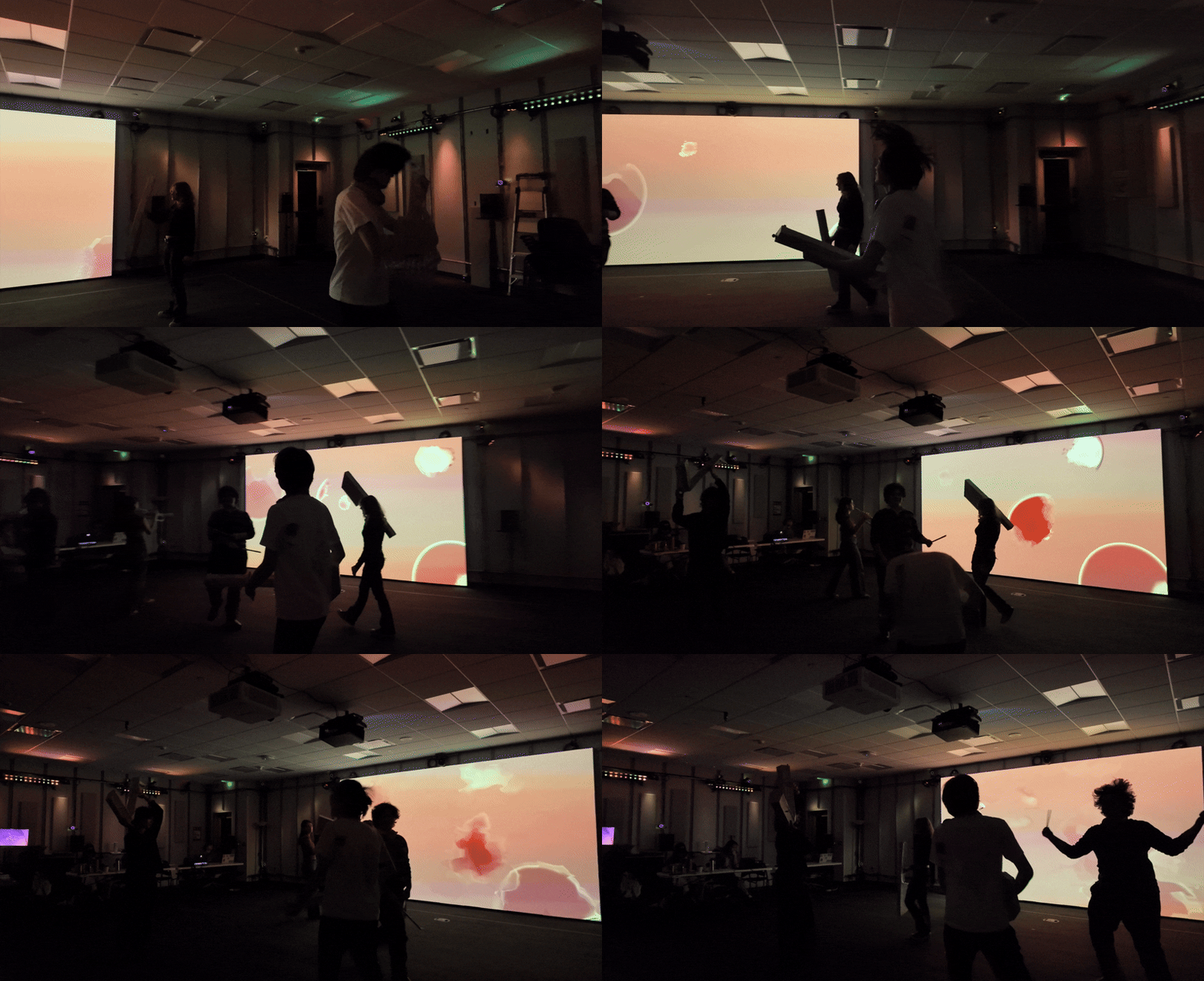
While Jovanna took the lead on the specifics of the visual mapping work, I built the structure and refined the values, figuring out what ranges actually felt responsive for each visual, and what subtleties each instrument’s data wanted to express. This system worked really smoothly, especially as we playtested and discovered that instruments are held different ways: a trumpet will typically be held higher than a bass, but that shouldn’t mean the trumpet is blasting and the bass is almost silent in the height-to-gain mappings.
The Two-Stream Split
Here is the higher-level node view, showing the per-instrument mappers feeding into the two separate output streams:
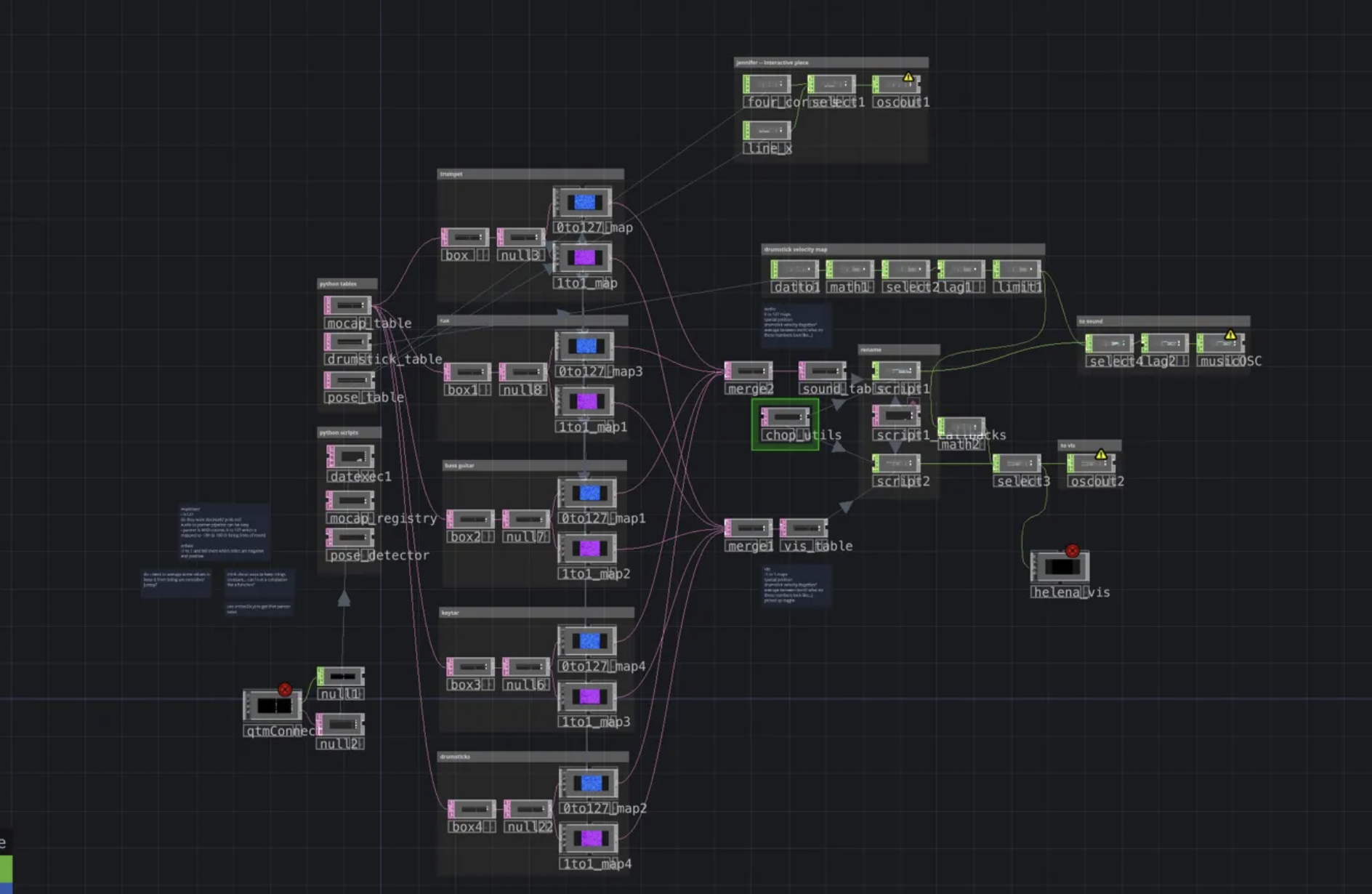
The same source table (the Python output) gets routed through two parallel mapping chains. One goes through a 0to127_map and produces MIDI-scaled values for Ableton. The other goes through a 1to1_map and produces normalized floats for visuals. Both streams end at a chop_utils script that converts the table into CHOP channels, which then get sent out over OSC.
The chop_utils script is short and does one job — turn a table DAT into a CHOP with meaningfully-named channels:
def datToChops(scriptOp, dat):
  scriptOp.clear()
  params = [dat[0,c].val for c in range(1, dat.numCols)]
  for r in range(1, dat.numRows):
      name = dat[r, 0].val
      for ci, param in enumerate(params):
          chan_name = f'{name}_{param}'
          chan = scriptOp.appendChan(chan_name)
chan[0] = float(dat[r, ci + 1].val) 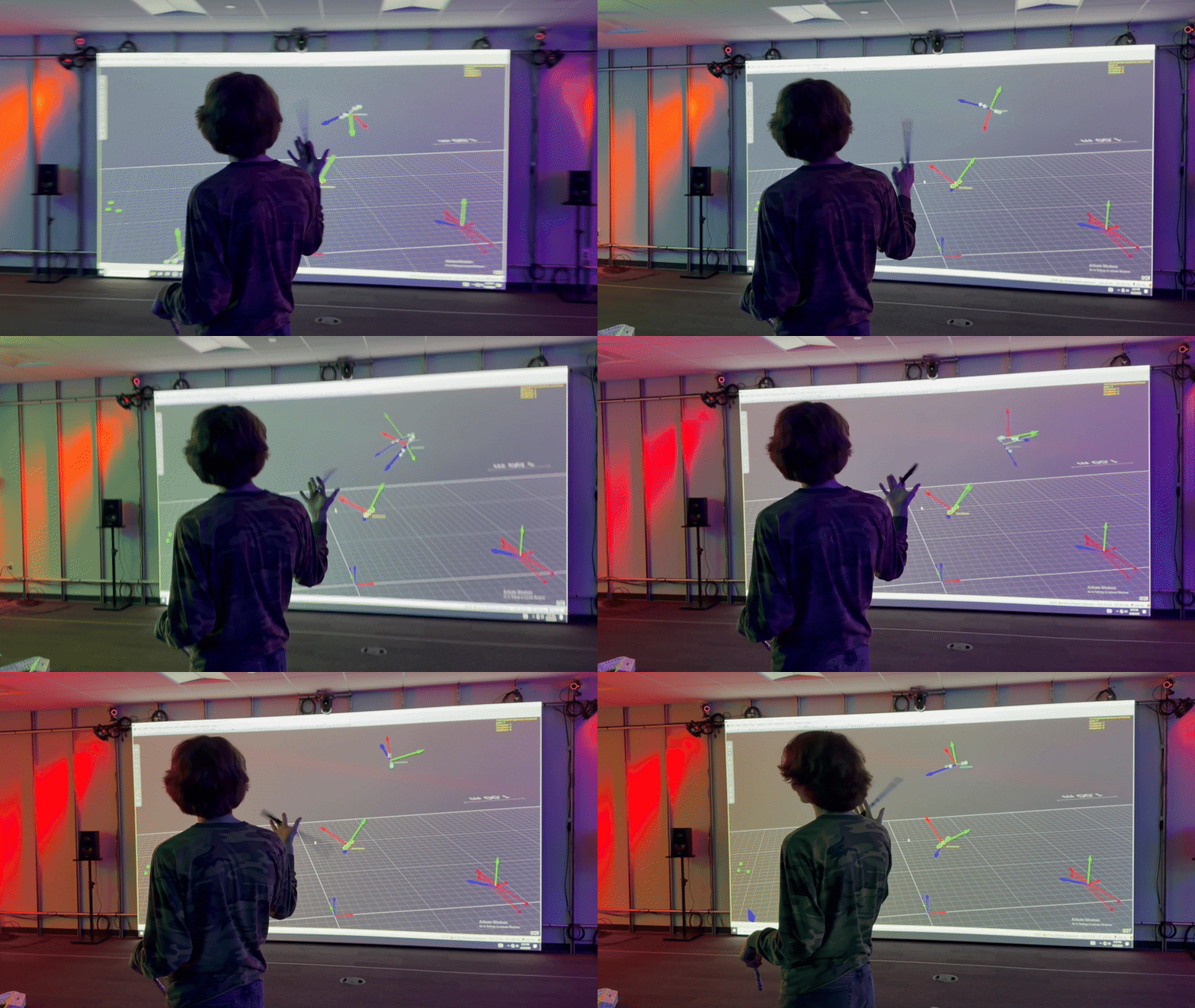
So if the table has a row drumstickone with columns x, y, z, velocity, the CHOP ends up with channels named drumstickone_x, drumstickone_y, drumstickone_z, drumstickone_velocity. From the downstream artist’s point of view, these channels are the API. They don’t need to know anything about the table, the registry, the Python, or the mapping nodes. They just patch drumstickone_velocity into whatever they want it to control.
Chataigne: Crossing the Machine Boundary
Ableton was running on a different computer than TouchDesigner, and Ableton doesn’t speak OSC directly — it wants MIDI. So between my machine’s OSC output and the composers’ Ableton session, we needed a translator.
Chataigne is built for exactly this. It listens for OSC on one side, maps each address to a MIDI CC on the other side, and forwards the values to Ableton via a virtual MIDI port. The composers and I would work together to create interactions that work well with the music but also are noticeable to a non-musician, and we would wire that up in Chataigne and MIDI map it to Ableton.
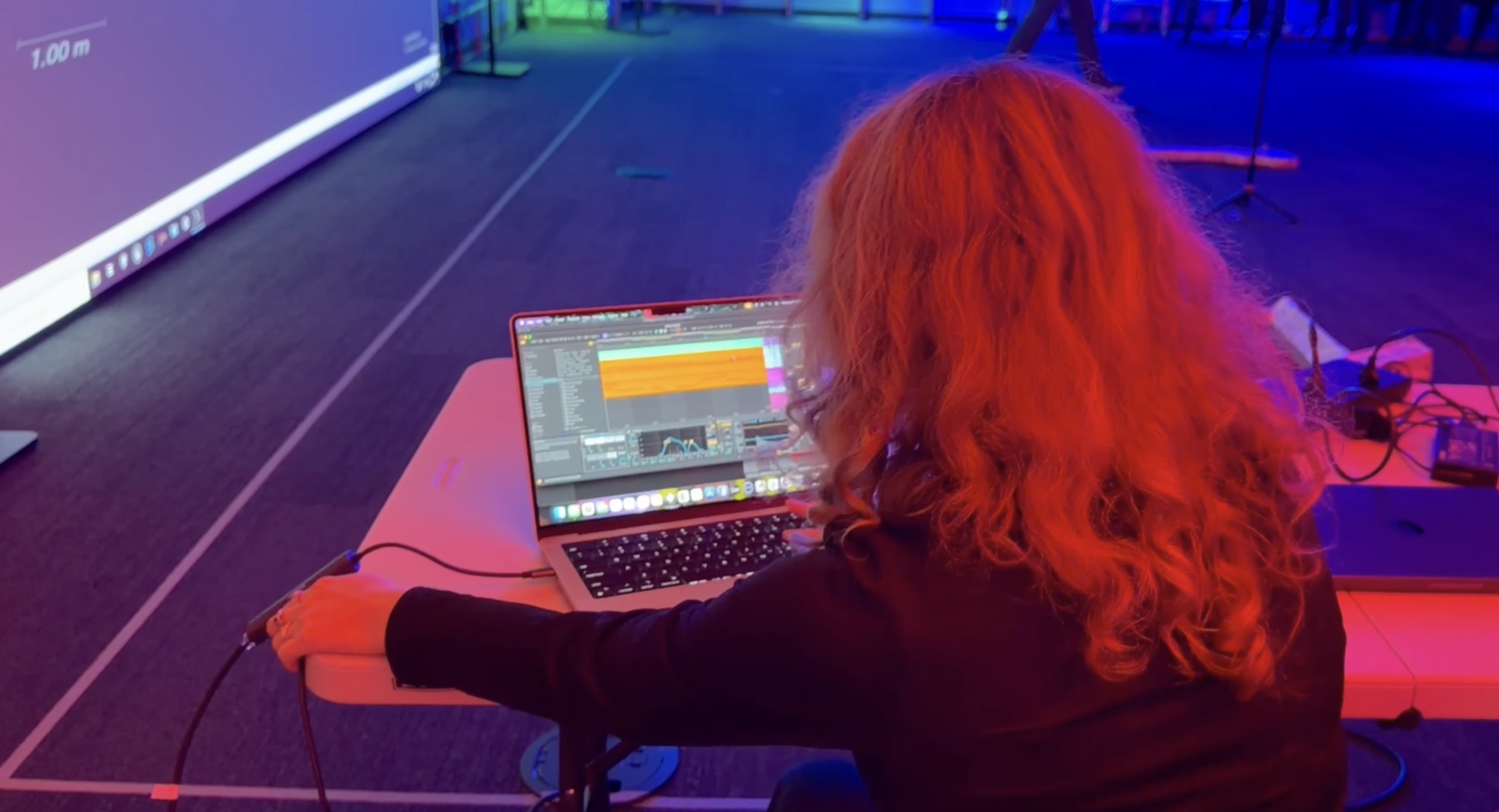
The main thing I had to learn here was MIDI itself. I knew the range was 0–127 and that Ableton could MIDI-map its parameters, but I’d never built anything in MIDI before — CC vs. note messages, how channels work, how Ableton maps incoming CCs. Once we had one instrument working end-to-end (Python → TD nodes → OSC → Chataigne → MIDI → Ableton → sound), the rest was mostly copying the pattern.
The clean thing about having Chataigne in the middle is that the composers could adjust their Ableton-side mappings completely independently of me. If they decided the saxophone’s rotation should control reverb instead of filter cutoff, they just re-mapped the MIDI CC on their side. My pipeline didn’t need to change at all.
Playtest Pivot: Legibility Over Sophistication
Mid-project, we ran an informal playtest with classmates. The system was mostly working — guests could pick up instruments, walk around, and hear their part respond, with visuals running. What we learned wasn’t a technical problem. It was a perception problem.
I had built a small debug visual where circles followed each tracked instrument around a top-down map of the room — a tool to see at a glance what QTM was tracking. It was not the “real” visual. The “real” visuals had subtle mappings: position driving noise parameters and slow color shifts inside a larger generative composition. They were genuinely reactive, but that reactivity was buried in a busy piece.
Playtesters overwhelmingly responded to the debug circles. People watched their circle track their movement, tried to overlap circles with other instruments, picked up an instrument and looked for the circle. The subtle generative mappings went almost entirely unnoticed. When people asked “what am I controlling?” the answer they wanted was “that circle, right there” — and when it wasn’t immediately obvious, they disengaged.
The lesson
The lesson was about perception, not sophistication. A visual that obviously tracks a one-to-one relationship with your movement is instantly readable as “I am making this happen.” A visual that modulates a deep generative parameter is technically more interesting, but if the feedback loop from your body to the screen isn’t fast and obvious, you don’t perceive yourself as controlling anything. And if you don’t feel in control, you don’t engage.
The system itself didn’t change. The visual mapping strategy did. The team leaned into clearer cause-and-effect — big shapes that followed guests, scale tied to velocity, color shifts on pose triggers — keeping the subtle generative stuff as background texture. We also made the pose detections easier to trigger: a cat animation that popped up when you stood in a line became a cat that moved with you in line.
This was one of the most useful things I took from the project. I went in thinking of the pipeline as a technical problem (how do I get data from A to B reliably?) and came out thinking of it as a perception problem (how does a guest know their body is driving this?). The answer involves the pipeline, but it’s not about the pipeline.
Reflections
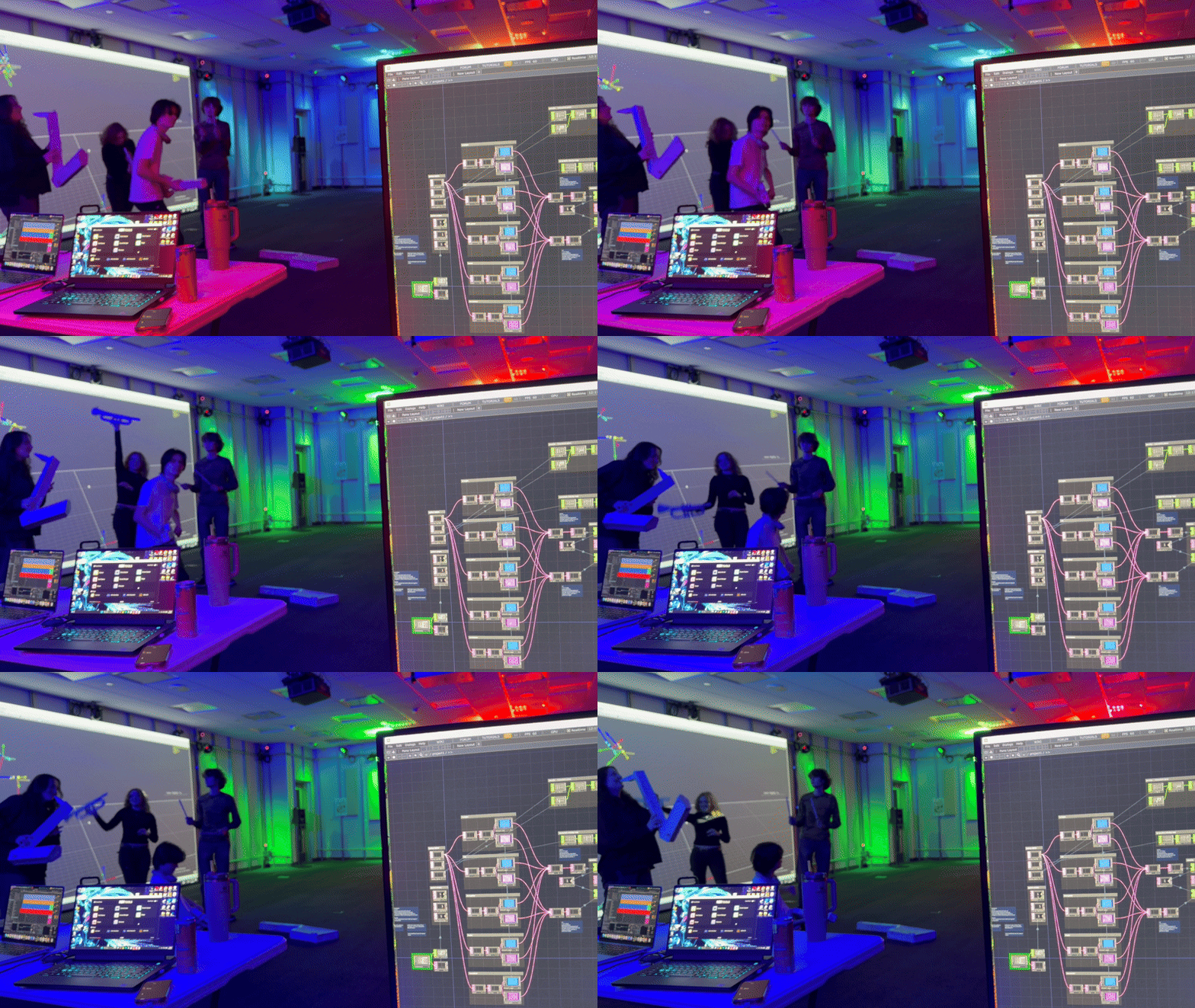
Working on Maestro! taught me that being the systems person on a creative collaboration is a specific kind of role: you’re not making the art, you’re making the art makeable. Success isn’t “did I build something impressive” but “did everyone else get to spend their time on their own craft instead of fighting the tools.” I’m proud of how clean the handoff ended up being — by the end, composers worked entirely in Ableton and visual artists entirely in TouchDesigner with named CHOP channels. Nobody needed to touch my Python or understand the QTM side. The pipeline just worked.
This project also made clear that I really enjoy this kind of work: the translation-layer, make-the-data-useful, sit-between-the-artists-and-the-sensors kind of work. It’s half engineering and half design — building for creative collaborators who have their own tools and ways of thinking, and meeting them where they are.
What’s next: I want to build this into something more general-purpose. The pipeline is tuned for one performance, but the underlying architecture — a mocap registry in Python, per-object mapping components in TouchDesigner, a two-stream split for different consumers — is reusable. I’m interested in a version that drops into other mocap-driven installations without rewriting the guts each time: closer to what my Captury Toolkit became for Unity, but for TouchDesigner and marker-based tracking. I also want to keep pulling on the legibility lesson — that the instinct to make things sophisticated can work against the instinct to make things interactive.