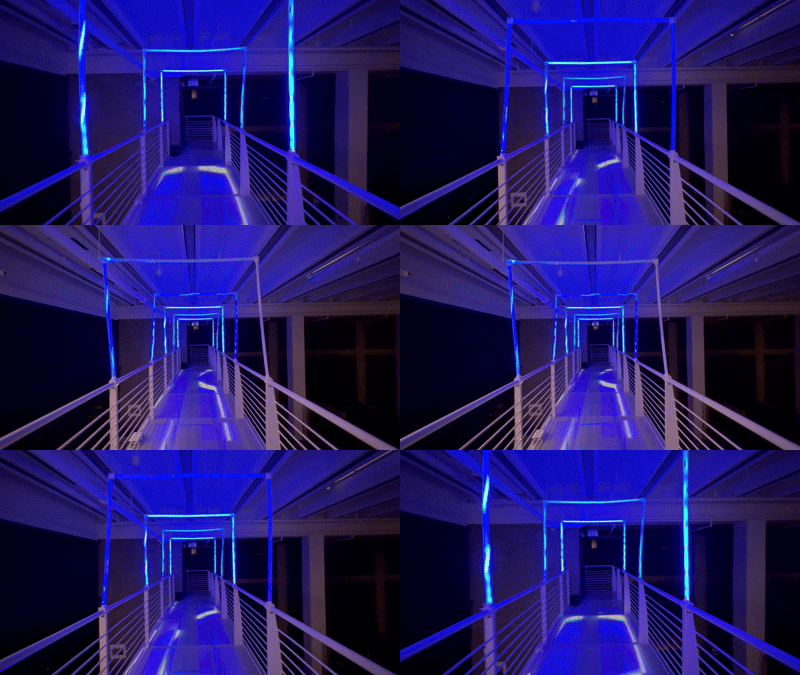
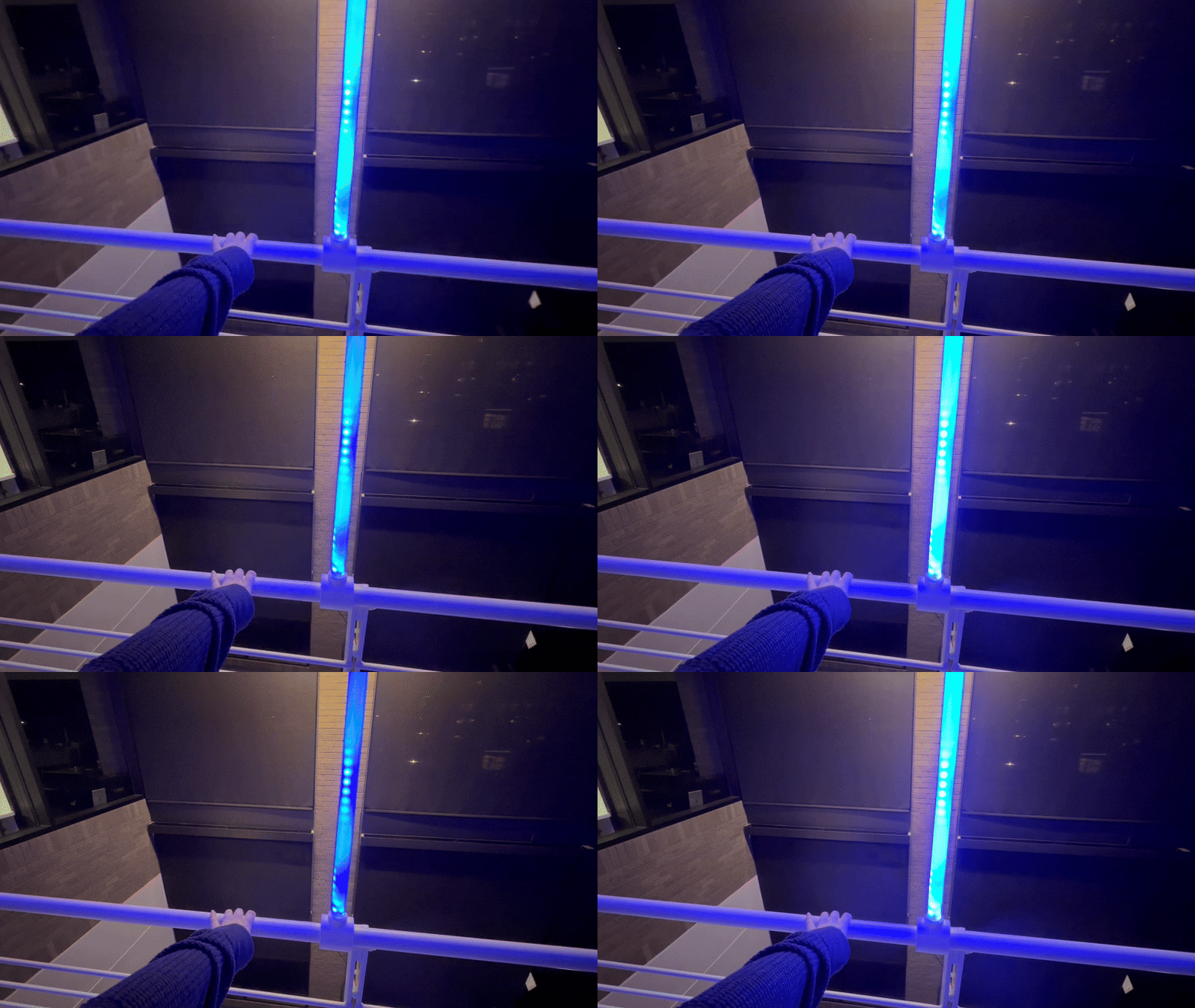
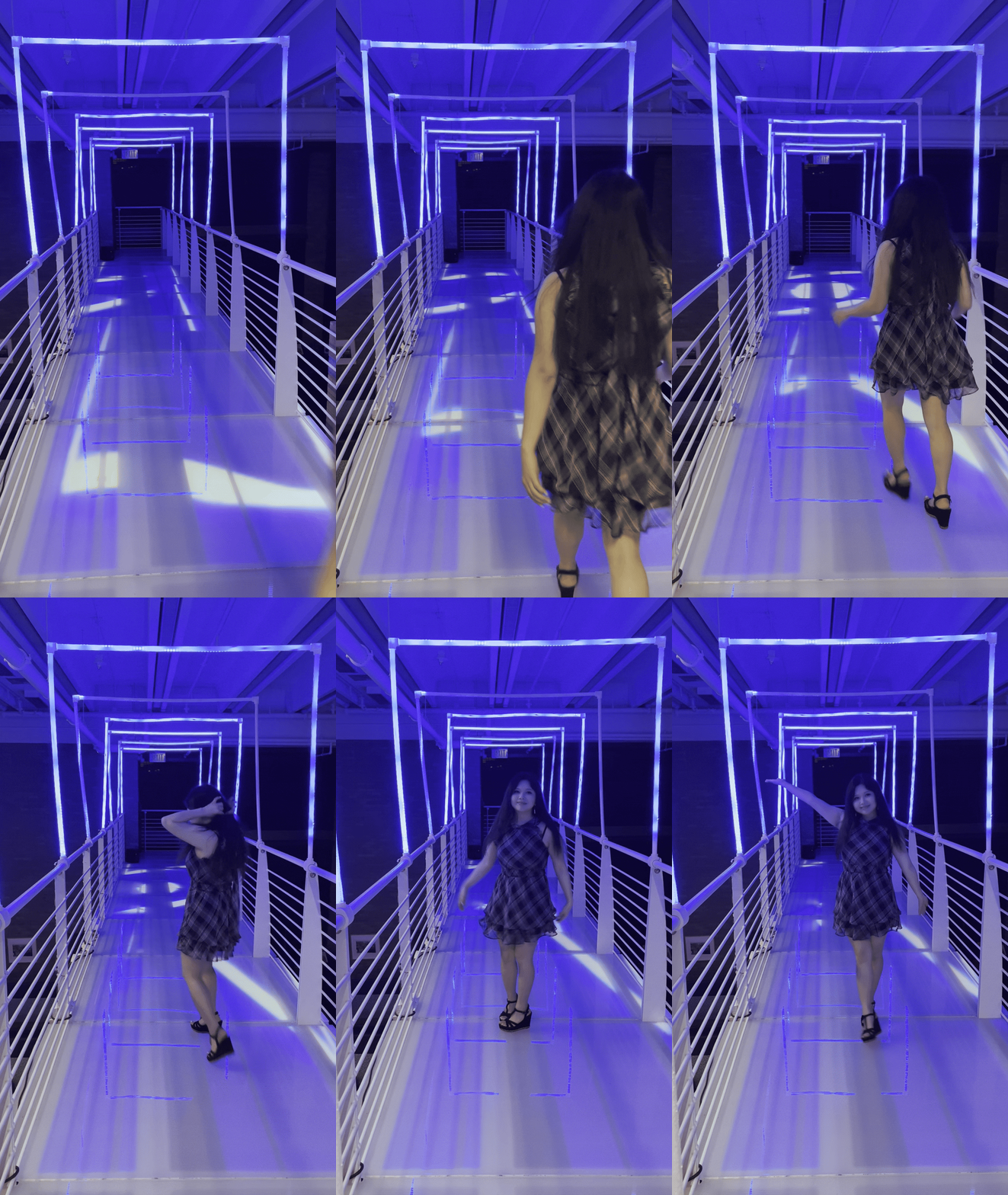
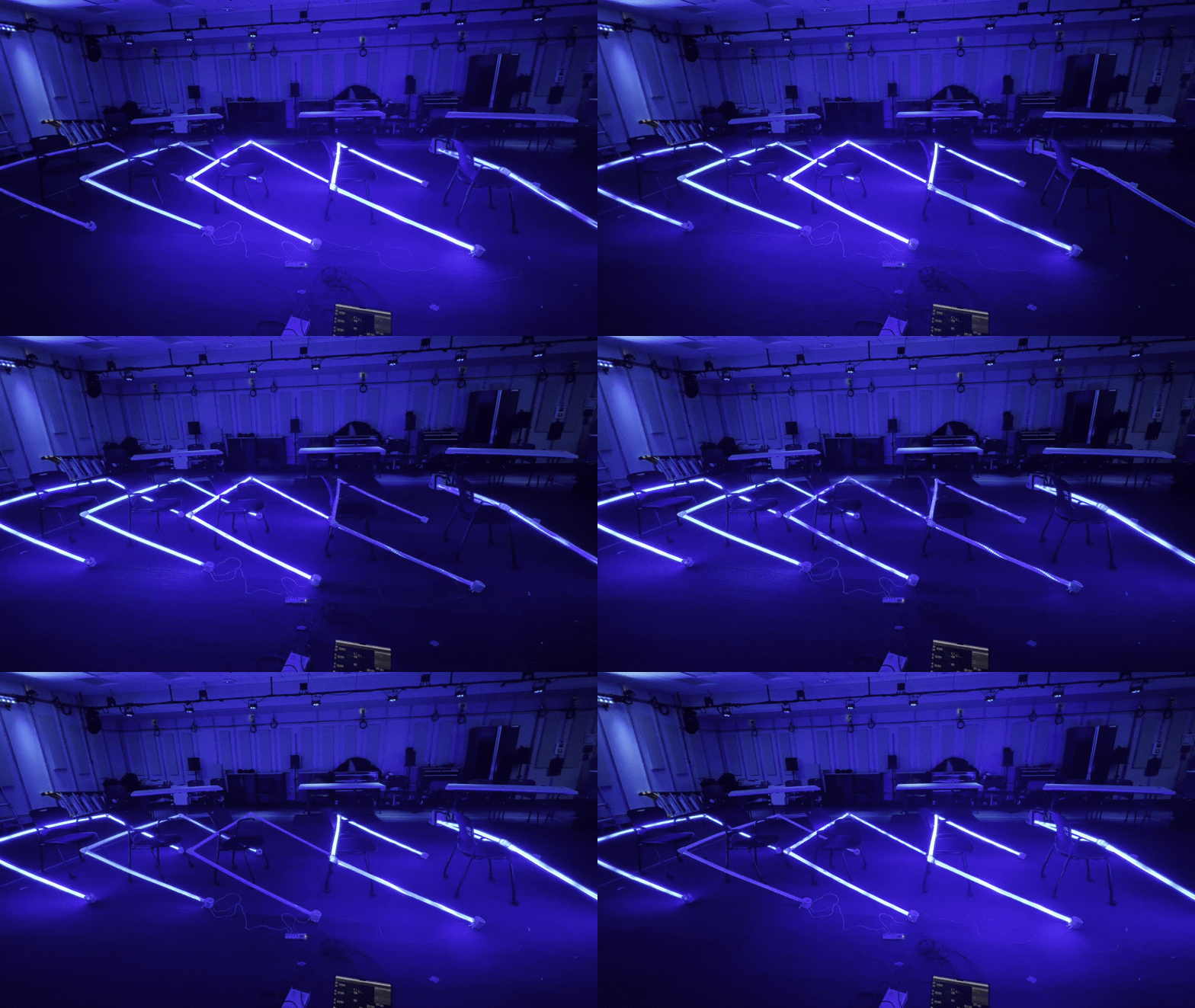
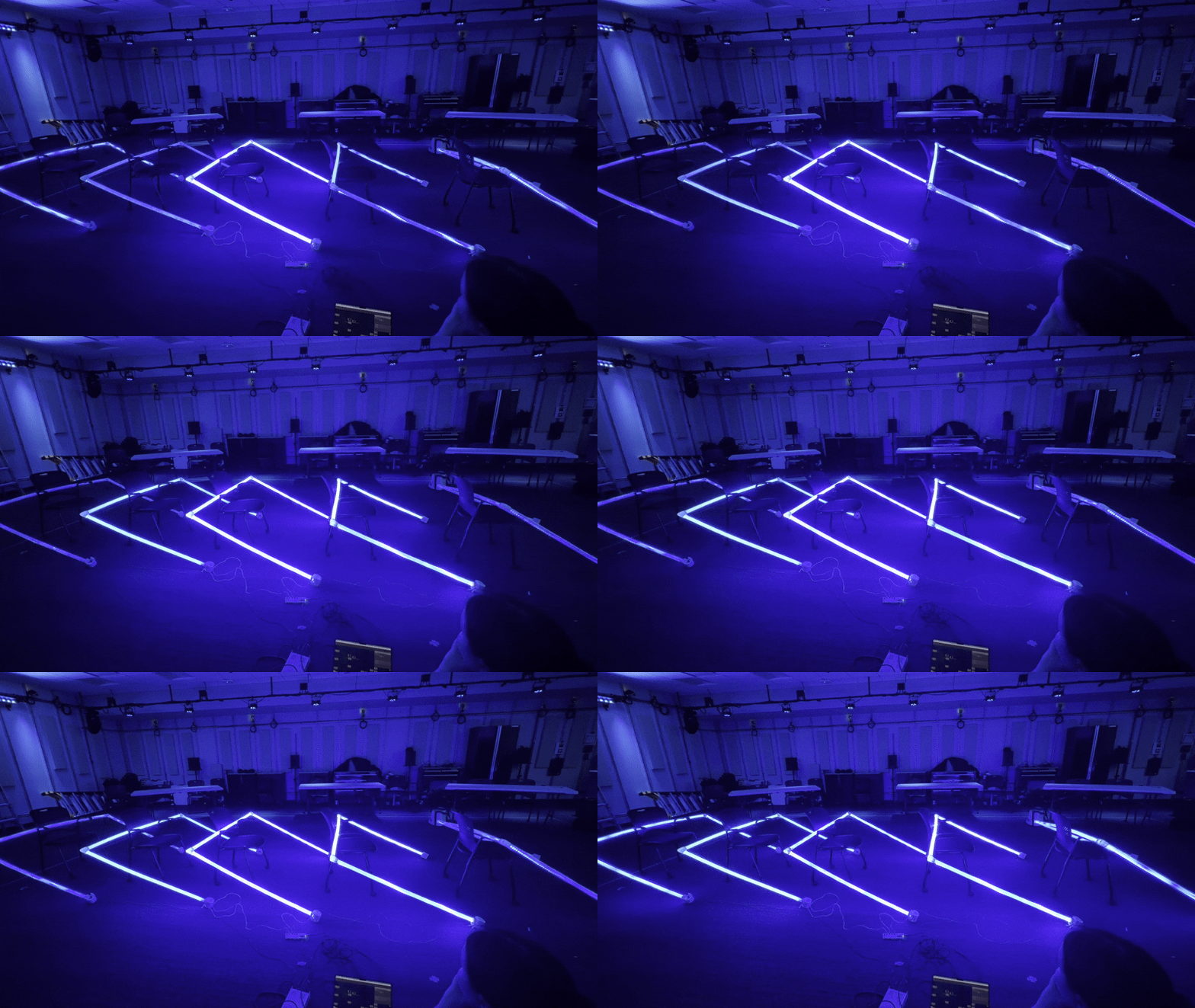
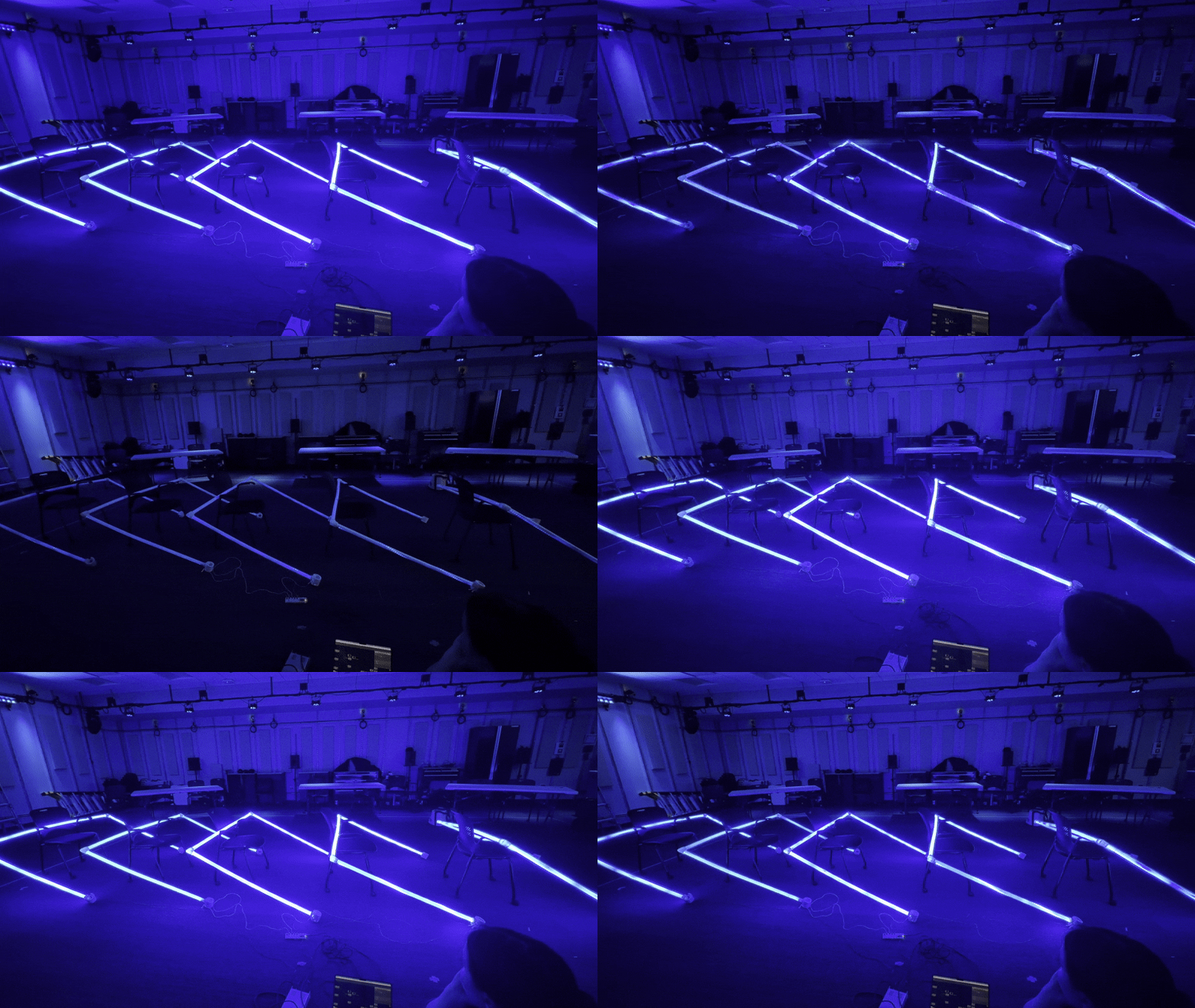
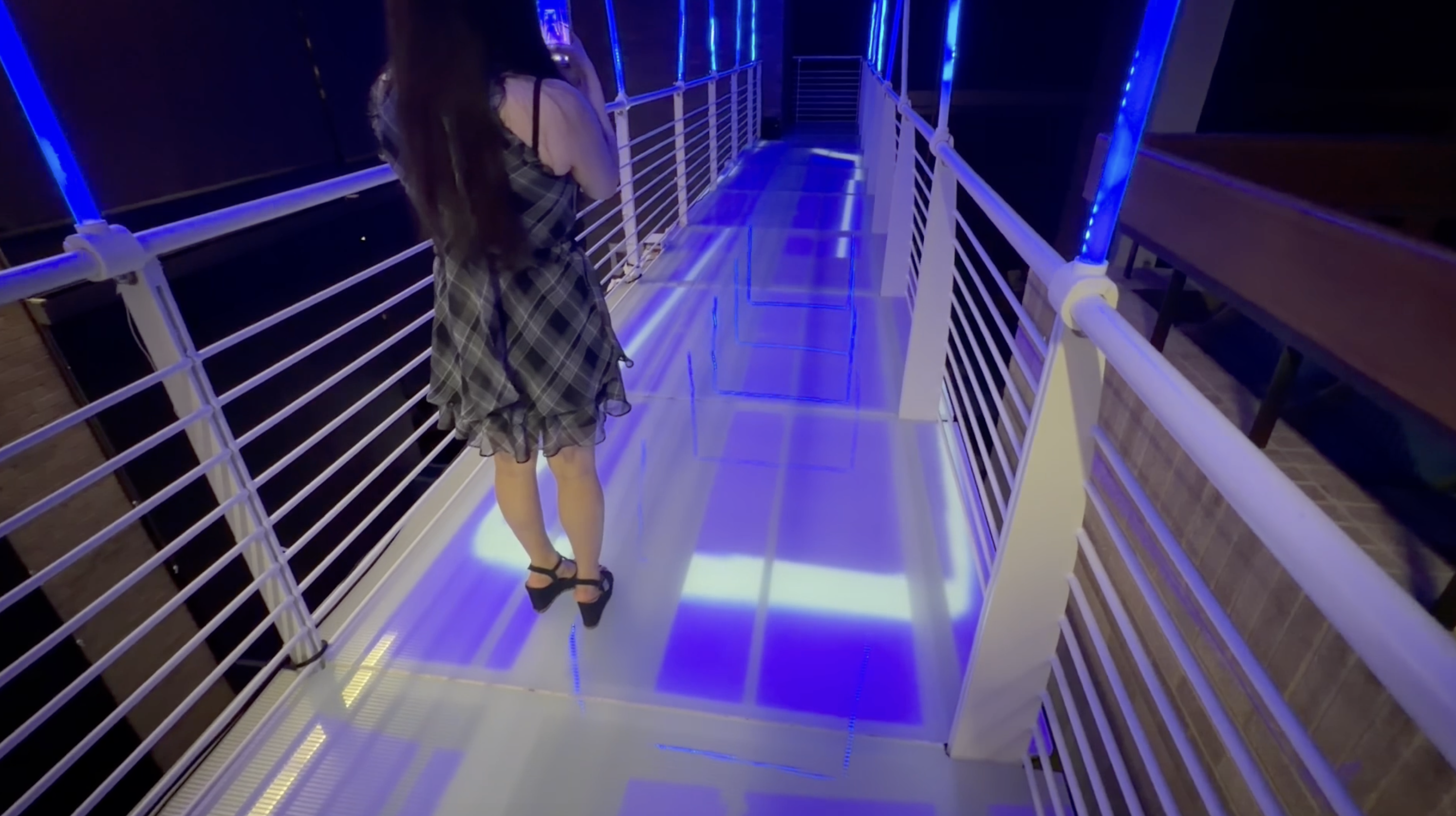
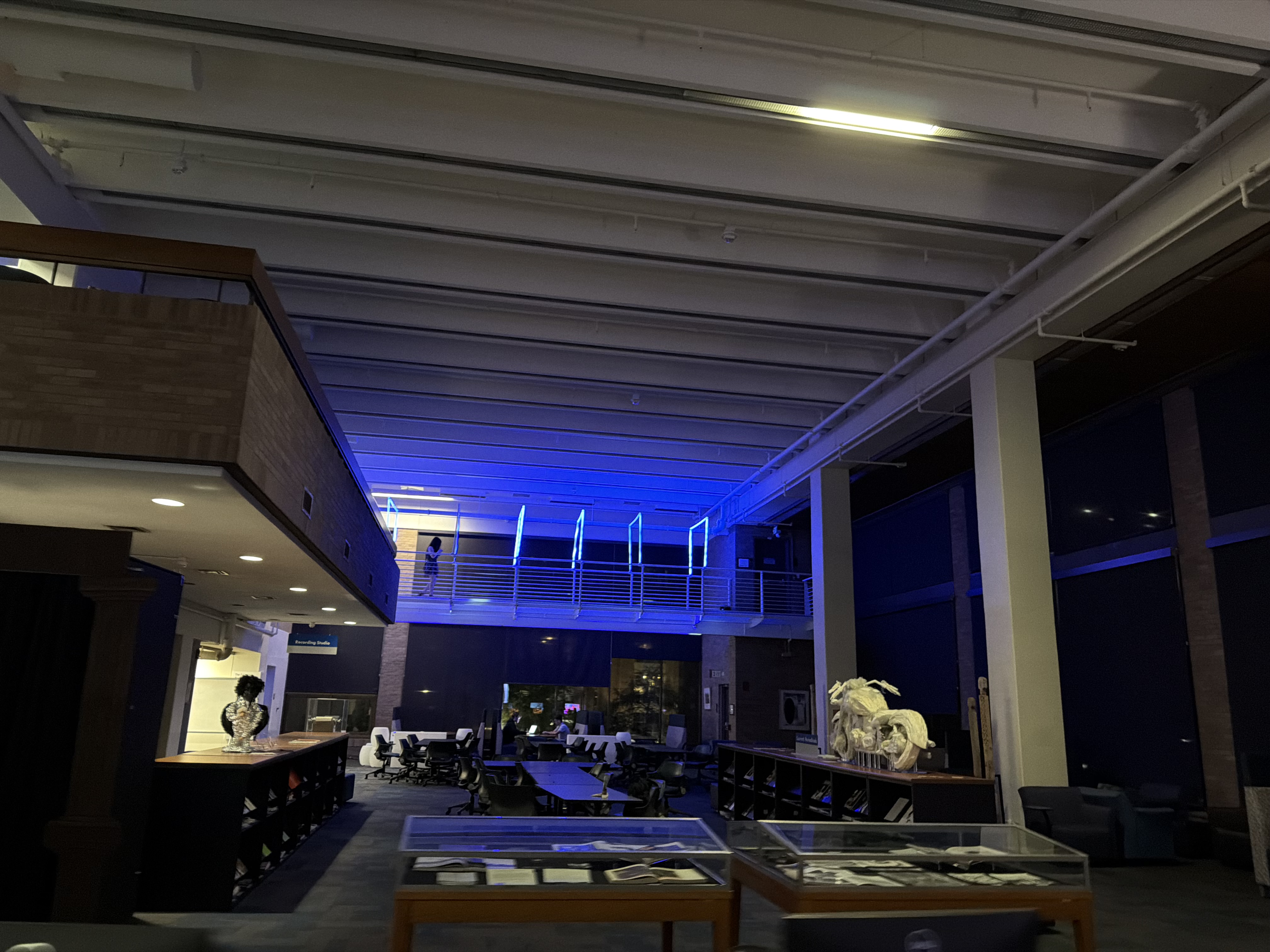
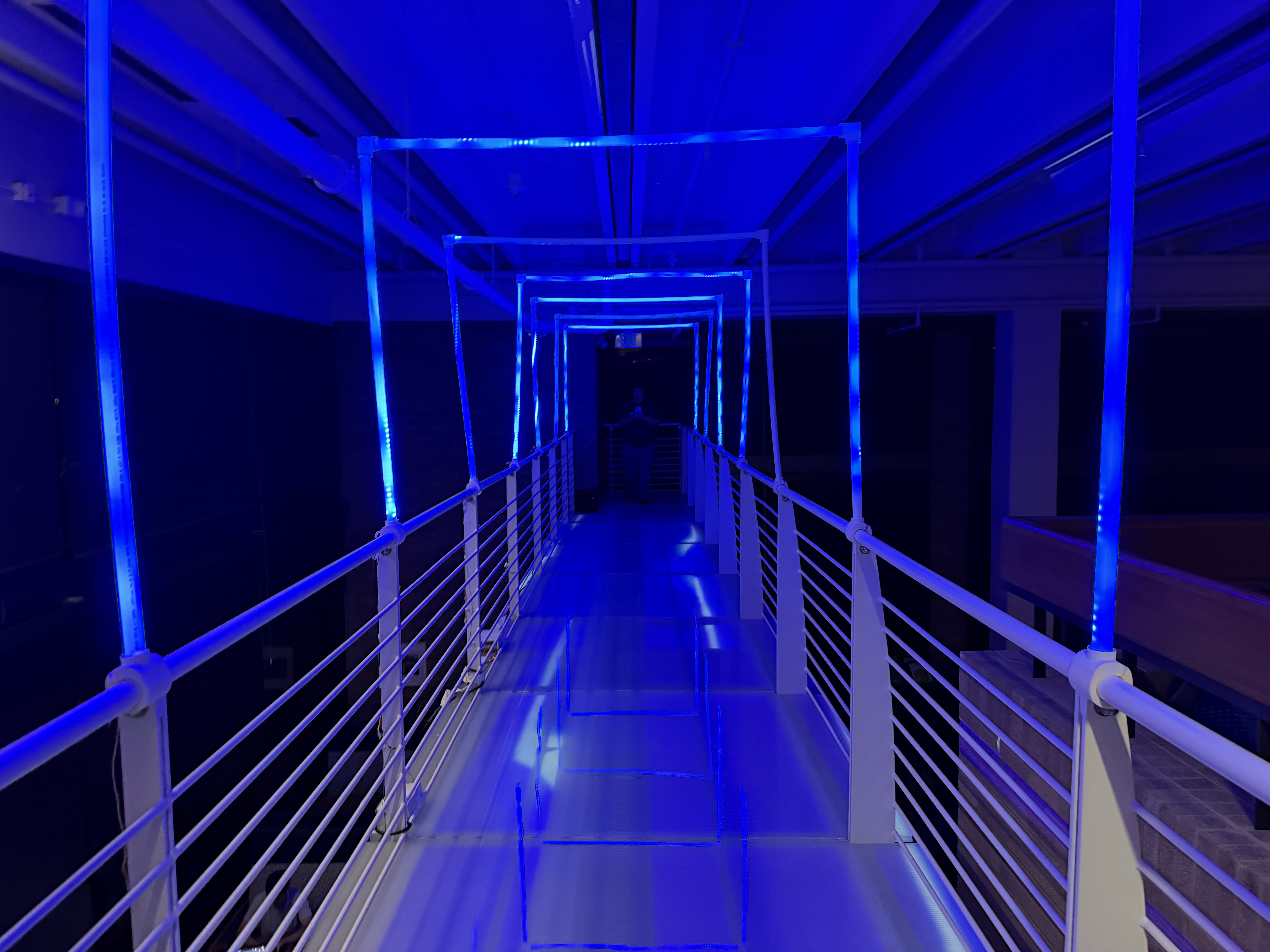
An interactive light and sound installation on the 4th floor exit bridge of the Doty Fine Arts Building. PIR sensors detect movement across seven PEX arches, triggering reactive LED lighting, sound, and projection, transforming a forgotten passageway into an immersive experience themed around water and movement.
RoleTeam Lead, Systems Architect, Wiring & Integration
Helena BjeletichLead / Systems Architect / Wiring & Integration
Wesley KuykendallTech / Addressable LED
Emily AnguianoFabrication & Art
Lois HuhProjection
Heather KimSound & Content
The Bridge Nobody Uses
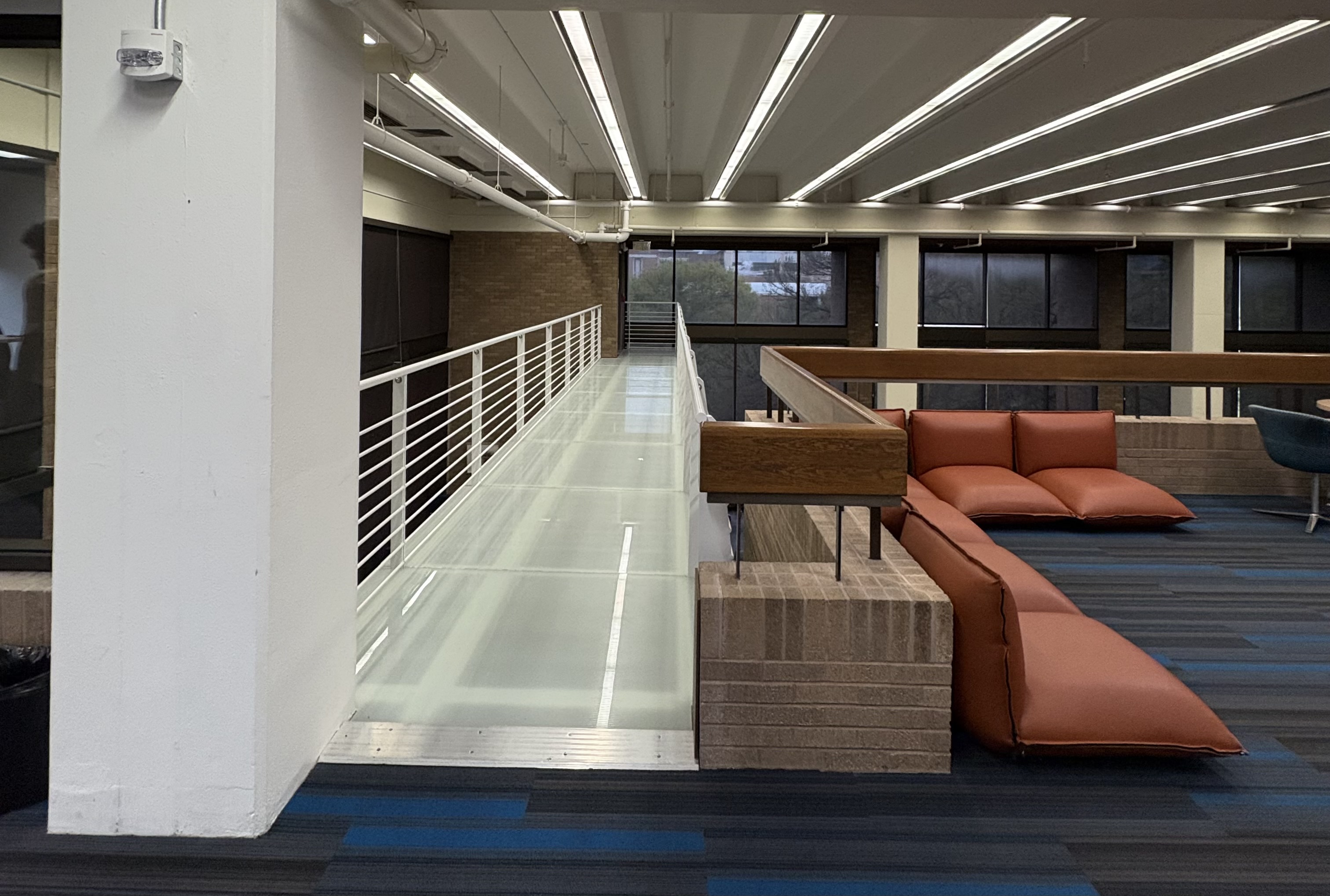
The 4th floor of the DFA building has an emergency exit bridge: a glass-floored walkway that students walk past every day without ever stepping onto. It's always open, always empty, and always ignored.
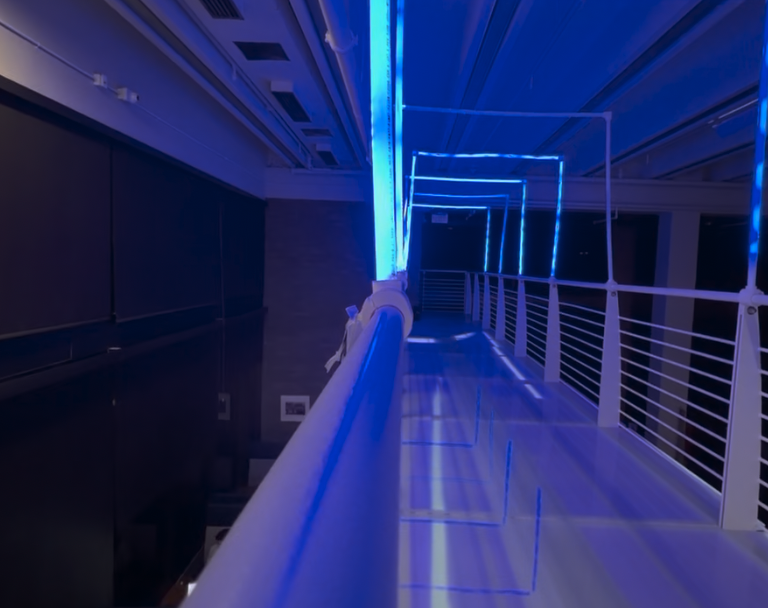
We set out to change that. For the AET Amplify showcase, seven PEX arches would line the walkway and respond to visitors with light and sound, while projection from below cast visuals through the glass floor. The bridge would feel alive.
As team lead, I delegated each domain — projection, LED lighting, fabrication, sound — to a team member who would own their piece. My job was designing how all the systems connected and handling the one thing nobody else could take off my plate: making the bridge itself a legal, viable location.
The Constraint
The bridge is a fire exit. That one fact shaped every decision we made. I was responsible for clearing our installation with the building manager and fire marshal, writing a formal fire safety and building compliance proposal that addressed UT's SOP for temporary decorative lighting, rule by rule.
Key Fire Safety Constraints:
Every pathway had to remain fully clear
Nothing could hang lower than seven feet from the ground
All elements had to stay at least 18–24 inches from sprinklers and overhead pipes
Nothing could enclose the bridge or obstruct exit paths
Every attachment had to be temporary — no permanent modifications
We designed custom 3D-printed brackets lined with felt to clamp onto the railings without scratching them.
A lot of what we originally wanted didn't survive this process — hanging translucent PEX pipes beneath the bridge, fabric elements. Each time something got removed, we evaluated whether the remaining piece still held together.
It always did, because the core was always the arches. The constraints ended up focusing the piece.
Technical Architecture
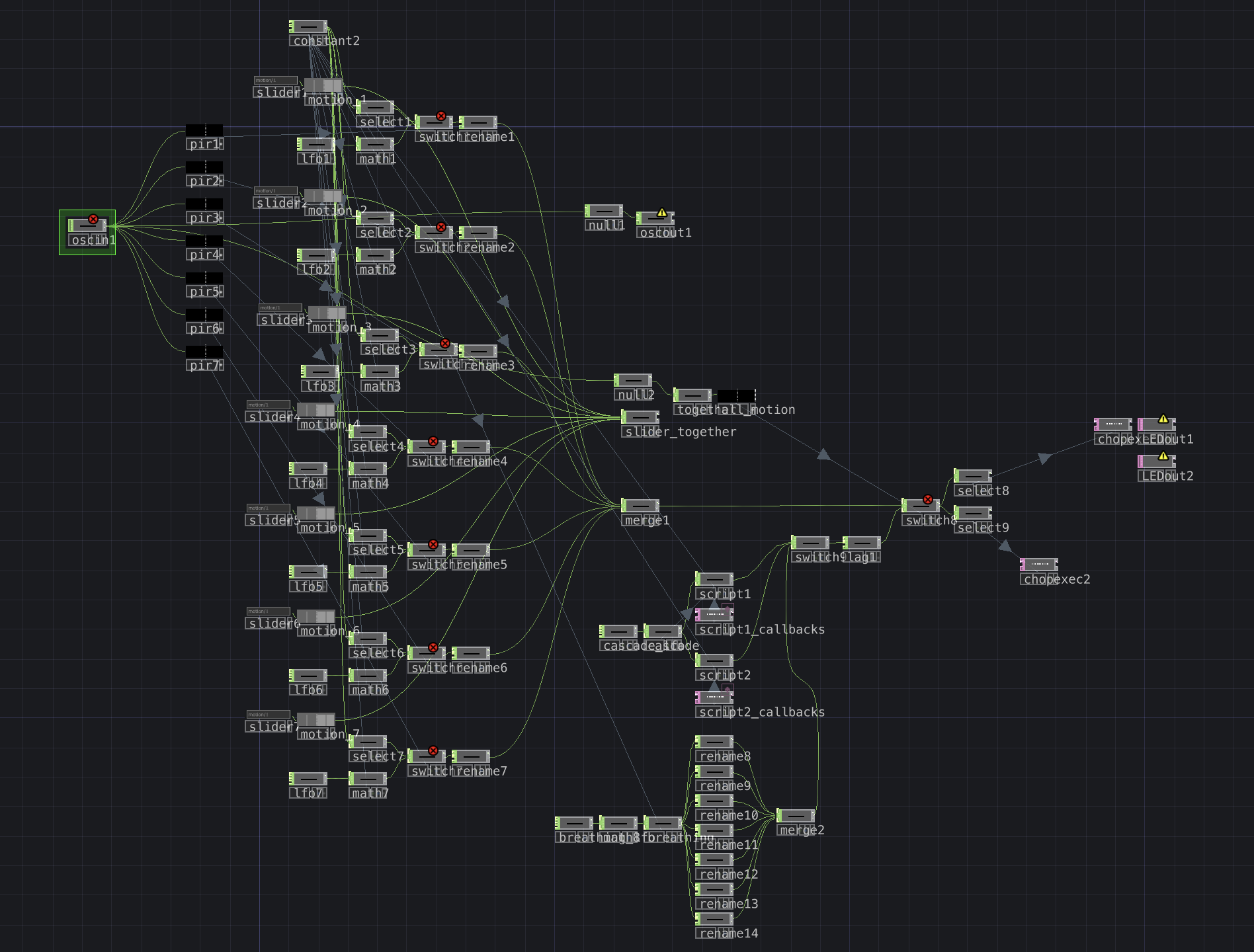
Flow runs on two laptops communicating over OSC. The upstairs laptop handles LED lighting control and sound in TouchDesigner. The downstairs laptop handles projection, also in TouchDesigner. Sensor data flows up, creative decisions happen in software, and commands flow back out to the hardware.
PIR Sensors (7)
→ ESP32 Boards (2, one per side)
→ WiFi/OSC → TouchDesigner (Upstairs Laptop)
→ OSC Out → ESP32s → MOSFETs → Arch LEDs
→ OSC → TouchDesigner (Downstairs Laptop) → Projection
→ Sound output mapped to sensor activity
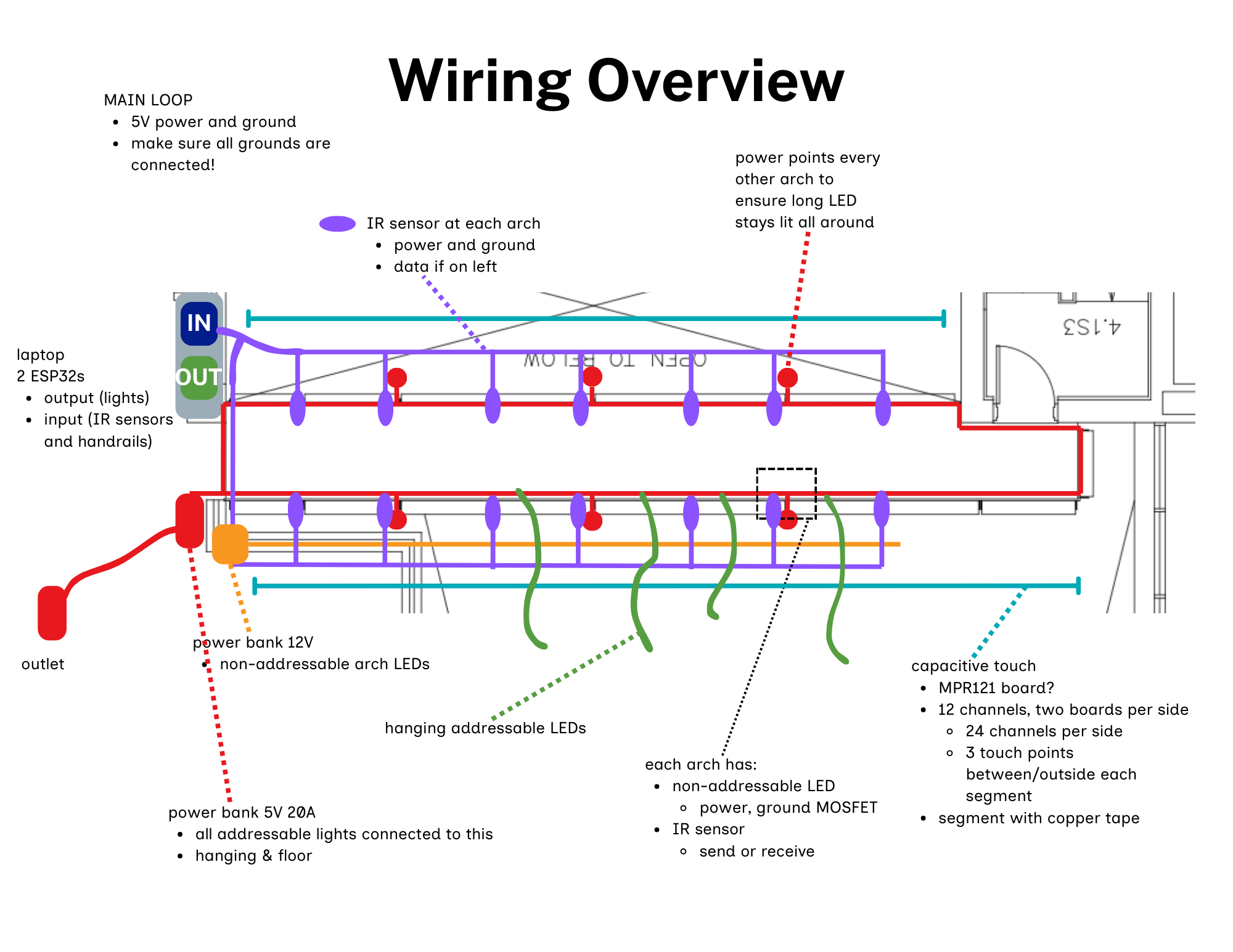
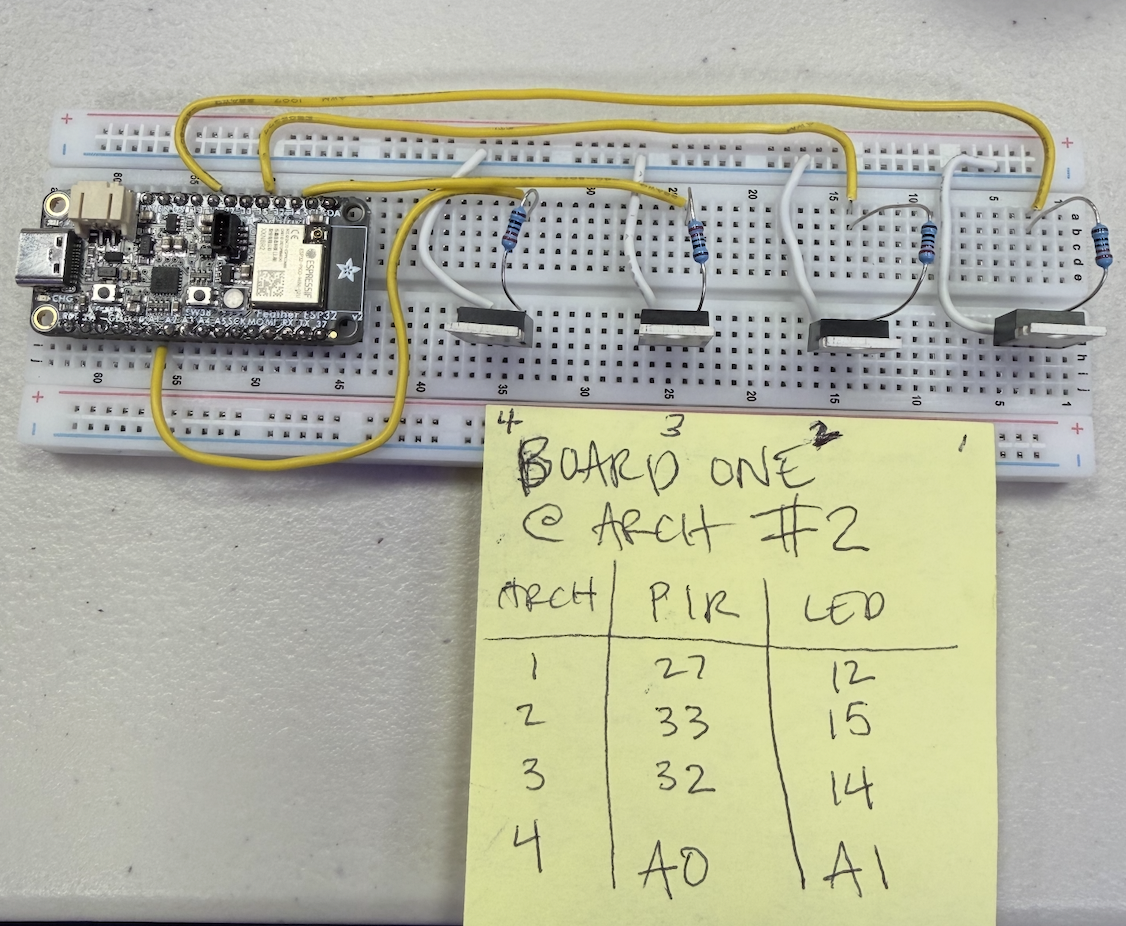
Each arch has a PIR motion sensor and a strip of non-addressable LEDs. Two ESP32 boards (one per side of the bridge) read sensor states and send them to the upstairs laptop over OSC, then receive brightness values back from TouchDesigner to control the LEDs via MOSFETs.
The Wiring Problem
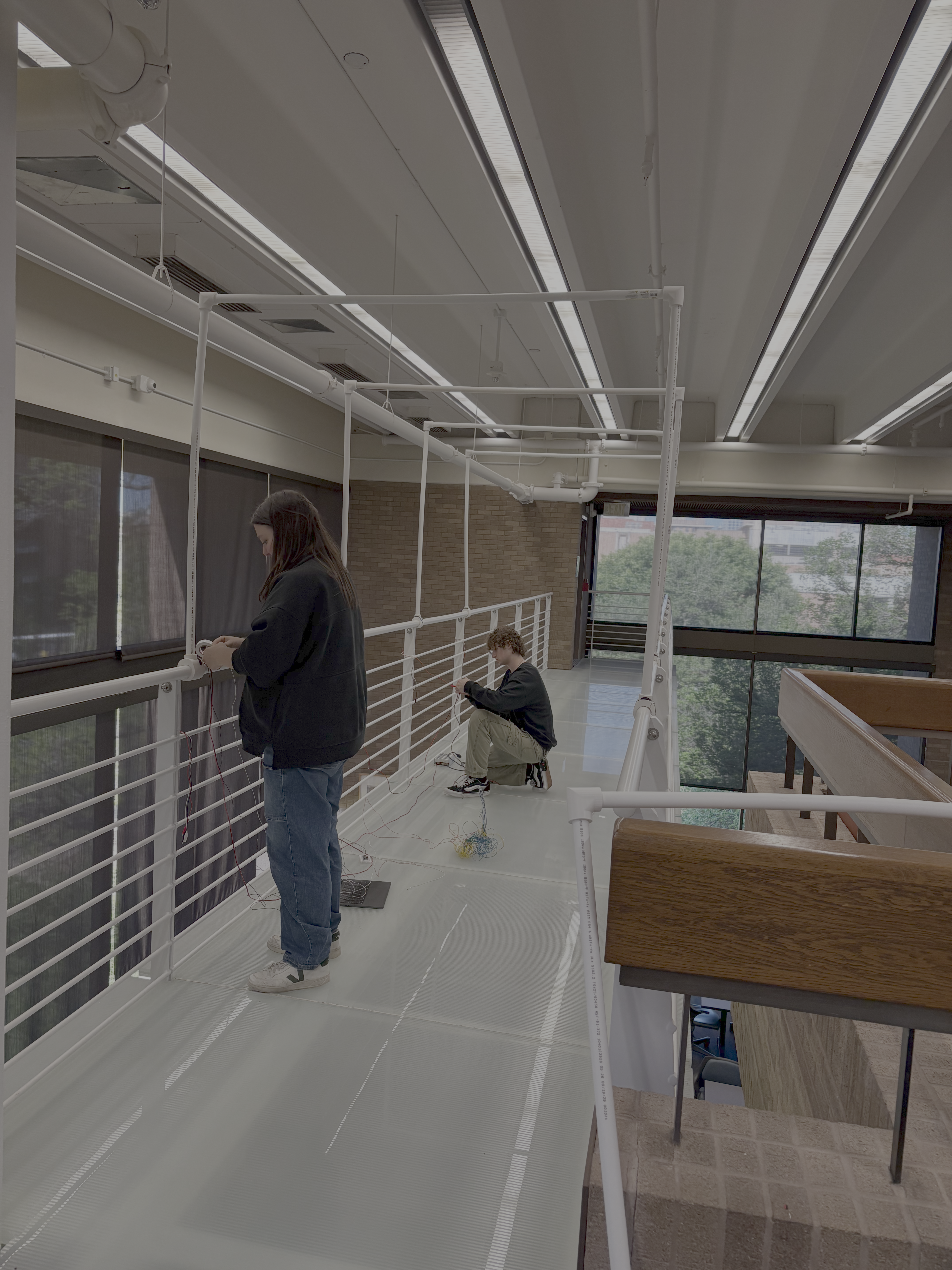
Wiring was the hardest part of this project. Despite designing the arches to be as modular as possible — PEX frames with 3D-printed connectors that could be assembled and disassembled — every setup still required an enormous amount of wiring by hand.
Power Architecture
The bridge has almost no outlets. We settled on a single 12V power supply as the backbone — LED strips run directly off 12V, while a buck converter steps it down to 5V for the ESP32 boards and sensors. Everything on the bridge runs from one supply.
MOSFET Control
Each arch's LED strip runs through an IRLZ44N MOSFET that acts as an electronically controlled switch. A GPIO pin on the ESP32 sends a PWM signal to the gate, controlling brightness per arch. Seven arches, seven MOSFETs, seven GPIO pins.
The Ground Bug
One common ground was essential. The 12V supply ground, the 5V buck converter ground, and the ESP32 ground all had to be tied together, or the MOSFET gate signals wouldn't read correctly.
This was one of the first wiring bugs I hit: plugging in an LED's ground to the MOSFET would kill the board, because the grounds weren't shared. Once I connected them, everything worked.
The ESP32 Pivot
Originally, we were using Arduinos — which meant USB cables running the length of the bridge and every sensor wiring back to those endpoints. Midway through the project, our lighting team member Wesley introduced ESP32s for his addressable LED setup using WLED over WiFi. ESP32s could communicate wirelessly over OSC, so the boards could sit on the bridge itself, hidden behind the arches. We switched, and the wiring footprint dropped dramatically.
Next time: one ESP32 per arch. That would make the system truly modular — each arch as a self-contained unit that only needs a power connection. Plug in, connect to the network, done.
Pivoting Under Pressure
Less than a week before showcase day, our sensor package was stolen. We had ordered IR break beam sensors — accurate, reliable, and already tested. With no time to reorder, we tracked down seven HC-SR501 PIR motion sensors instead.
Due to time constraints and a stolen package, a few interactions ended up being cut. Our final sensor system was seven PIRs: simpler, less precise, but functional. The interaction we kept — walking through an arch, triggering a lighting response — was the most fundamental and intuitive one.
TouchDesigner: Making Simple Lights Feel Alive
With non-addressable LEDs and no per-pixel control, the entire personality of the lighting lived in TouchDesigner. I could only send a brightness value between 0 and 255 to each arch. The question became: how do you make seven dimmable lights feel expressive?
Pulse was the default single-sensor response — when one sensor triggered, its arch would smoothly brighten and fade, creating a ripple of light following the visitor's movement. When multiple sensors activated simultaneously, signaling a group crossing, one of three looks would trigger:
Cascade Down
A wave of brightness from one end to the other, like water flowing in one direction.
Cascade to Center
Light starts from both ends and converges in the middle.
Breathing Pulse
All seven arches rise and fall together in a slow, synchronized rhythm.
The sound system reinforced this — speaker volume mapped to the number of active sensors, so one person got a subtle response and a group got an immersive one. Because all logic lived in TouchDesigner rather than on the hardware, I could tweak looks on the fly during setup without touching a single wire. This was essential on showcase day, when we were still dialing in the feel hours before doors opened.
Reflection
Flow shipped with about half of its original feature set — but on the bridge, it looked intentional. Light followed visitors through the arches, sound swelled with the crowd, and projection played beneath their feet through the glass. A visitor described the walkway as feeling alive in response to their movement.
That response validated our approach: prioritize ruthlessly. The arches, the sensors, the light, the sound. Everything that survived was the core, and the experience was complete because of it.
What worked well: Keeping all lighting logic in TouchDesigner meant we could iterate in real time — adjusting timing, transitions, and feel without rewiring anything. The ESP32 pivot cut our wiring footprint dramatically and proved the value of wireless communication for installation work. And the fire safety process, while time-consuming, forced us to simplify in ways that made the piece stronger.
What I'd improve: Delegating the wiring earlier — I did too much of it myself, which left me unavailable for troubleshooting during the showcase. Next time, one ESP32 per arch would make the system truly modular and make isolating failures trivial.
People who had walked past this bridge for years without a second thought stepped onto it, slowed down, and noticed. That was the goal — not to build the most technically complex installation, but to make a space that people actually wanted to be in. And on that front, we delivered.